260 • Appendix Sam4POS Operators Manual v2.33
Close Batch
You must close the batch daily (even if not required by your processor.) This procedure clears the EMV File
temporarily stored in the ECR memory.
NOTE: When a batch is closed, a new batch is automatically opened for the next day.
1. From the main PROGRAM MODE menu screen, select DEVICE, then touch EFT OPERATION.
2. Select Datacap_Operation from the selections.
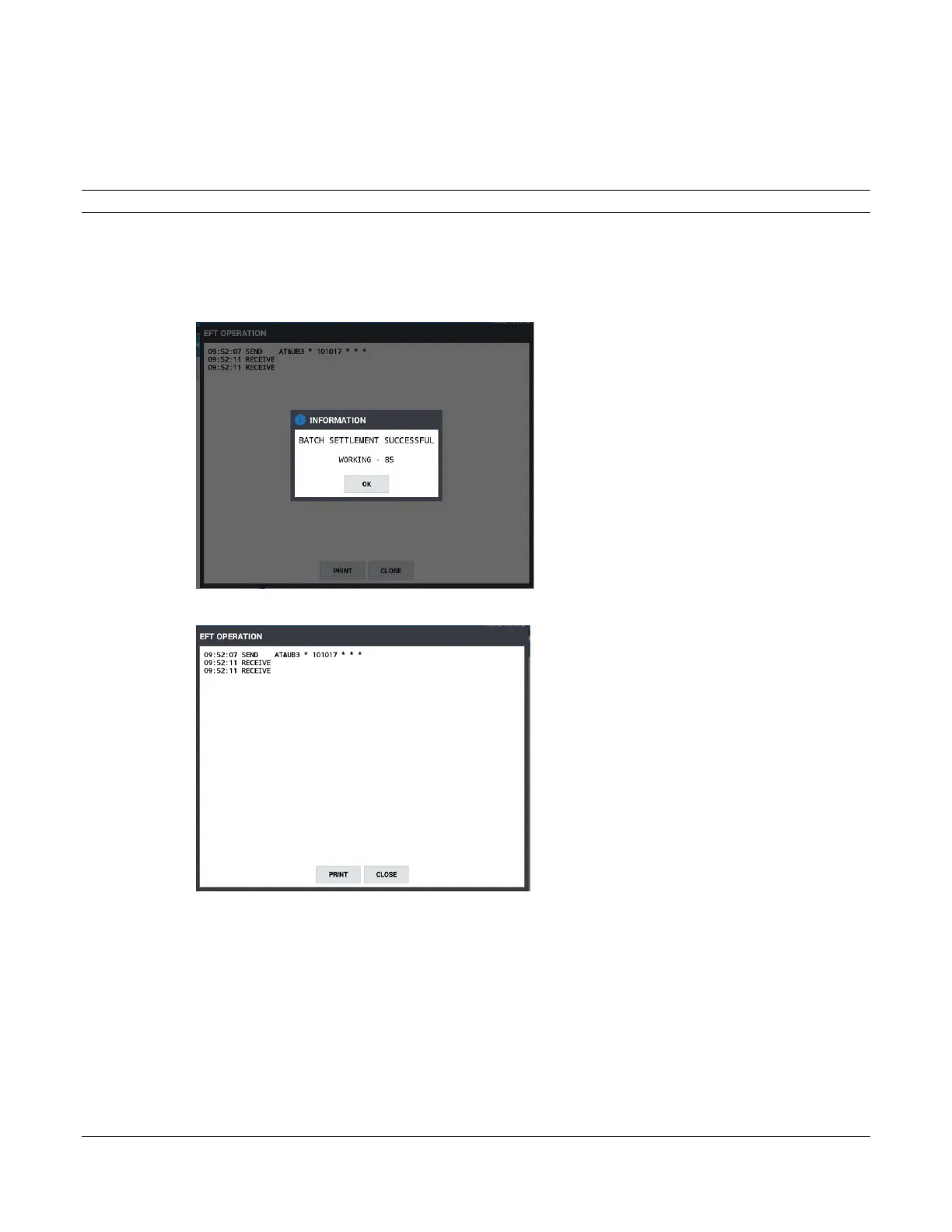
3. Select CLOSE BATCH. The register will information dialog “Working” is displayed then the Batch
Settlement Successful message displays:
4. Press OK.
5. Press CLOSE to exit the batch settlement; pressing PRINT will print the information displayed on the
screen.



 To Next Page