248 • Program Maintenance Sam4POS Operators Manual v2.33
Customer File Maintenance
A Customer Delivery feature is available with Sam4POS. Customer records for the delivery feature are entered in the
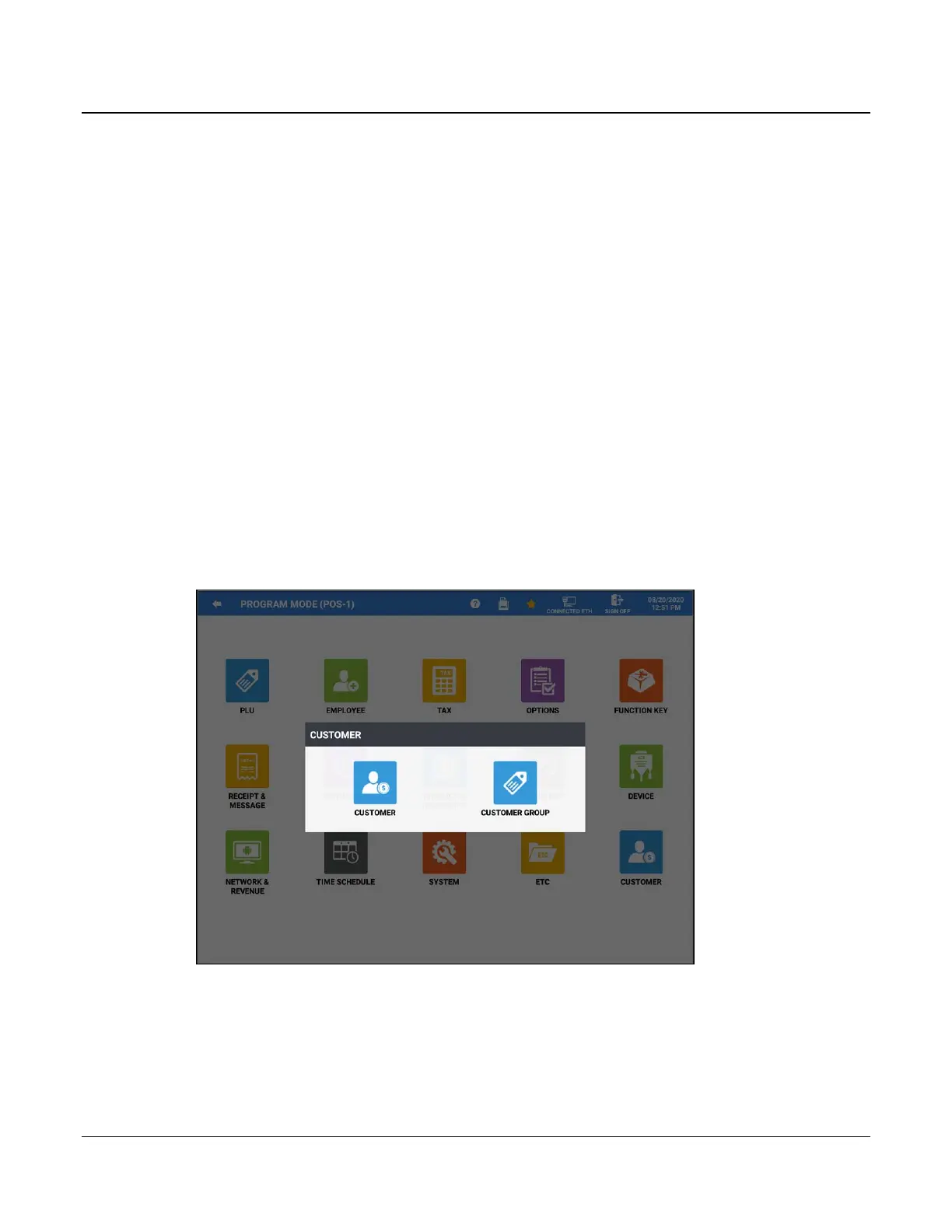
Customer category in the Program Mode. The Customer category has two program areas, Customer and Customer
Group.
• Fifteen customer information fields are stored for each customer. Customer Groups can be used to assign a
Point Rate for customers.
• Orders are tracked by assigning a tracking file (Recall Table/Store Table) to hold delivery orders.
• The Delivery function key is used to initiate a delivery transaction. When touched, the Delivery key opens
the customer record screen. Here existing accounts can be opened, new accounts created, or existing accounts
deleted.
• The Order history is available from the customer record screen; (Program Mode → Customer → Customer).
Select the customer from the list and touch the Order button to view the purchase history for the delivery
customer. You can choose the time period of orders to view by Day, Week, Month, or Year. Press the search
icon to load the transaction according to your period selection. Choose an order from the list to view the
receipt for transaction.
• The Park Delivery operation allows you to accept orders and hold them for preparation and delivery at a later
time.
• The Serve Delivery operation key releases held parked orders for preparation.
1. Select CUSTOMER from the main PROGRAM MODE menu screen.
2. The CUSTOMER category selection screen displays. Select the program area you wish to edit.



 To Next Page