234 • Program Maintenance Sam4POS Operators Manual v2.33
Default Item
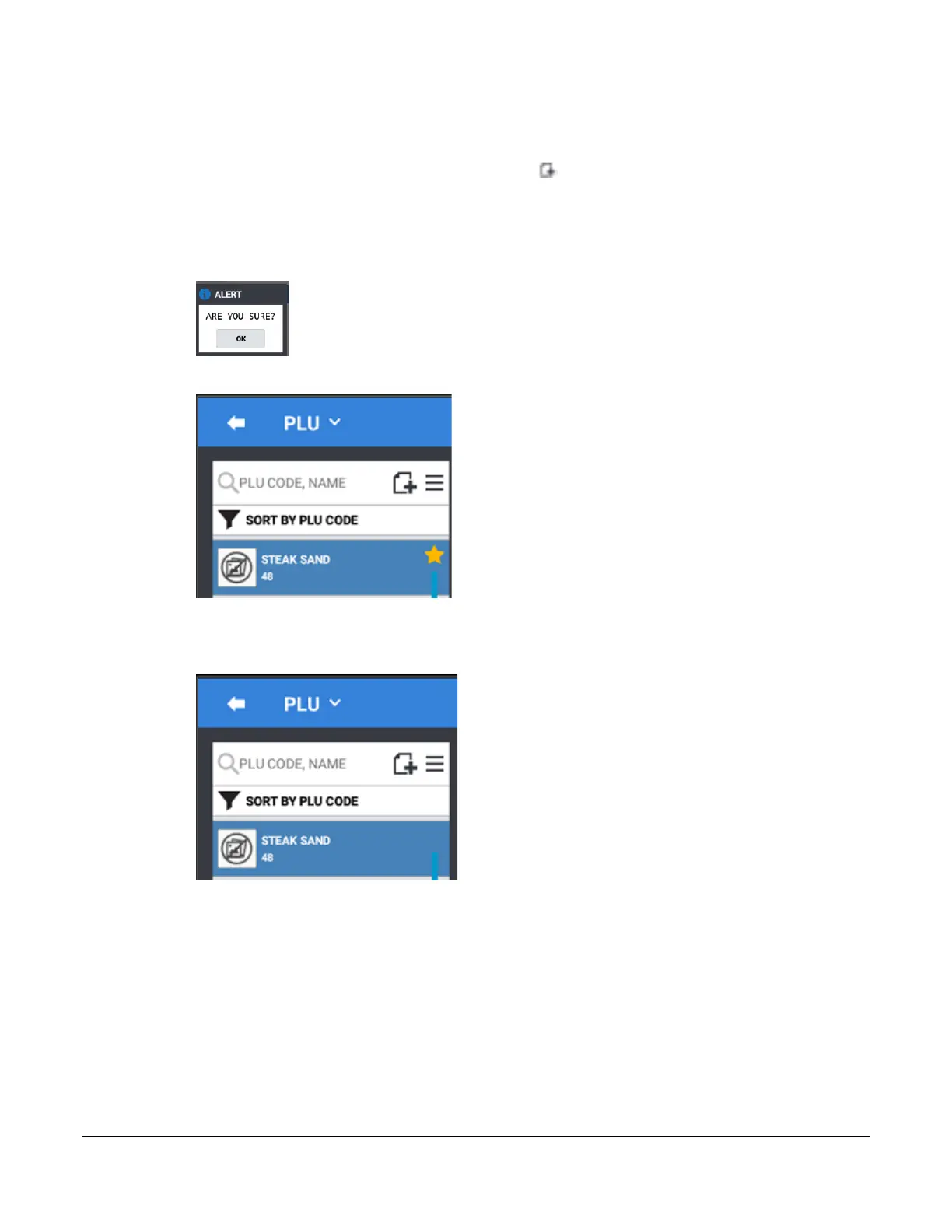
You can choose any item in the PLU file to be used as the default item. The settings on the Default Item will be
copied to all new PLU’s that are added using the add new record icon. (The default item applies to items added
using the Not Found PLU feature as well.) You can remove the default item status or change it to another PLU to
suite your needs.
1. From the PLU programming screen, Press and Hold the PLU you wish to set as the Default Item.
2. Select DEFAULT ITEM from the PLU sub menu.
3. The default item setting is indicated by the gold star:
Remove Default Item
4. Press and Hold the Default Item PLU; Select REMOVE DEFAULT ITEM from the PLU sub menu.



 To Next Page