Sam4POS Operators Manual v2.33 Appendix • 267
Diagnostics
Use only with Datacap Support as necessary to troubleshoot Datacap issues.
1. From the main PROGRAM MODE menu screen, select DEVICE, then touch EFT OPERATION.
2. Select Datacap_Operation from the selections.
3. Scroll down the list of options and touch DIAGNOSTICS.
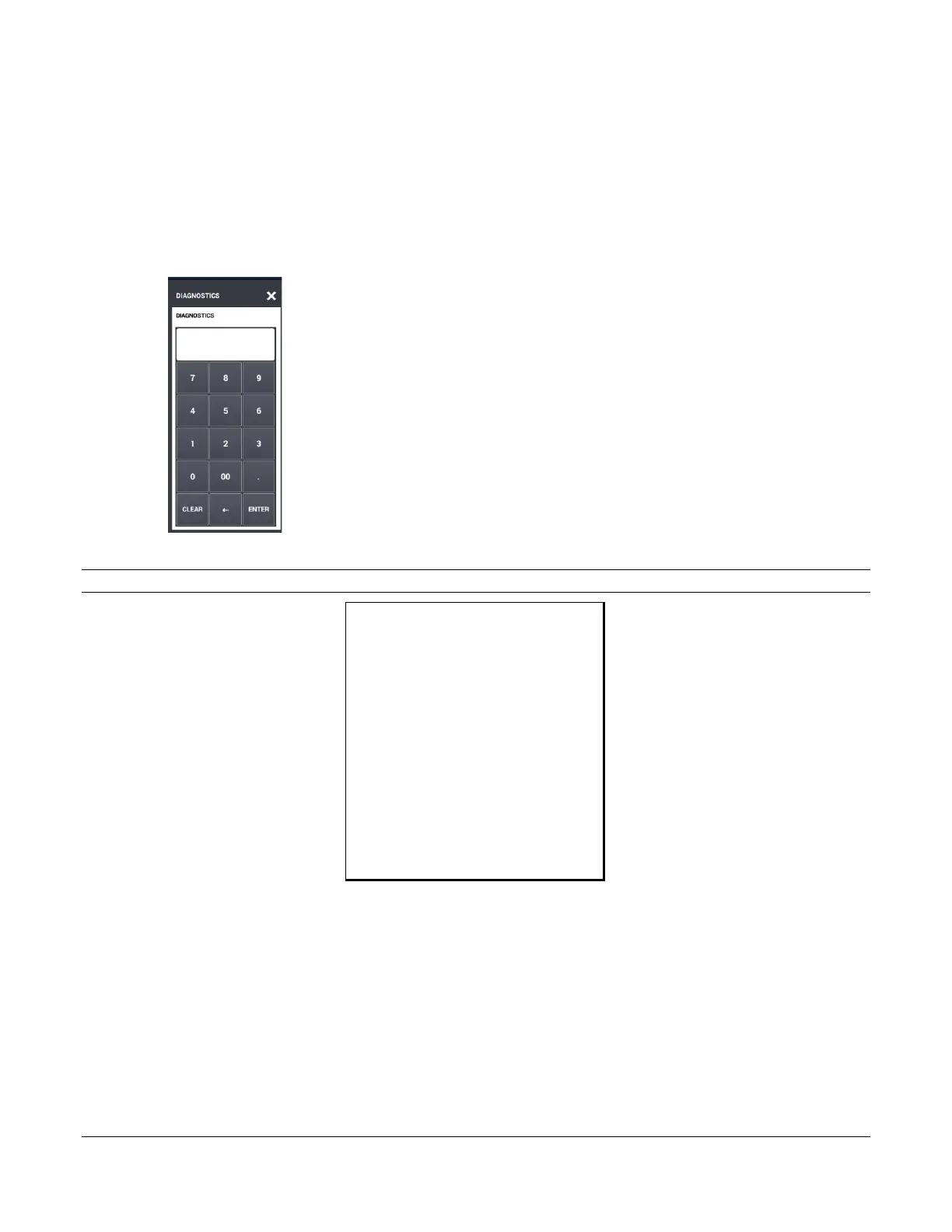
4. The message “DIAGNOSTICS” number entry dialog will display:
5. If necessary; Press 0 and then ENTER to print a list of diagnostic options.
Note: Selections may vary depending upon your installed application.
SAM4POS TERMINAL
DATE 06/23/2016 THU
DIAGNOSTICS (0)
1 – IPTRAN VERSION
4 – CREDIT MID SETTINGS
10- IP ADDRESS
11- DNS TEST
15- PARAM LOAD
40- EEPROM DATA
41- RESET SEQKUENCE NUMBER
NO.00000148 REG# POS-1 MANAGER
6. Reselect the Diagnostic option. The “DIAGNOSTICS” entry dialog will again display.
7. Enter the number of the diagnostic test you wish to perform, press ENTER. The report will print.



 To Next Page