Sam4POS Operators Manual v2.33 Report Mode
•
161
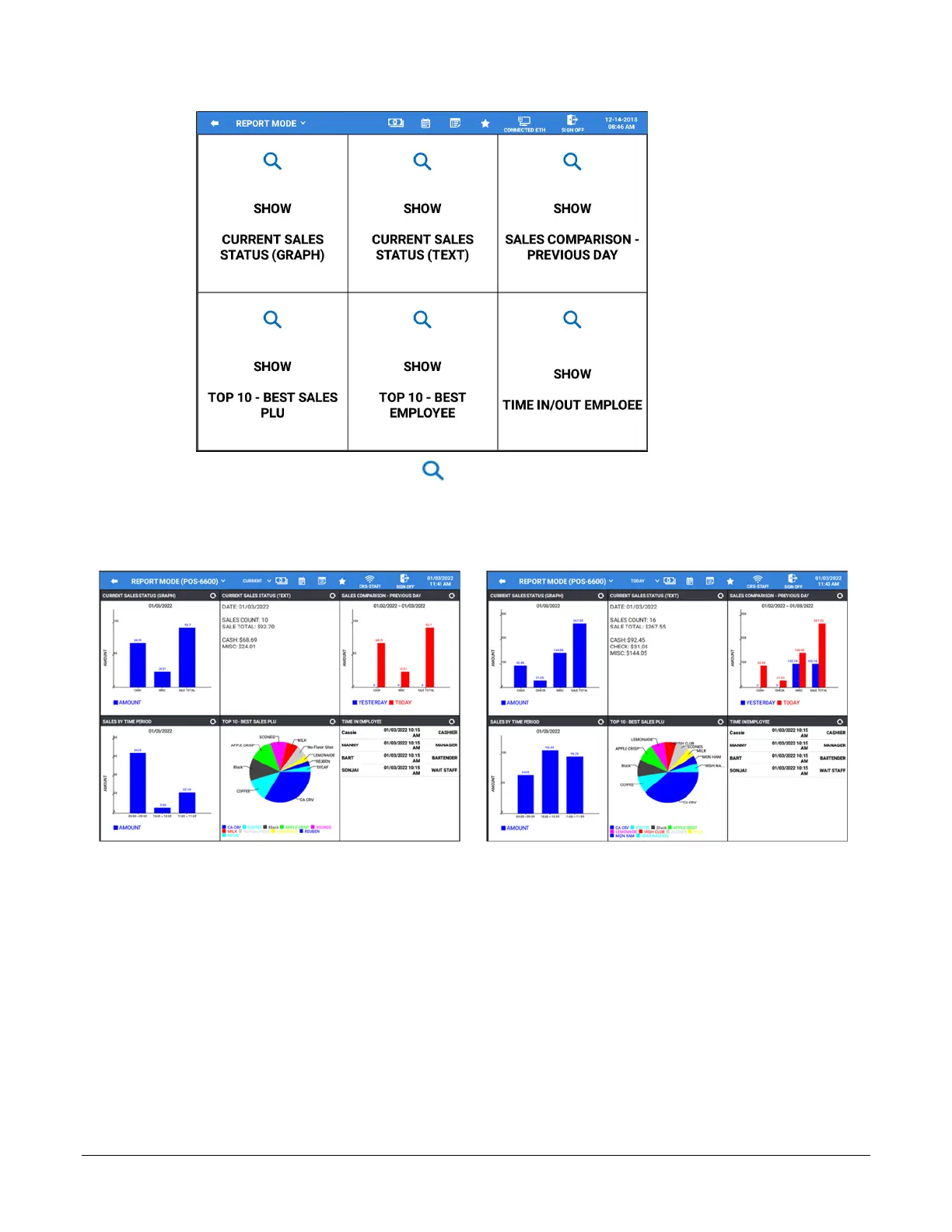
If the report doesn’t display, touch the icon to see the report data. Select
CURRENT to view report
data before EOD is performed or select TODAY to view all report data for the day, including
info after an EOD performed. If the Current/Today option is changed, the graphs will be
refreshed to display the selected data. The last selection chosen will be saved when exiting the
Report Mode screen.
Current
Today



 To Next Page