Sam4POS Operators Manual v2.33 Advanced Operations
•
111
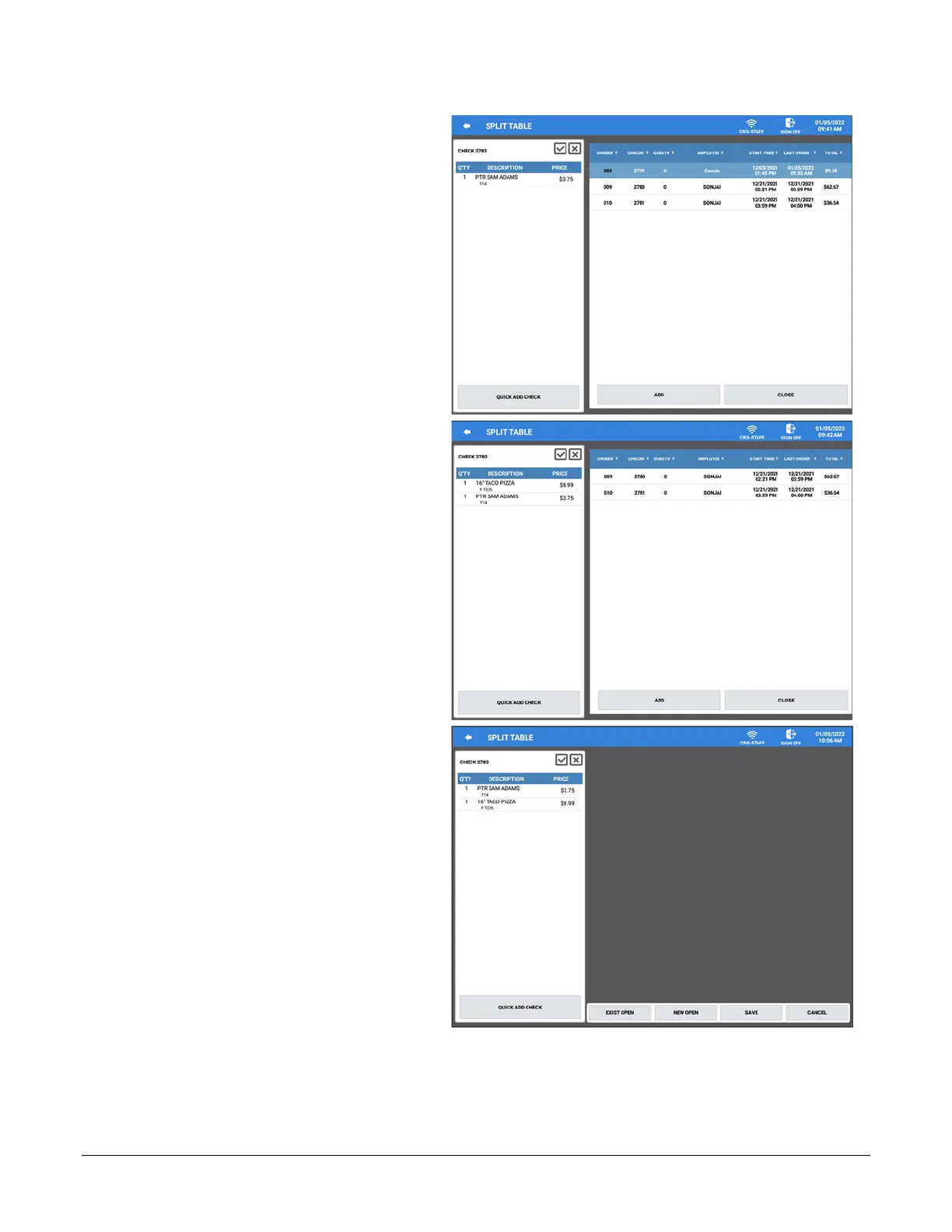
6. Select the check from the list on the
right (or multiple checks) you want
to add to the current check; then
press the ADD button.
7. The selected check is added to the
current check.
8. Select additioan checks to add to
this check or oress CLOSE to return
to the Split Table screen.
9. Press SAVE to save the new
combined check and return to the
List Check screen. The Save key is
important as that is what will update
the total on the table.



 To Next Page