Sam4POS Operators Manual v2.33 Using the Table Map • 145
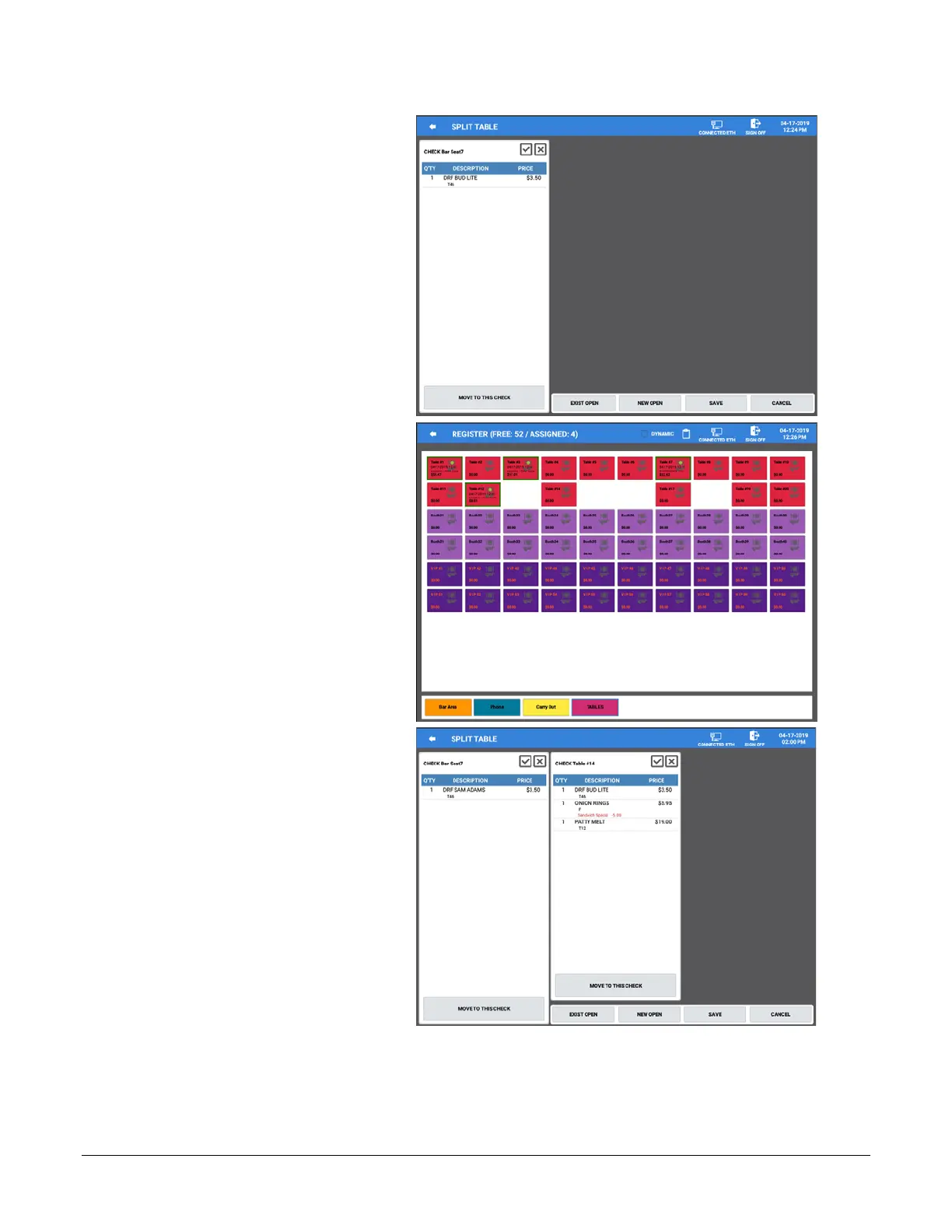
6. The Selected table is
displayed.
7. Press the ‘NEW OPEN’ or
‘EXIST OPEN’ button.
8. The main Table Map screen
is displayed.
9. You can Merge & Split items
to any Table on any Zone.
Choose the Zone and Table
you want to Merge with or
Split items to.
10. In this example, Table #14
from the TABLES zone was
selected.
Note: Multiple tables can be
selected if desired.



 To Next Page