Sam4POS Operators Manual v2.33 End Of Day • 195
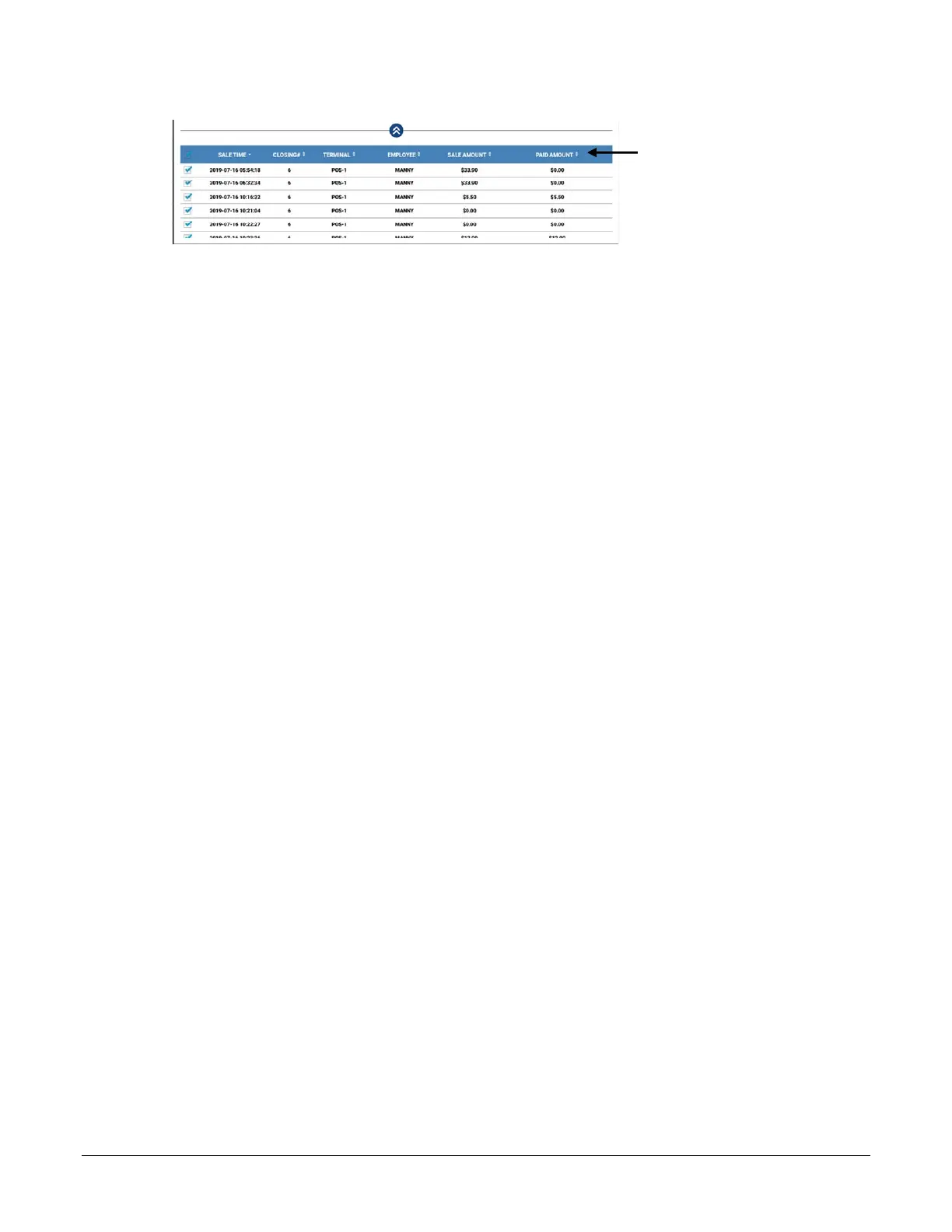
Detailed Data can be
sorted by clicking the
column header title.
RESET CONSECUTIVE #
Check this option to reset the consecutive transaction number that is printed on receipts.
RESET ORDER #
Check this option to reset the order number that is printed on the kitchen printout.
FINANCIAL REPORT BY TERMINAL
Used in IRC configurations; displays financial report data by individual terminal.
CLEAR EMV FILE
This clears the internally stored token file that stores the Authorization Response messages that allow the
Sam4POS to perform “By Record Number” transactions. Specifically, the Void Transaction by Record
Number and Gratuity Entry.
Important: When using the integrated credit feature, be sure to select this CLEAR EMV FILE option
each day before running the EOD report.
RESET CHECK #
Select when you wish to reset the check number when the EOD report is run.
SEND TO TEXT INSERTER ONLY – NO PRINTER or E-MAIL
Option used to send report data to a Text Inserter. Also see: OPTIONS \ REPORT OPTION \ GENERAL \
EMPLOYEE REPORT FROM REGISTER MODE - ONLY TO TEXT INSERTER
SET CURRENT TERMINAL
Select this option if you want to run the EOD report only for the station you are currently on.
EFT BATCH CLOSE
When this option is selected, the EFT batch will be closed after generating the EOD report.
PRINT REPORTS
Check or uncheck the reports you want to print when the EOD is generated. Report Selections are:
Financial, PLU, Group, Period, Employee, TIP, and Product Mix
E-MAIL REPORTS
E-Mail settings must be setup in the Program Mode > Options > Options > Report Option for this feature.
A valid G-Mail account for the merchant must be created.
Check or uncheck the reports you want to clear and e-mail. Report Selections are:
Financial, PLU, Group, Period, Employee, TIP, and Product Mix
Check or uncheck the report dates for your selected reports that you wish to clear. You can



 To Next Page