3. Installing the Product Confidential
86 English 8/2019. Rev 0.0
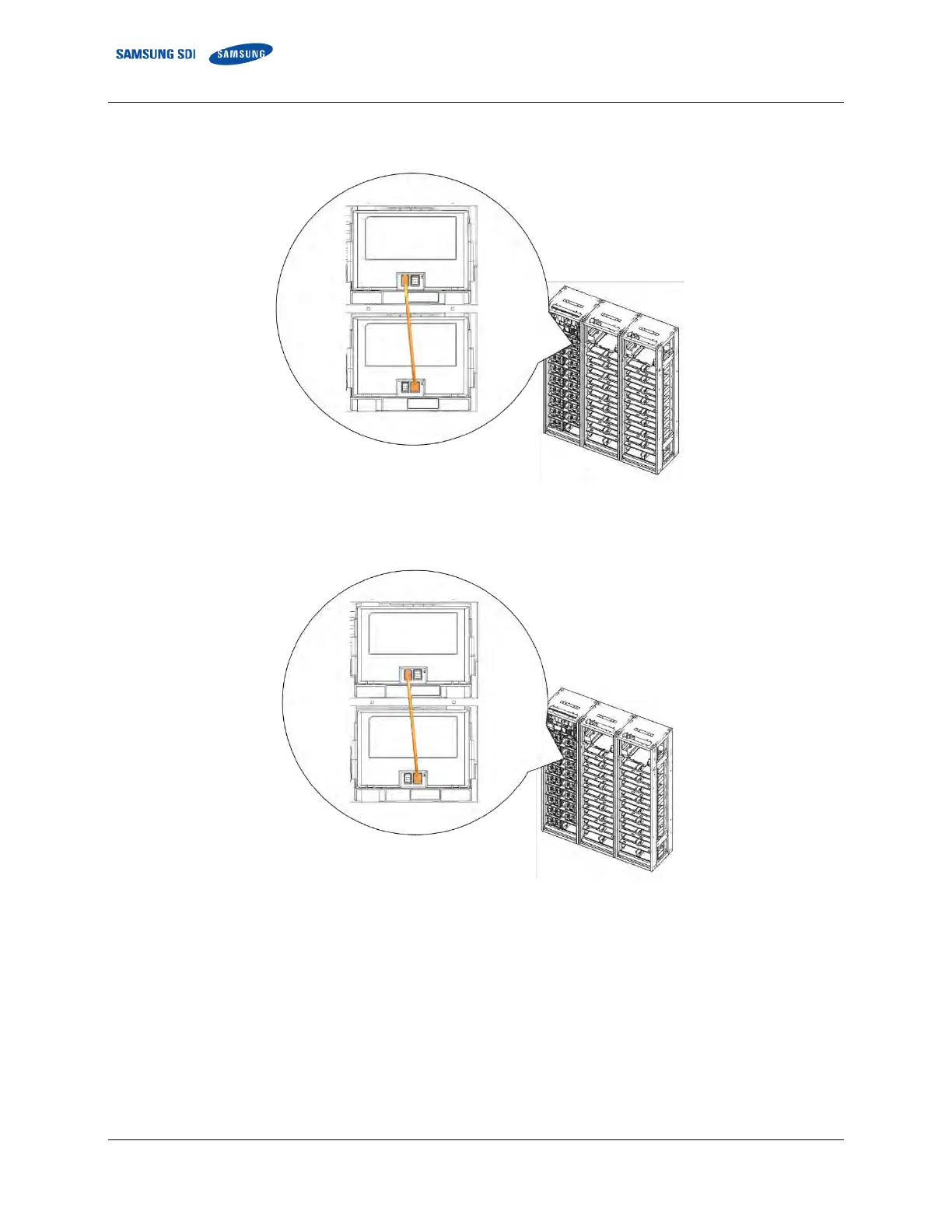
2. Connect the signal cable “WIRE ASSY MODULE TO MODULE #1" from Module #1 “Left Connector” to
Module #2 “Right Connector.”
Figure 3-91: Module #1 to Module #2 Signal Cabling
3. Connect the signal cable “WIRE ASSY MODULE TO MODULE #1" from Module #2 “Left Connector” to
Module #3 “Right Connector.”
Figure 3-92: Module #2 to Module #3 Signal Cabling















 To Next Page