3. Installing the Product Confidential
54 English 8/2019. Rev 0.0
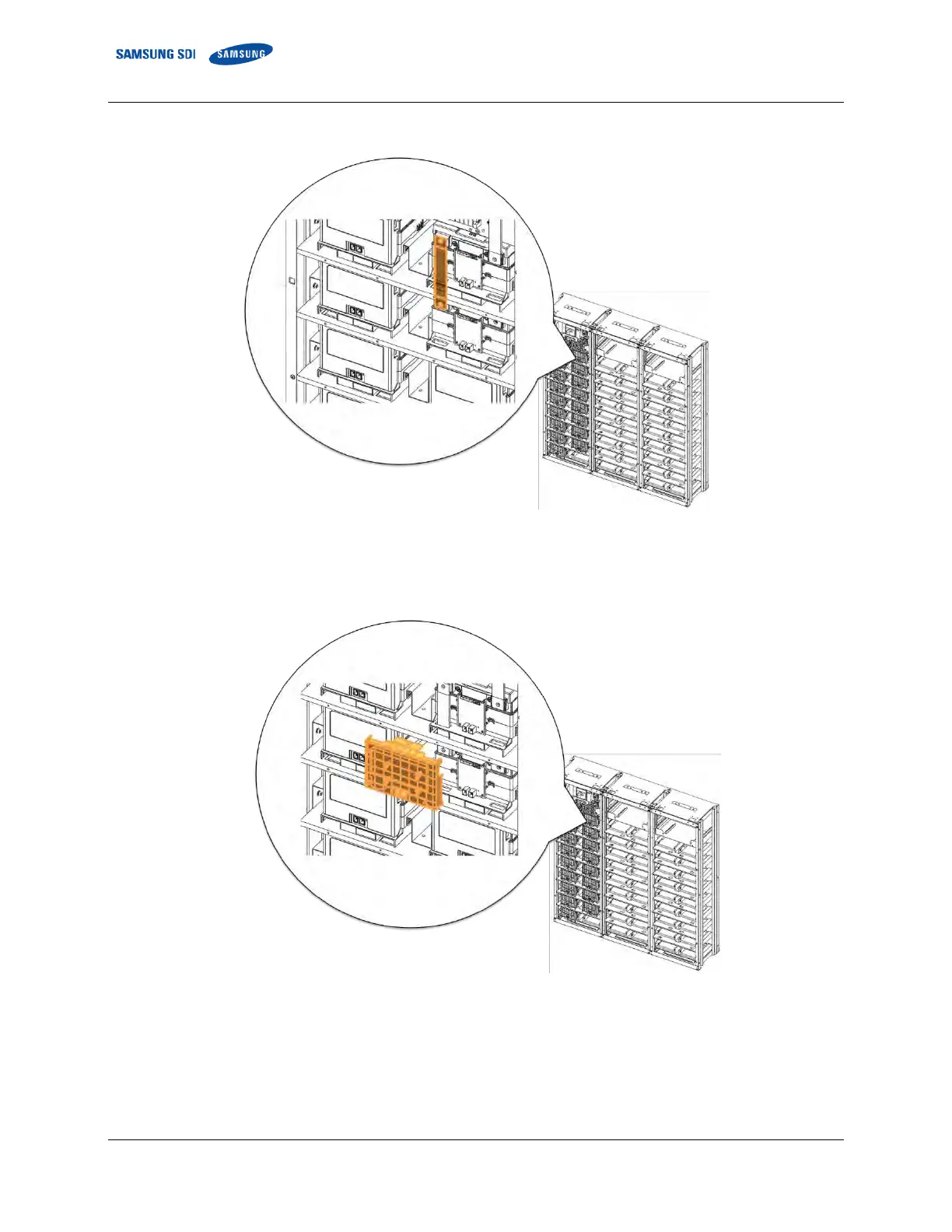
5. Connect Battery Module #1 B+ and Module #2 B- using “BUS-BAR MAIN.” Connect using an M8 screw.
Figure 3-40: Connect Battery Module #1 B+ and Battery Module #2 B-.
6. Reattach Battery Module #1’s front cover and remove Battery Module #3’s front cover.
Figure 3-41: Reattach Battery Module #1’s Front Cover















 To Next Page