3. Installing the Product Confidential
94 English 8/2019. Rev 0.0
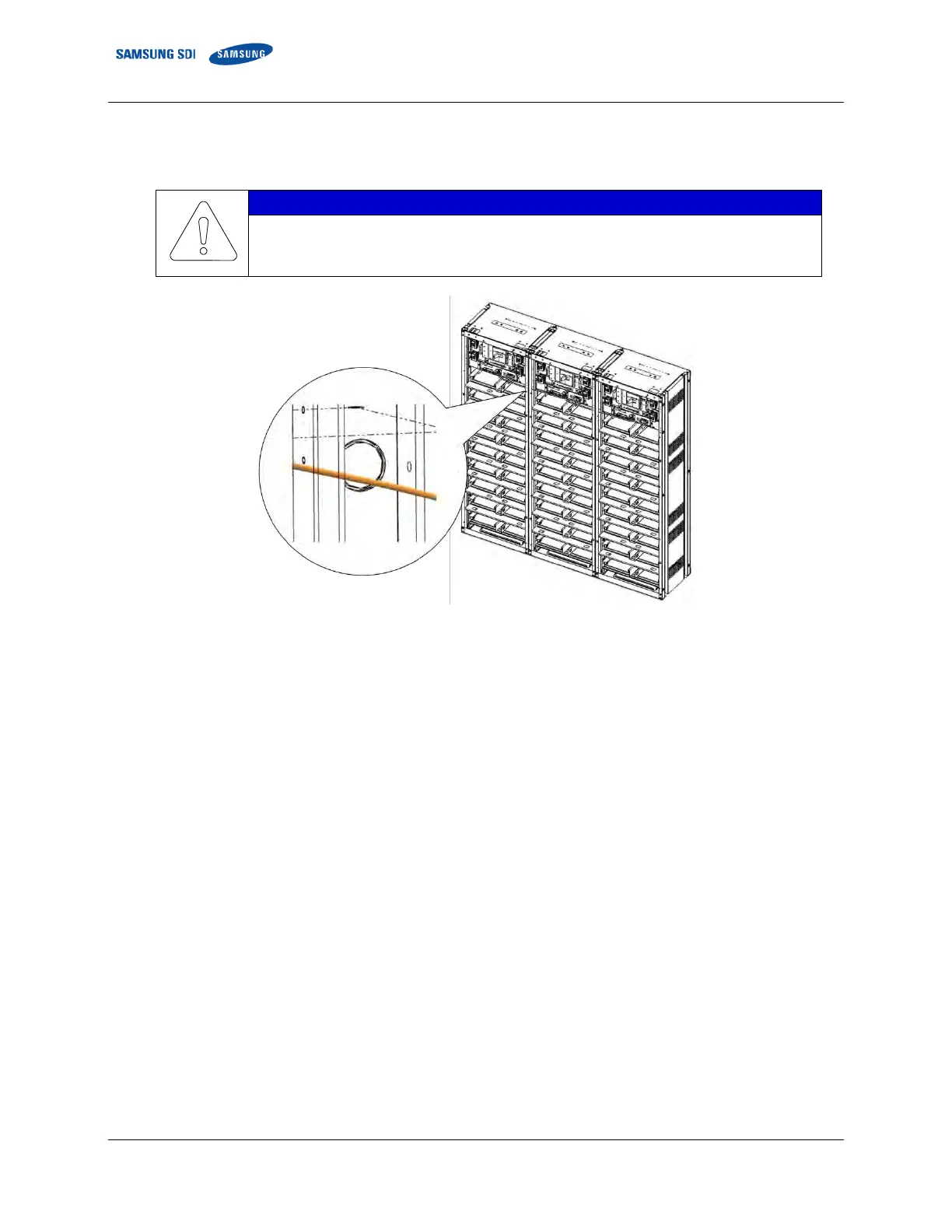
18. For a multiple rack system, connect the signal cables “WIRE ASSY RACK TO RACK #2” between each rack’s SMU. Push
the pre-punched hole to pass the cable through a circular hole in the side of the rack frame and through the opening
above Module #1 and Module #16.
See the examples for correct signal cable wire connections for both left and right rack
alignments.
Figure 3-107: Pre-Punched Hole for Signal Cable















 To Next Page