Confidential 3. Installing the Product
English 8/2019. Rev 0.0 39
3.10.1 Front Door Removal
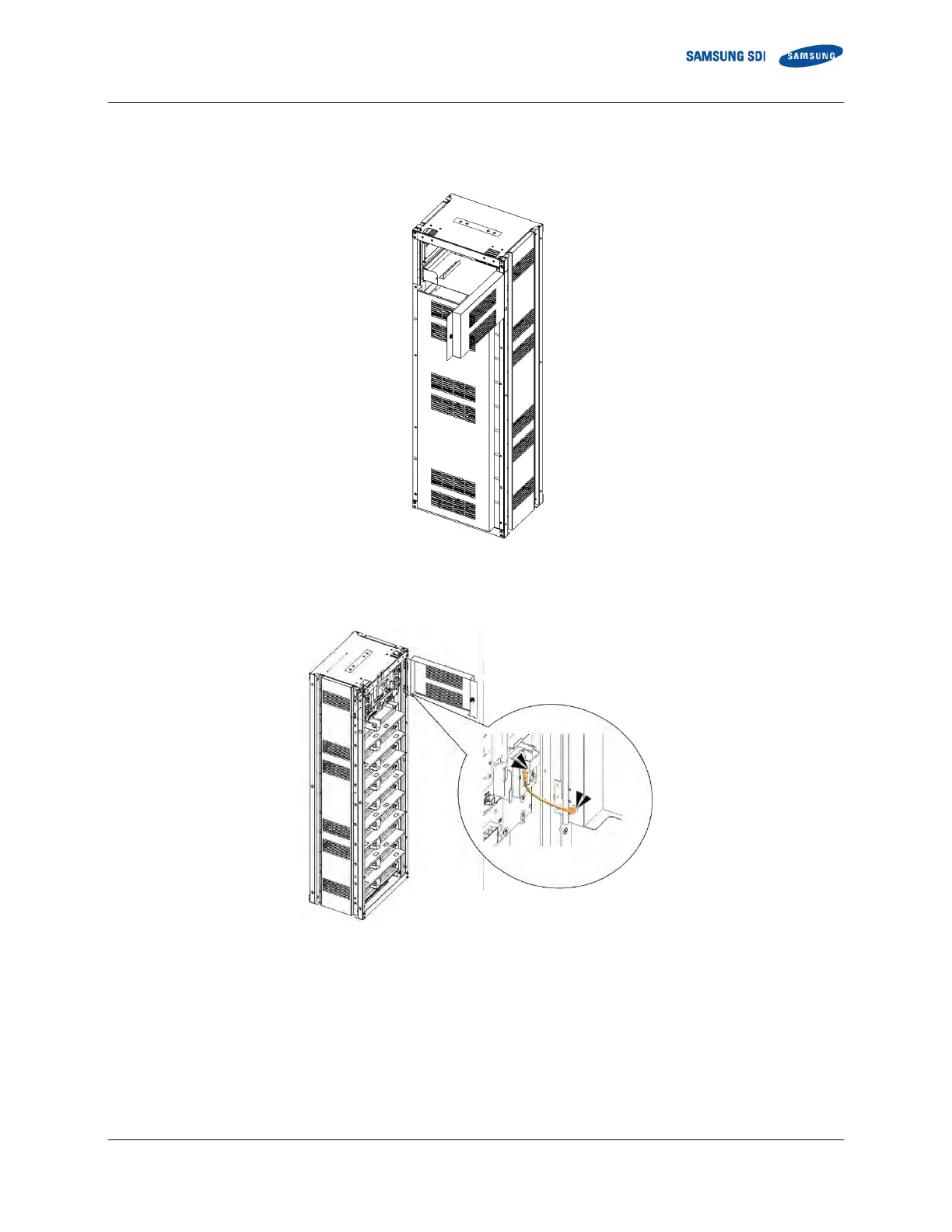
1. Open the front door of the panel using the provided key.
Figure 3-15: Front door ajar
2. Remove the earth cable from the rack frame to the front door. Do not misplace the two screws and the earth cable.
Figure 3-16: Removing the earth cable
3. Lift the front door to remove it from its hinge. Do not misplace the door.















 To Next Page