Confidential 3. Installing the Product
English 8/2019. Rev 0.0 123
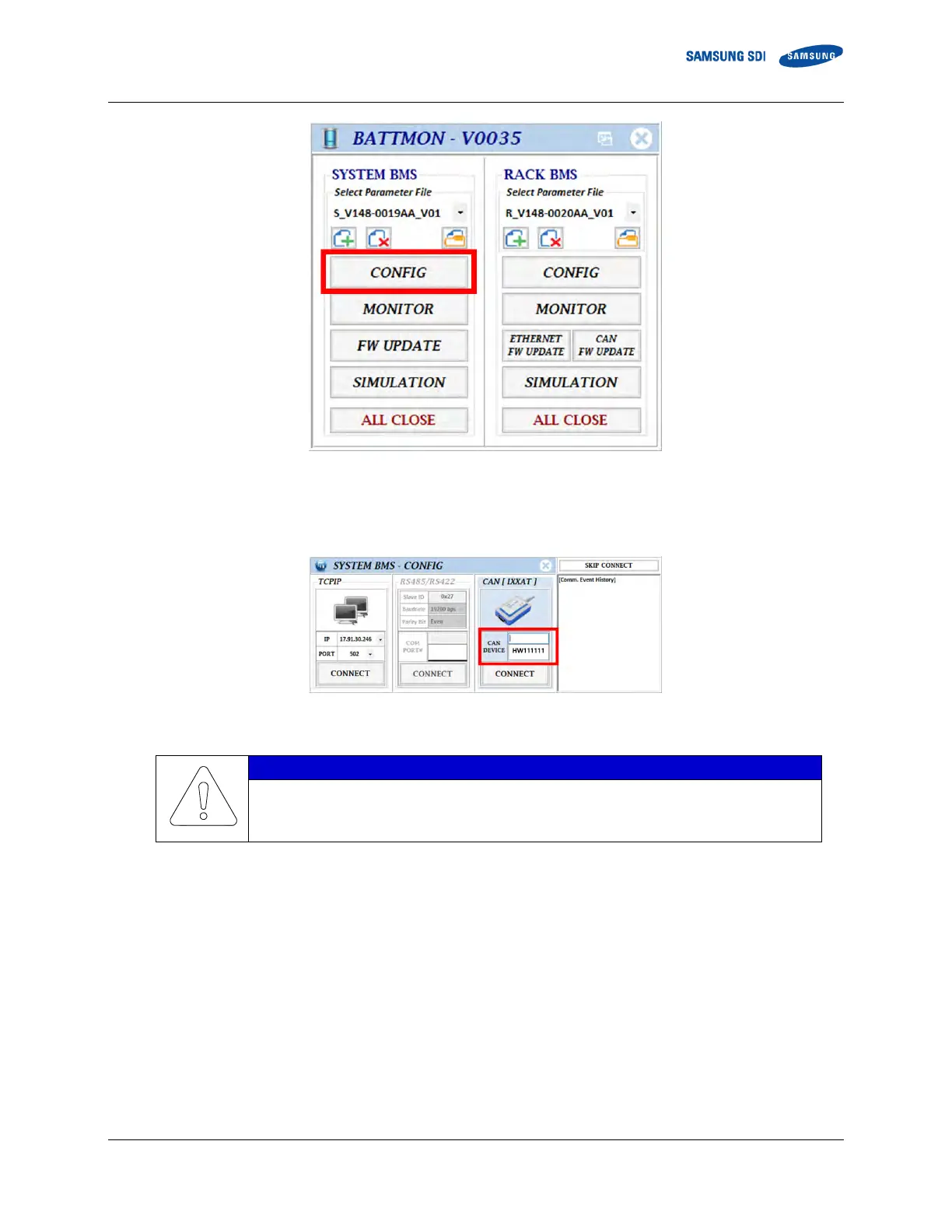
Figure 3-150: BATTMON Splash Window
4. Select the CAN [IXXAT] device from the list and click “Connect”. If no device is shown, disconnect the IXXAT USB-to-CAN
device from the computer and reinstall the device driver.
Figure 3-151: SYSTEM BMS – CONFIG connection window
When the USB-to-CAN device is not connected to your computer, the CONNECT button will not
work.
5. - Click on the checkbox to write the value.
- Double-click the values under “Write Value” column to change the write values.
-















 To Next Page