Confidential 3. Installing the Product
English 8/2019. Rev 0.0 45
3.10.3 Battery Module Installation
1. Transport battery modules to the installation location.
2. Measure the modules’ voltage and internal impedance. All modules in one rack frame must be near the same state of charge.
The batteries must have an output within 300mV of each other and internal impedance difference of 1.3mΩ. Refer to Table
3-8: Module Voltage and Internal Impedance.
3. Place the battery modules on the rack frame.
Samsung recommends installing Battery Modules in the upper shelves first and proceeding to
the bottom.
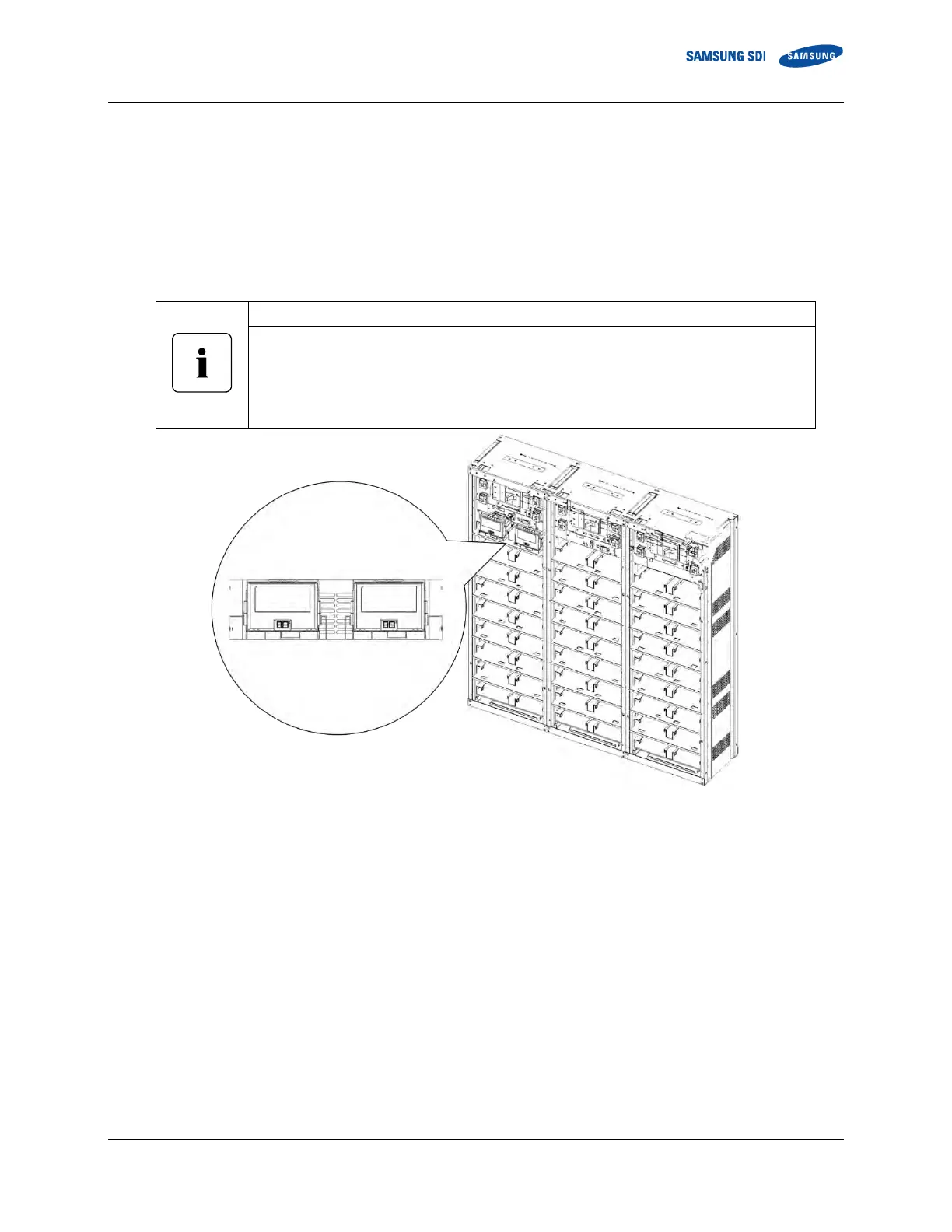
(Two Type B battery modules are inserted in the ninth shelf from the bottom.)
Sixteen battery modules can be inserted into a rack frame as shown in Figure 3-27.
Refer to 2.1.1 for information on the different battery module types.
Figure 3-25: Insertion of Modules on the Ninth Shelf from the Bottom
Two Type B Battery
Modules















 To Next Page