3. Installing the Product Confidential
132 English 8/2019. Rev 0.0
3.10.14 Reinstall the Front Door
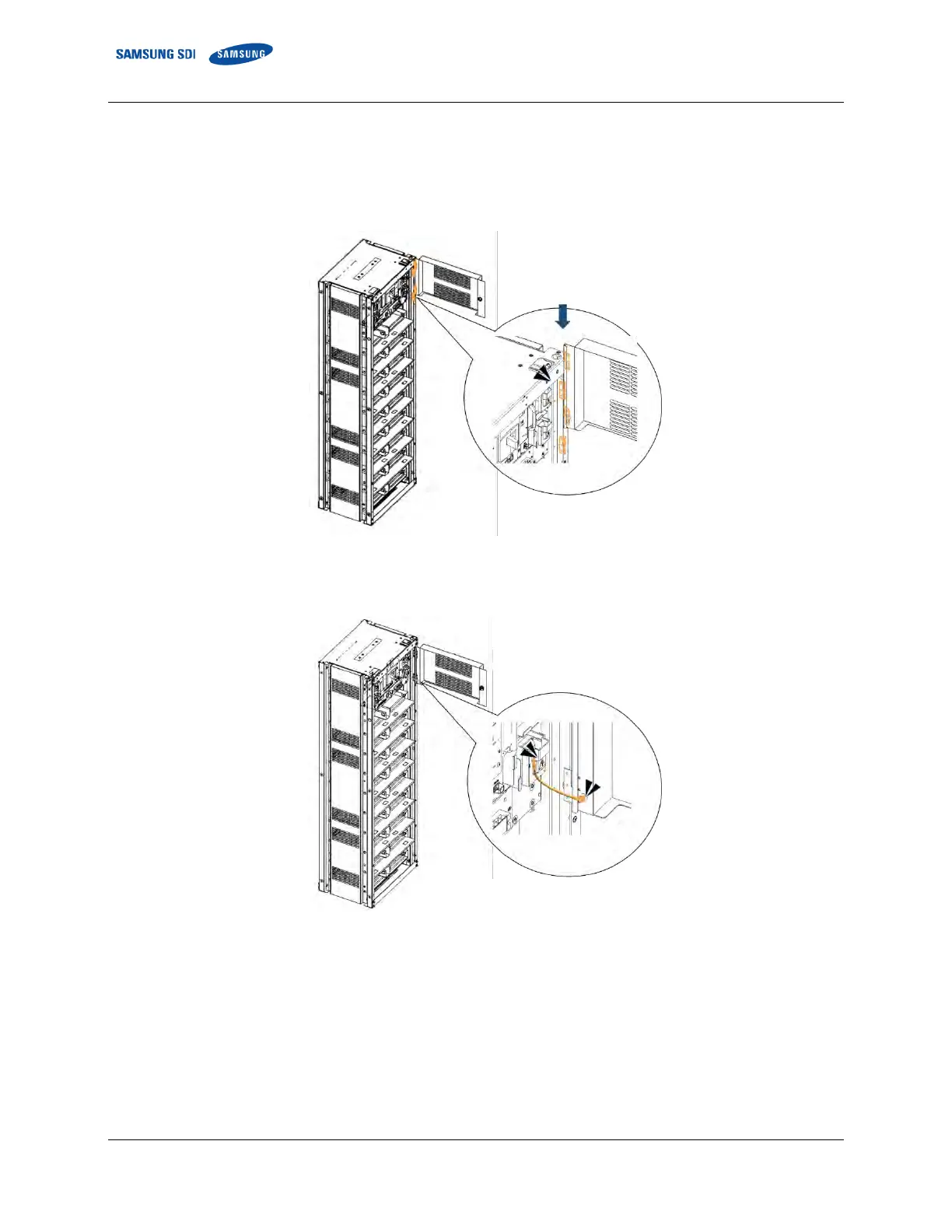
1. Reinstall the front door to cover the battery rack and prevent further access to high voltage parts of the SMU and SMPS
Assembly.
2. Align the hinges on the rack frame and front door and slide the door down.
Figure 3-165: Reattaching the Front Door
3. Reattach the earth cable from the rack frame to the front door.
Figure 3-166: Reattaching the earth cable.
4. Close and lock the front door using the provided key. Do not misplace the key.















 To Next Page