3. Installing the Product Confidential
106 English 8/2019. Rev 0.0
3.10.10 DC Link Cable Connection
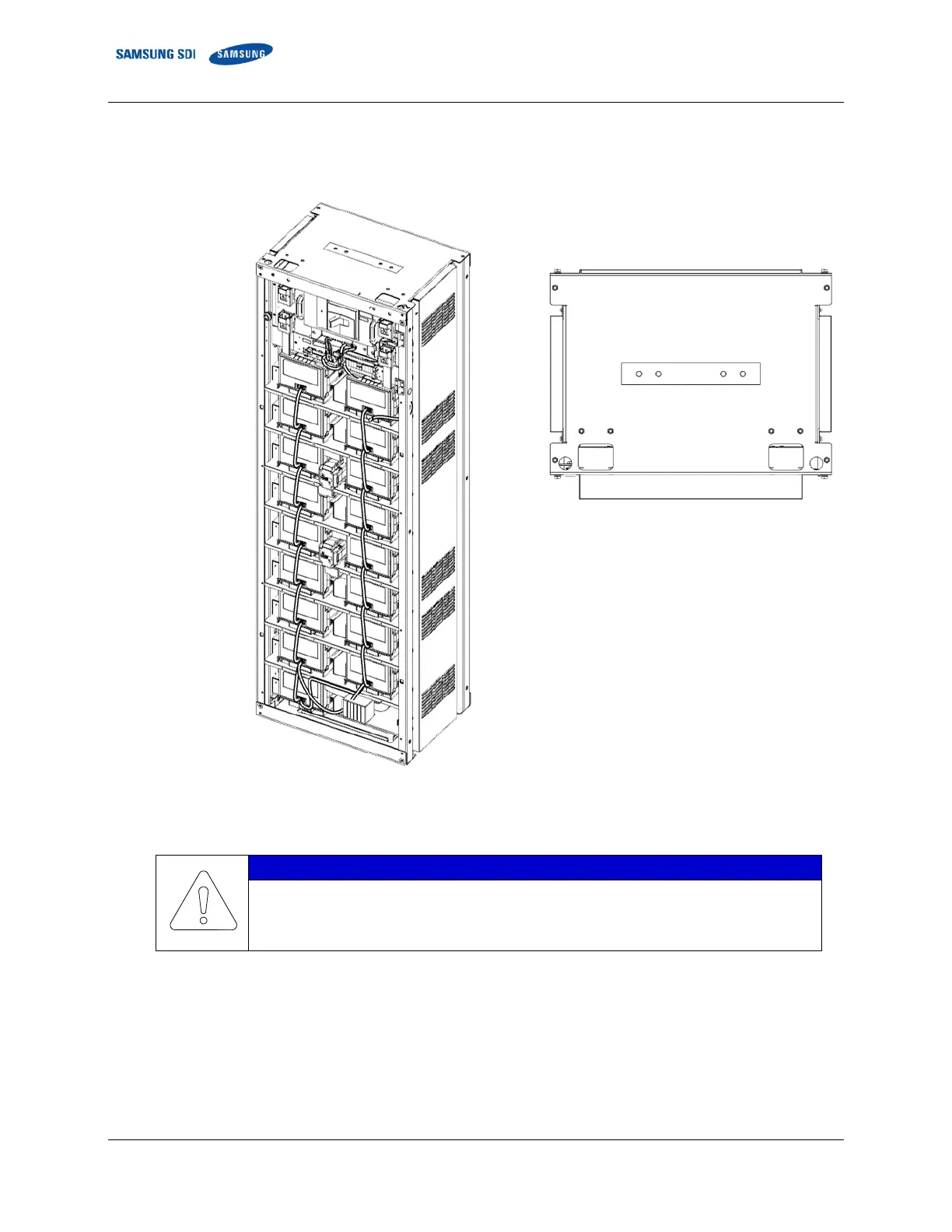
1. Connect the ground cables.
Figure 3-128: Grounding Points (2 EA)
Connect the rack ground wire with an M12 screw. Rack ground screws and cables are not
factory-provided and must be provided by the installer or customer.
The fastening torque should be 30Nm (300kgf∙cm).
45 mm Pitch
Between Holes















 To Next Page