Confidential 3. Installing the Product
English 8/2019. Rev 0.0 31
Two anchor points (not rated for seismic event)
Four anchor points (Telcordia Zone 4)
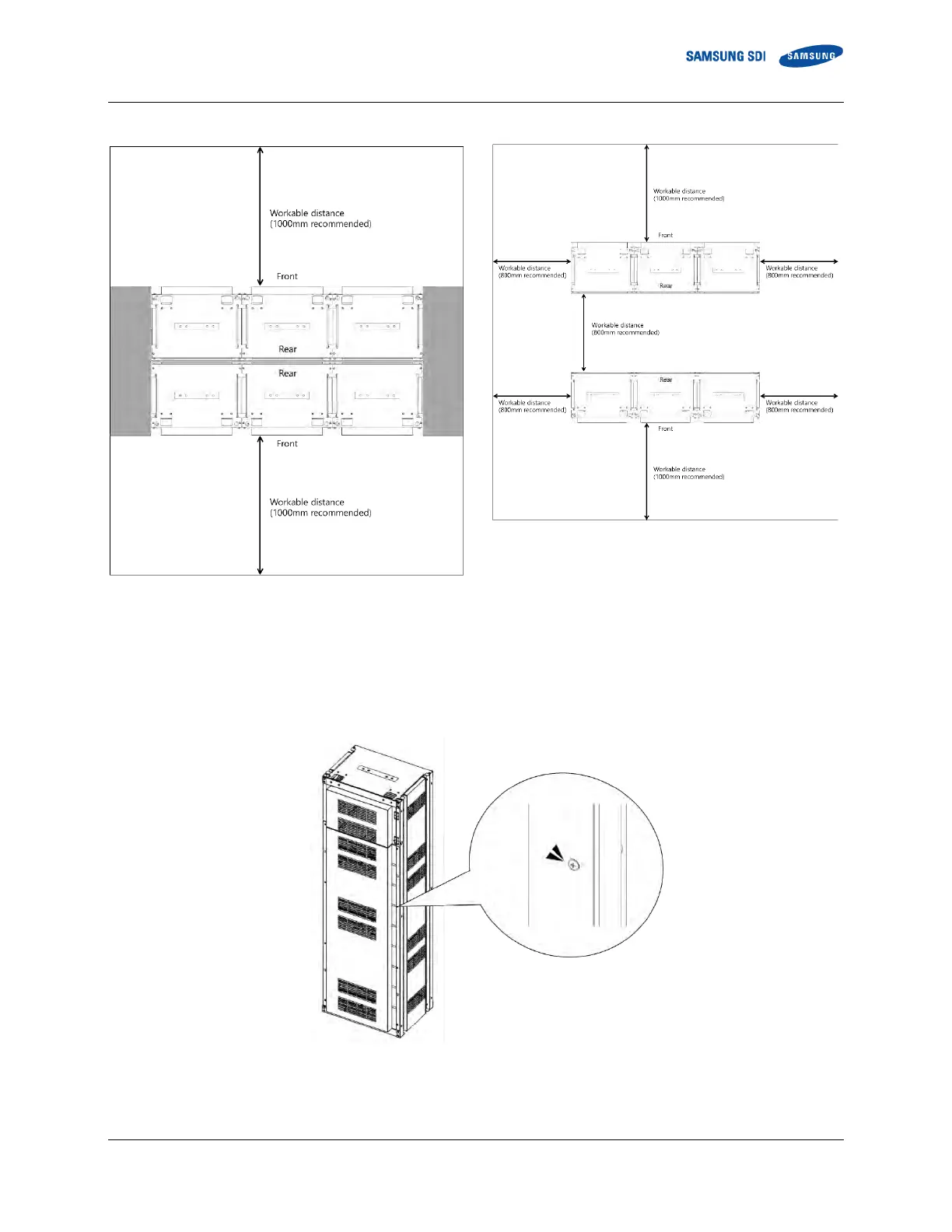
Figure 3-4: Clearance Distance for Multiple Rack Frames Installed Side-by-Side and Rear-to-Rear
1. After unpacking the rack frame, transport it to its installation location.
2. Remove the front panels, side panels and rear panel from the rack frame. Unscrew the screws on each panel and lift the
panel to undo the hooks to the frame on each panel. Do not misplace the screws, as they are needed when installing the
panels back after anchoring the rack frame.
Figure 3-5: Front panel screws (eight)















 To Next Page