3. Installing the Product Confidential
130 English 8/2019. Rev 0.0
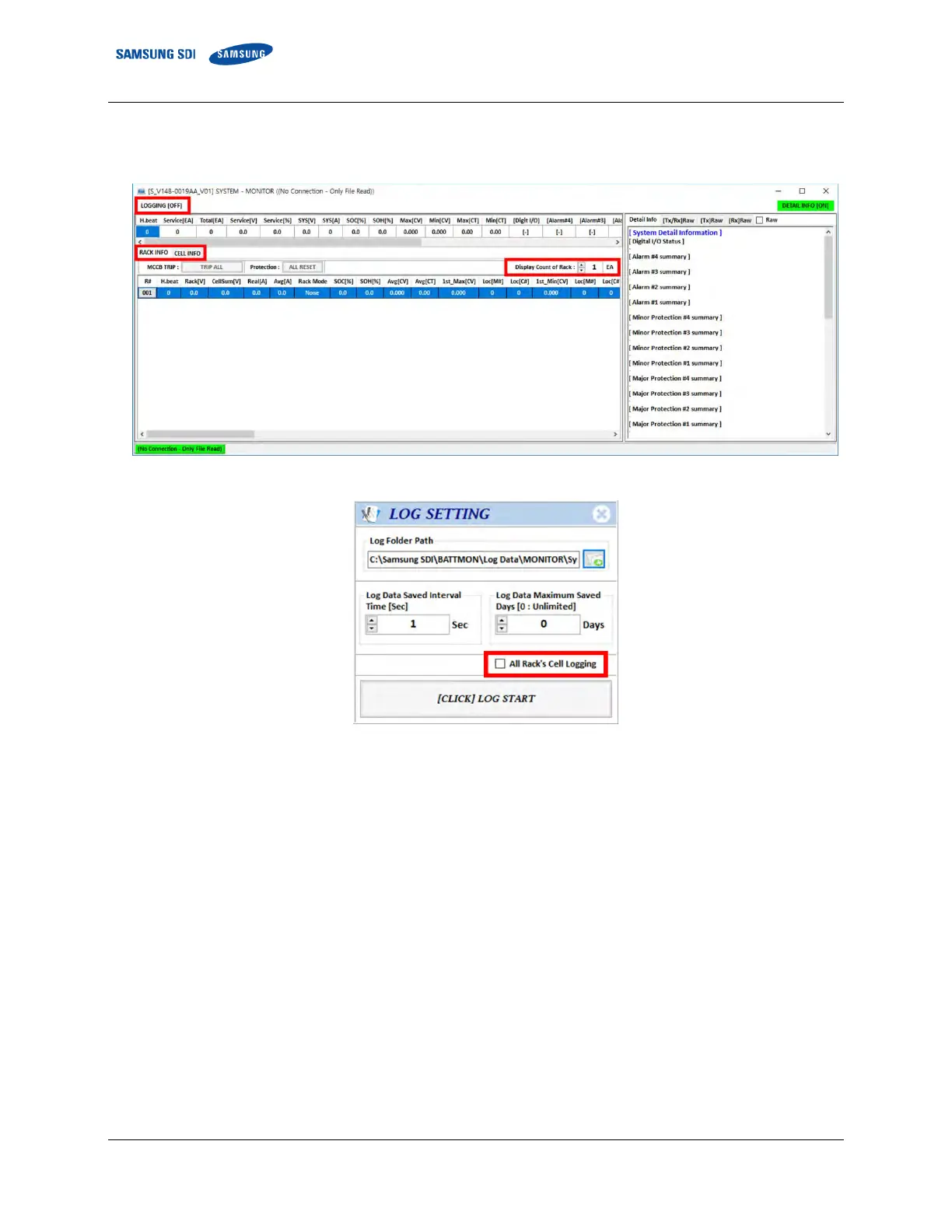
If more than one rack is connected, set the “Display count of Rack” accordingly.
Data logging to the computer is possible. Click “LOGGING [OFF]” to set the logging parameters
Figure 3-162: System and Rack Information
Figure 3-163: Log setting
Check the box for all rack’s cell info log. Cell info is logged once every 30 seconds for each rack.
6. Select “CELL INFO” tab to monitor the cell information.
Enter the number of module BMS set during the configuration in the display counter.
If more than one rack is connected, cycle through each rack’s CAN ID using the drop-down menu.















 To Next Page