Confidential 3. Installing the Product
English 8/2019. Rev 0.0 113
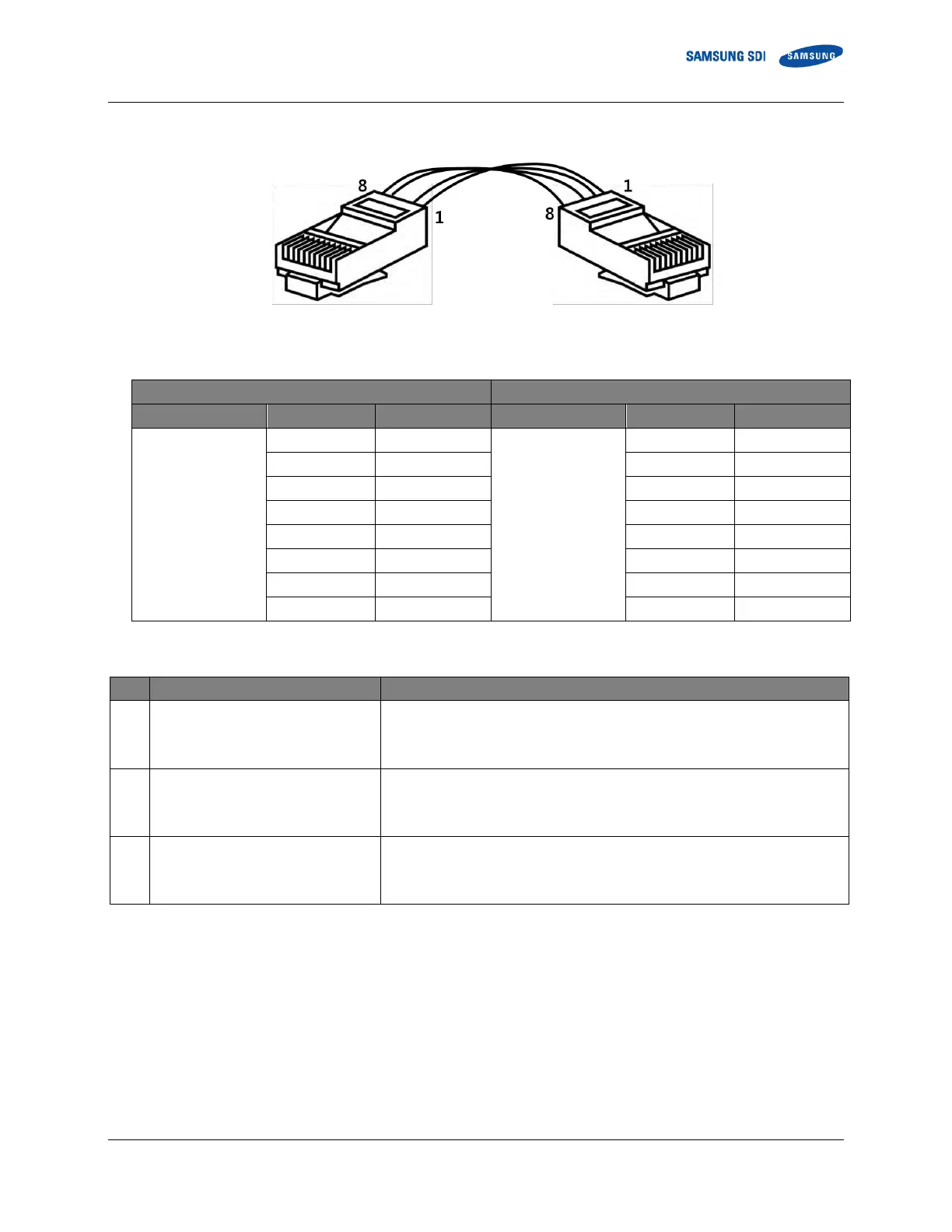
Figure 3-132: System BMS Communication Cable Pin Map
Table 3-13: System BMS Communication Cable Pin Map
Software and configuration files provided by Samsung SDI is as follows.
Installation file for the BATTMON application.
R_[Rack BMS part name].xml
Rack BMS configuration parameter file.
S_[System BMS part name].xml
System BMS configuration parameter file.
Disclaimer: BATTMON software provided by Samsung SDI can be used only to configure the Rack BMS and System BMS during
installation. Performance and data integrity of the Monitor data and F/W Update part of the software is not guaranteed.















 To Next Page