○
4
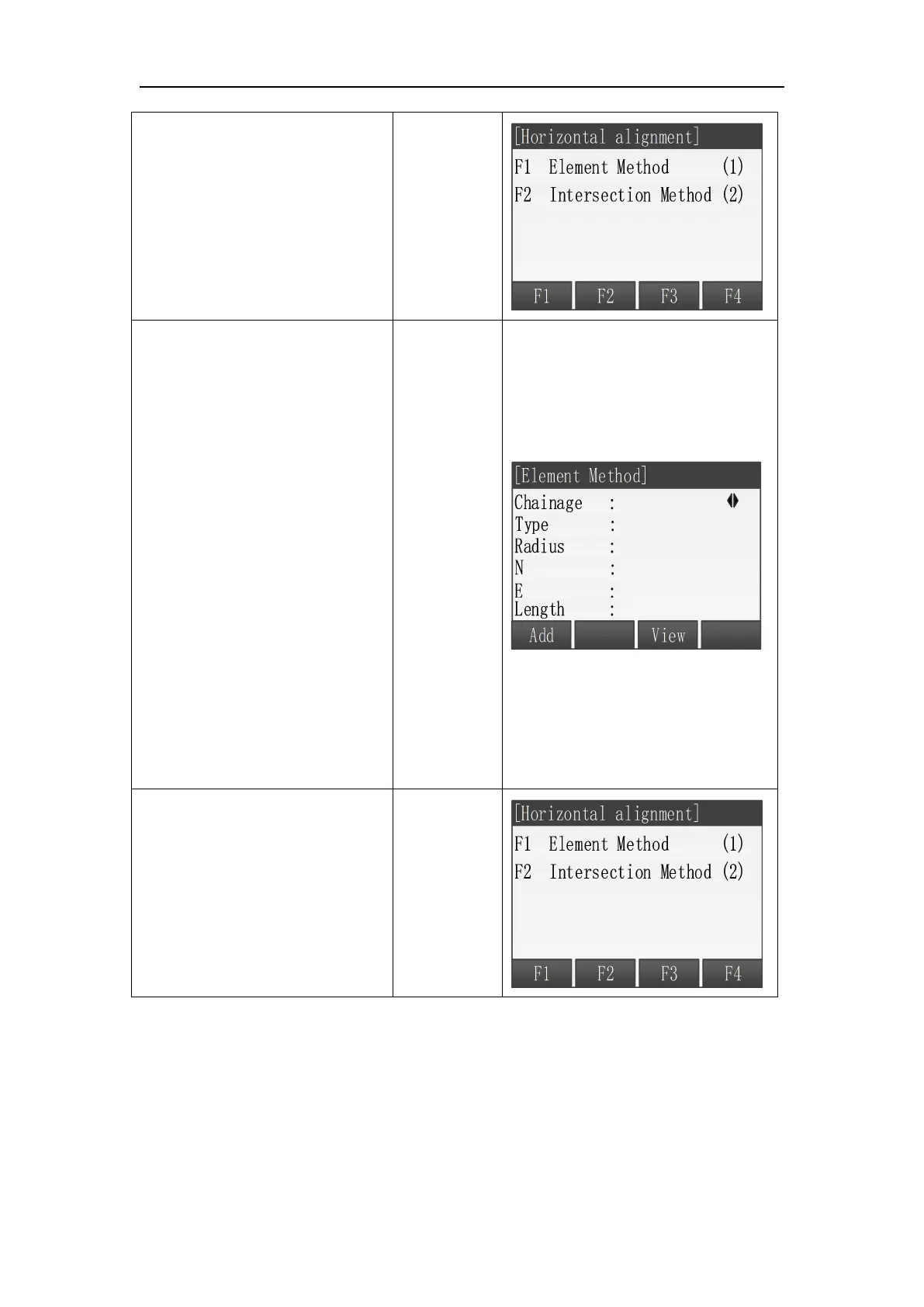
Then input the data by
clicking F1 Add button.
There are three types of the
elements※
1
.
[STR]: Straight line, adius should
keep 0.000, which means
infinite.
[ARC]: Curve.
[TRANS]: Spiral.
[Radius] The Radius is the
starting one. Positive value
means the spiral direction is
right while the negative value
means the direction of the
spiral is left.
○
5 Another method to define
the road path is Intersection
Method. Go back to the
previous menu and press F2
Intersection Method.



 To Next Page