Total Station Manual
○
1
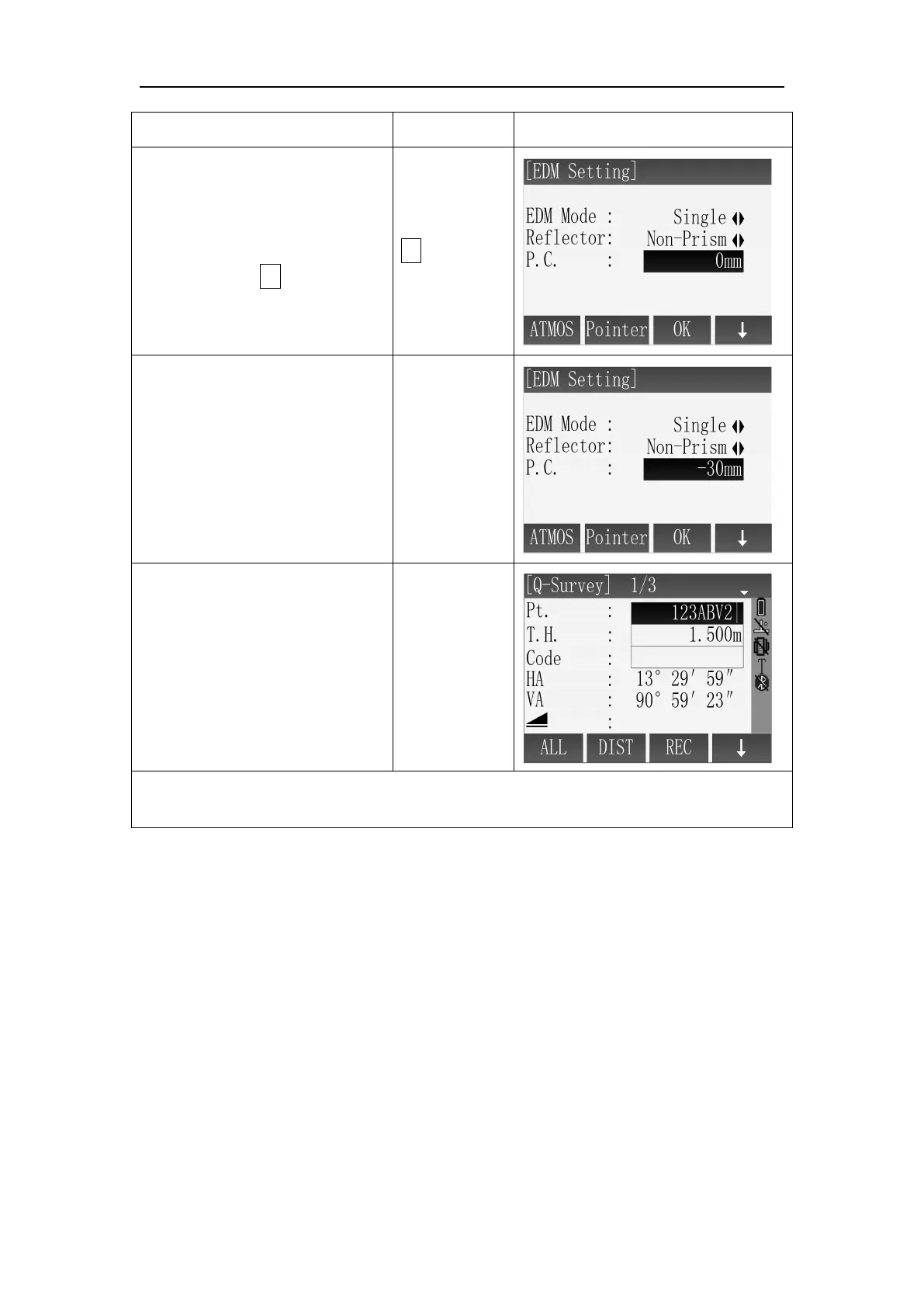
After entering to the
interface of EDM Setting, using
the direction of↓ to move the
cursor to the setting item of P.C.
○
2
Enter the prism constant
value and press the key of
[ENT]. ※
1
※
2
※
3
○
3
After finished setting, press
[F3](OK) to return the function
of Q-Surveying. If you want to
cancel the settings, press [ESC]
to ignore the changes.
※
1
: Prism constant you enter is effective only when the reflector mode is Prism.
※
2
: The range of Prism constant value: -99mm~+99mm.
Refraction:
When measuring horizontal distance and elevation, our instrument corrects the
atmospheric refraction and the earth curvature automatically.
The instrument supports of atmospheric refraction coefficient have three option,
they are 0.00, 0.14, and 0.20.
Note: The refraction of instrument has been set for K=0.00 when left factory .It also
can be set to other values



 To Next Page