Total Station Manual
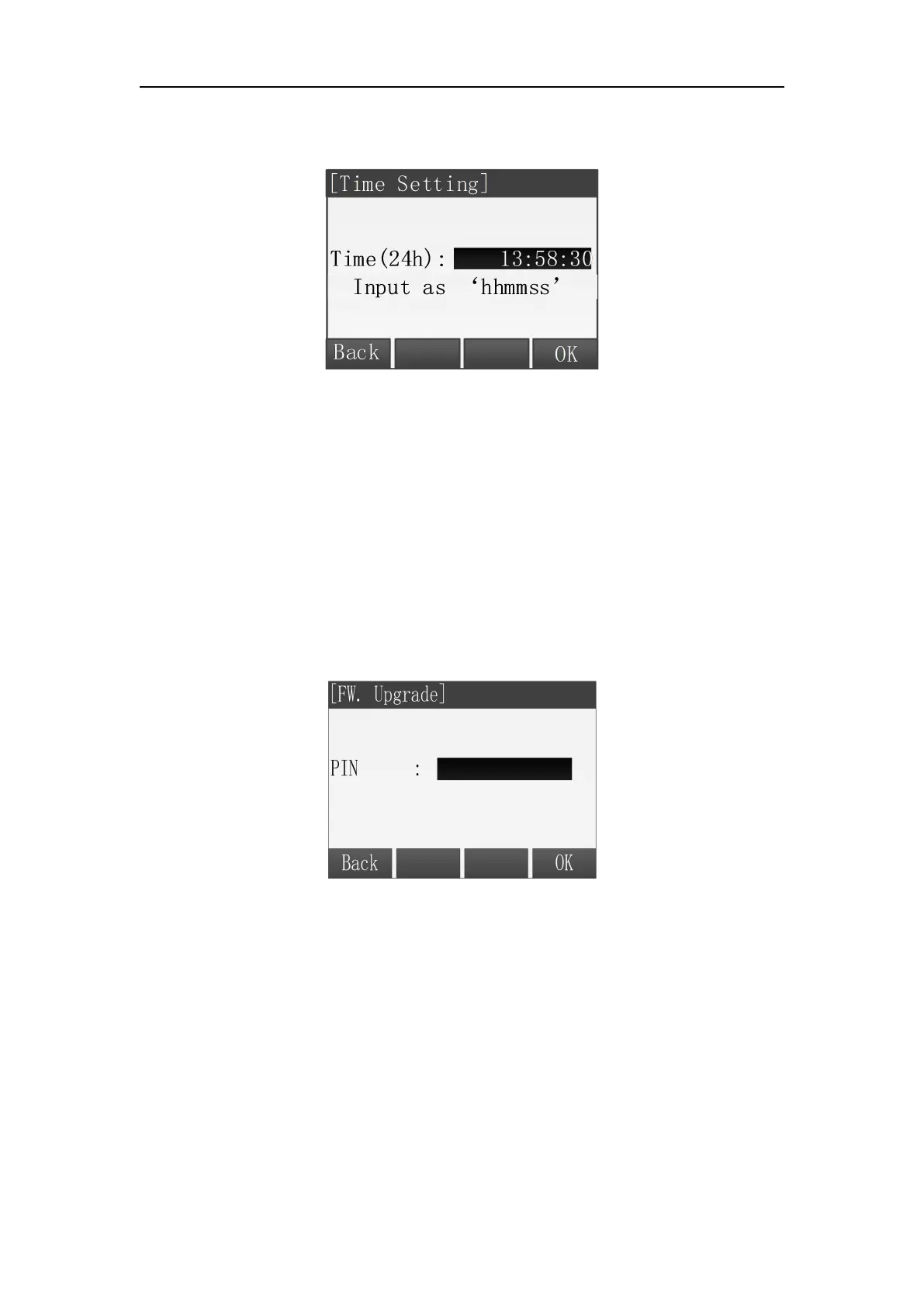
For example: To set time“13:58:30”, input string “135830”, then press [F4] (OK)
to save.
Time Setting
Warning:
The following functions must be carried out under the guidance of
professionals, if the operation is wrong, it may lead to the instrument can’t
work properly!
This function is prepared for the users to upgrade the instrument software.
1. Input PIN code(82543), and then press key ENT, the instrument will be turned off.
2. Connected to the computer through a serial cable, after installing the correct
driver premise, open a HyperTerminal software, configure the correct serial port,
it will "bits / sec" is set to 115200, "Data Flow Control" is set to "None" and press
OK.



 To Next Page