Total Station Manual
○
6 After finishing, it will
display the results, press
[F4](OK), save and back to
menu.
Note: CoK (linear coefficient): If absolute value > 1.5, you need to re-calibrate; In
the correction process by pressing the ESC key, will exit, holding compensator
parameters unchanged.
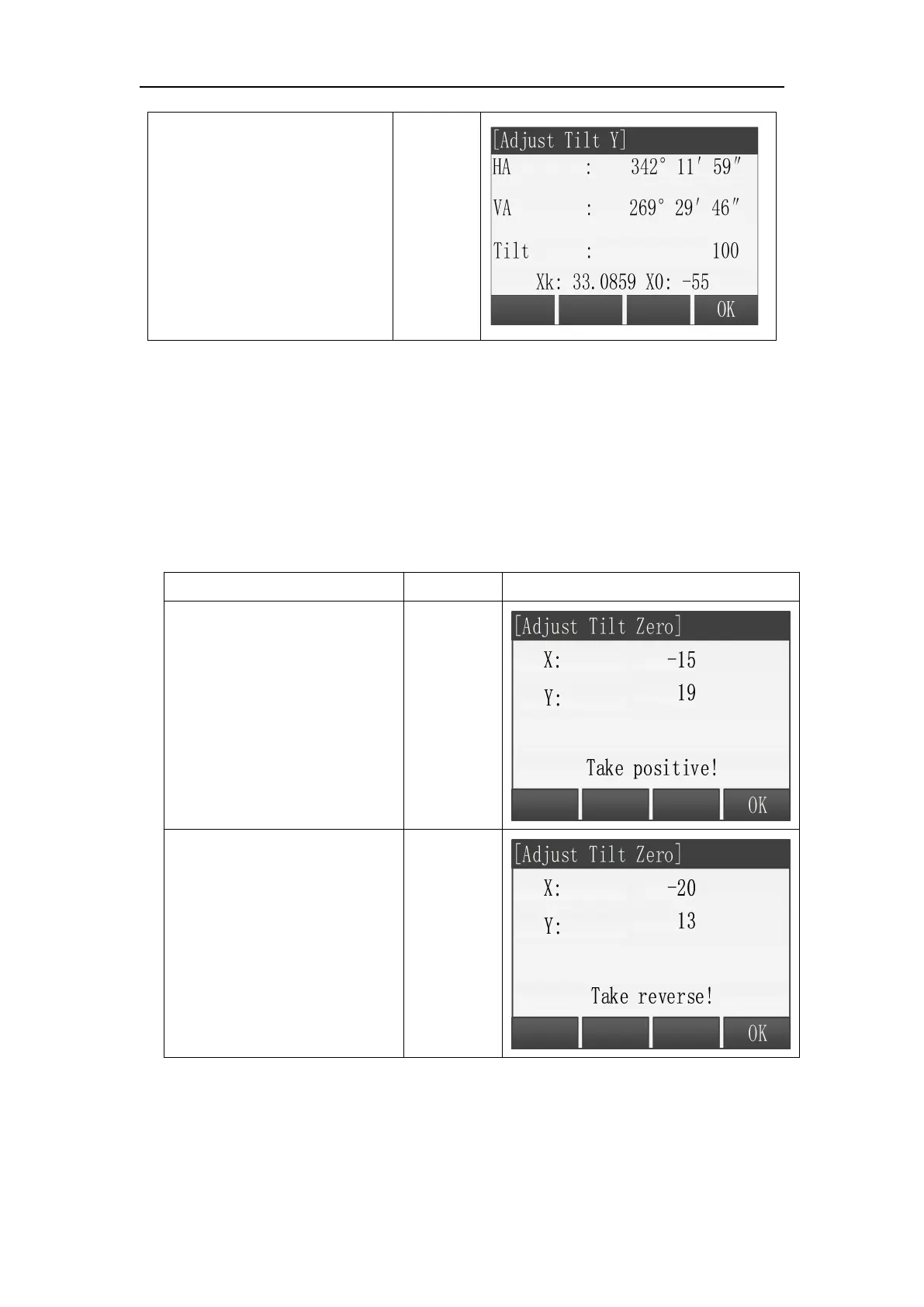
In Tools Menu, choose “1 Adjust”, then press [F4] +[F1] to enter “Adjust Tilt
Zero”.
Steps:
○
1 After leveling the total
station, aim at target with
face left, then press [F4](OK).
○
2
Aim at the same target
with face right, and press
[F4] (OK).



 To Next Page