Total Station Manual
○
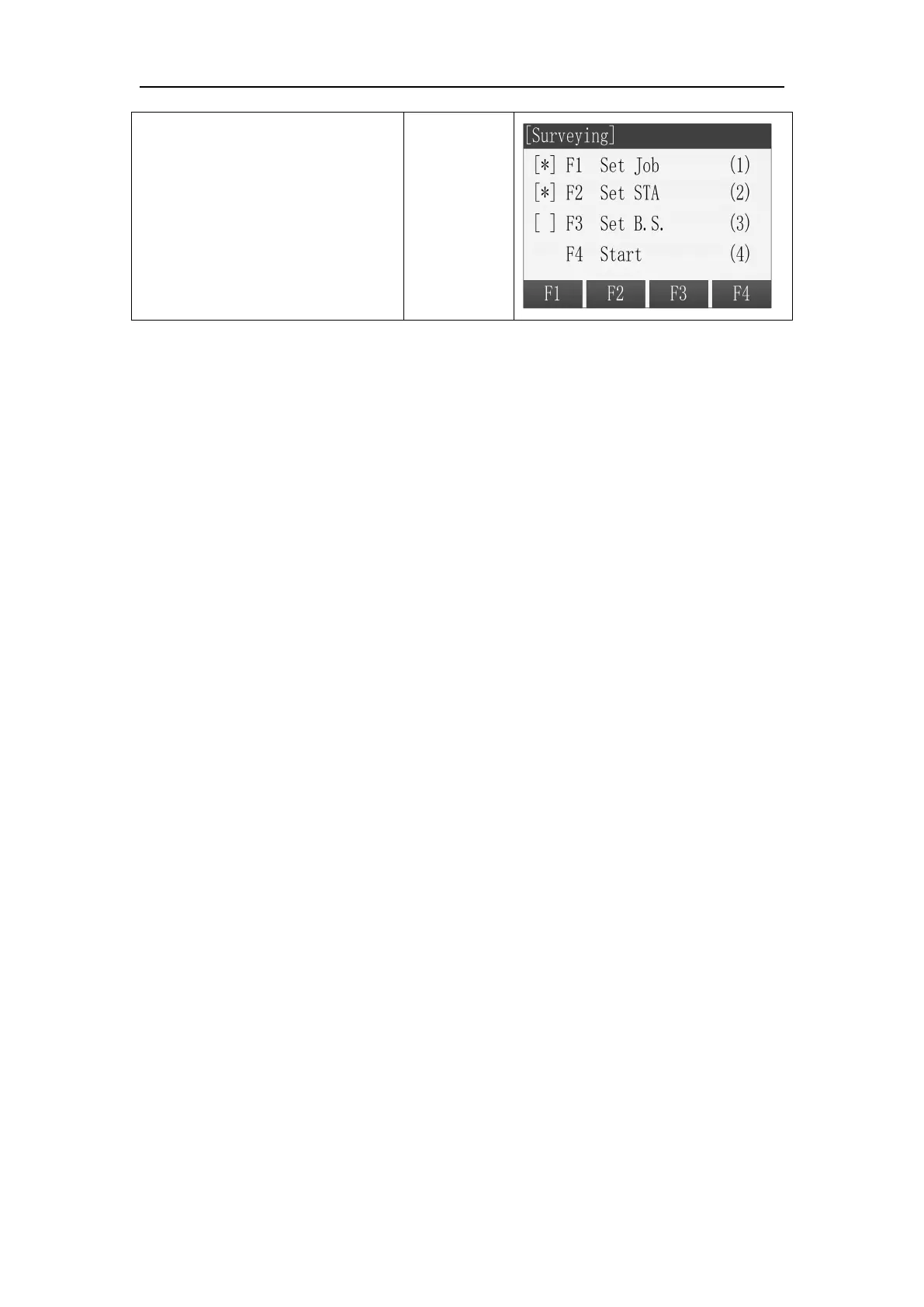
6 Back to Pre-Settings screen.
The setting items that have been
made are marked with *.
3. Setting the Orientation
The orientation can be input manually or determined from points that are either
measured or selected from the memory.
3.1 Manual input orientation
Steps:
1. Press [F1] and enter manual input screen.
2. Input the azimuth, prism height and point name.
3. Press [F1](ALL) to start measuring and set the orientation.
4. Press [REC] to record the angle and orientation.



 To Next Page