Total Station Manual
Steps:
2. Move the focus to [Program] or press the Numeric key 2 to select and go to
the PROGRAM MENU.
3. Press [PAGE] to browse the application menu. Press [F1]-[F4] to select and
start an application.
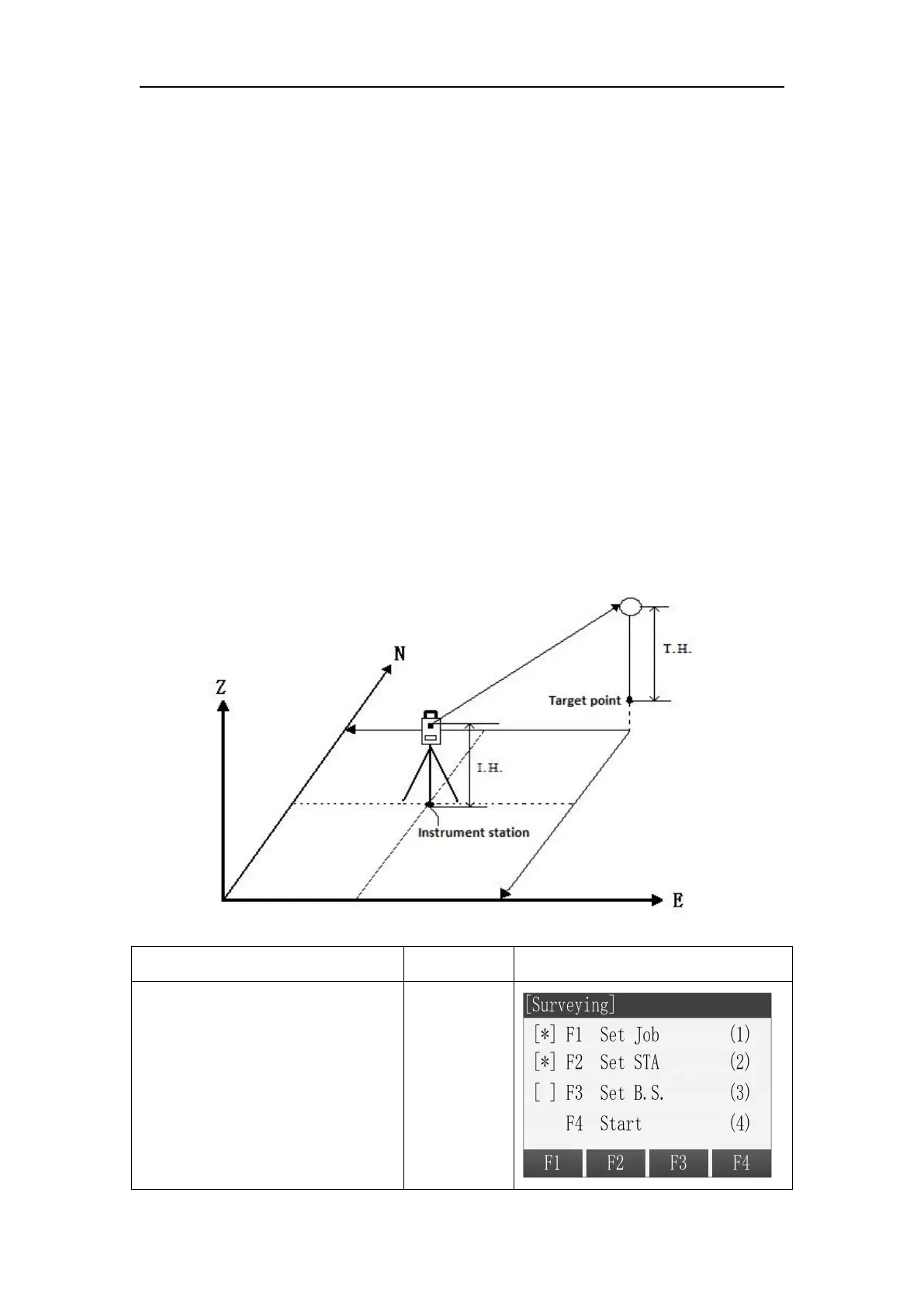
Compared with the Q-Surveying, Surveying has different guides in setting
station and set orientation.
Operation: Must first finish setting the station and orientation.
○
1
After finishing setting the job,
setting the station and setting the
orientation, press [F4] to start the
application in the Pre-Setting
menu.



 To Next Page