Total Station Manual
○
5 After finishing setting, press
[F4](OK) to save settings and back
to previous menu. Then press the
key of [F3](OK) to save the setting
of EDM and back to the function of
measurement.
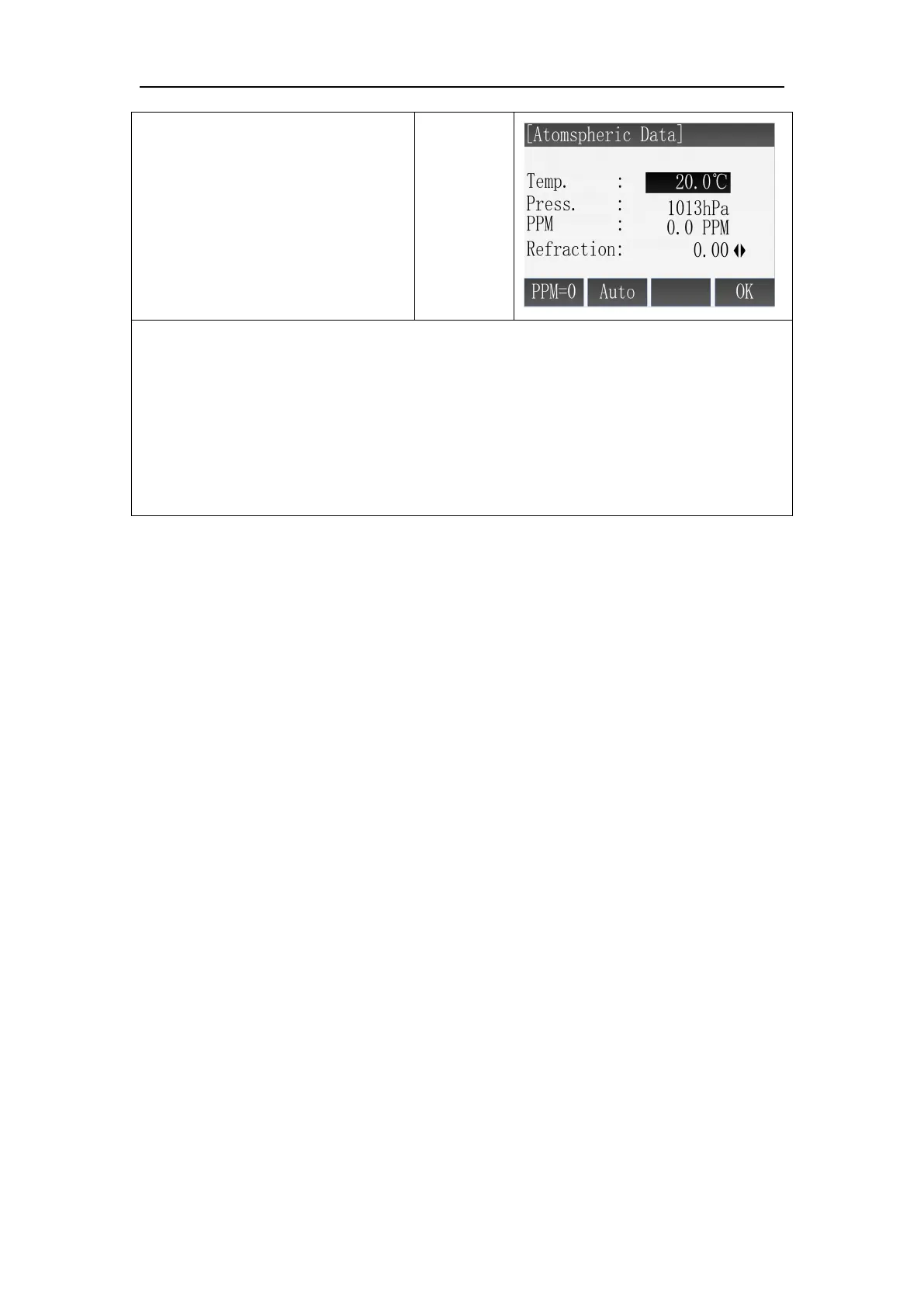
※1: The range of enter: Temp.(-30℃~60℃), Press.(500hPa~1400hPa).
※ 2: The instrument calculates the value of PPM according to the values of
temperature and pressure you enter.
※3: Press [F1](PPM=0) can set the value of PPM to 0.
※ 4: If instrument supports temperature pressure sensor, you can press [F2] to
receive the values of air pressure, temperature and calculate the correction value
automatically.
When calculating the coordinates, the horizontal distance measured must
multiply by the scale factor.
Computation formula
1.Altitude factor=R/(R+ELEV)
R: The average radius of earth
ELEV: mean sea level altitude
2.Scale factor
Scale factor: Scale factor of the station
3.Grid factor
Grid factor=altitude factor × scale factor
Distance calculation
1. Grid distance
HDg=HD × grid factor
HDg: Grid distance
HD: Ground distance
2. Ground distance
HD=HDg/(Grid factor)
Note:
1. The enter range of the scale factor: 0.99~1.01,the default value is 1.0.



 To Next Page