Total Station Manual
○
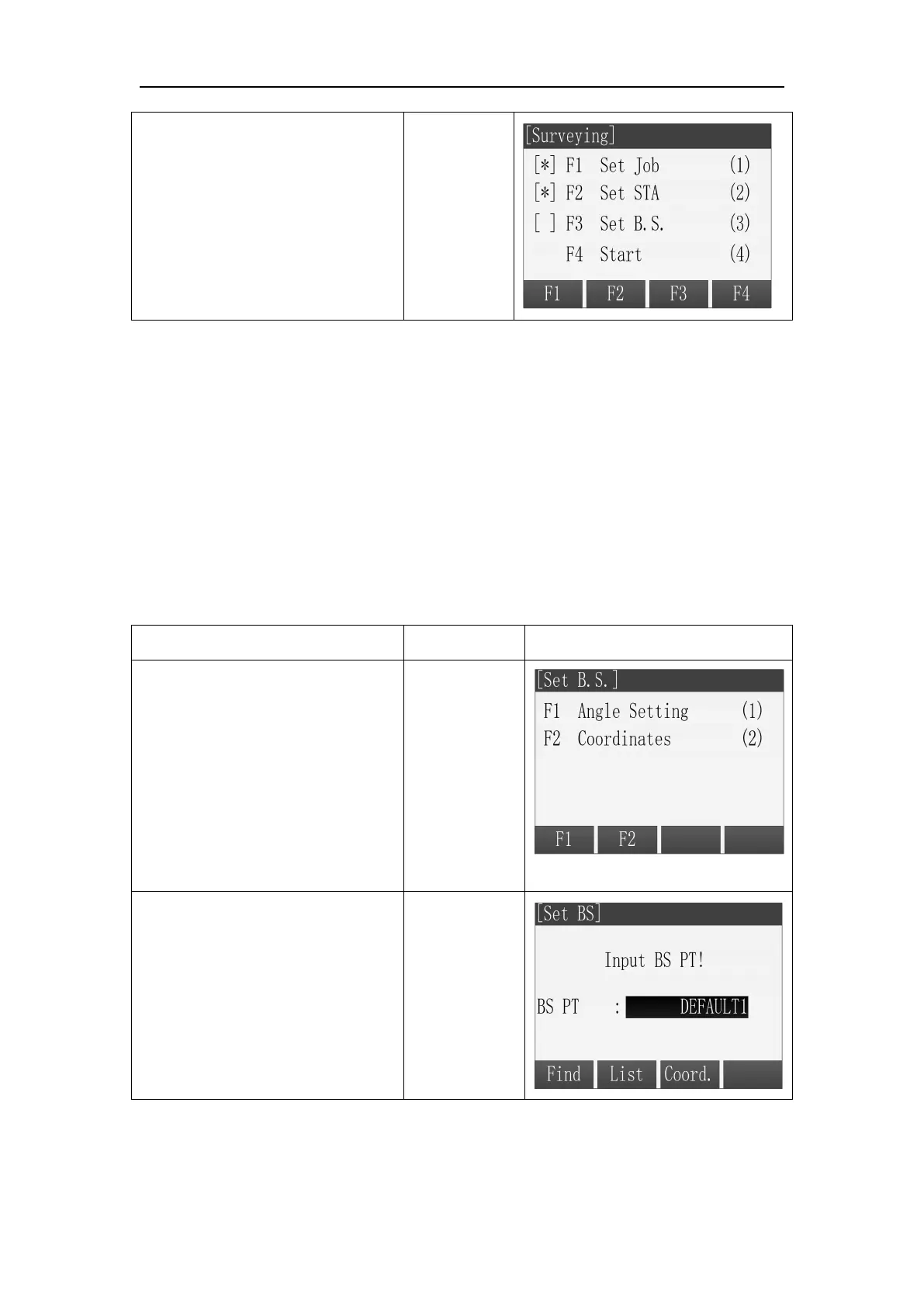
5 Back to Pre-Settings screen.
The setting items that have been
made are marked with *.
3.2 Set orientation with coordinates
The determination of the direction value can also be carried out using a point
with a known coordinate.
Steps:
1. Press [F2] to go to set orientation with coordinates
2. Input the name of orientation point and find the point.
3. Input the prism height and determine it.
4. Use this point to set orientation.
The orientation point can be select from memory or inputted manually.
○
1 Press [F2] to select
Coordinate to Set orientation
with coordinates.
○
2 Find, select or input the
backsight point coordinates and
then go to the Meas. BS screen.
Find, select
or input the
backsight
point



 To Next Page