Total Station Manual
○
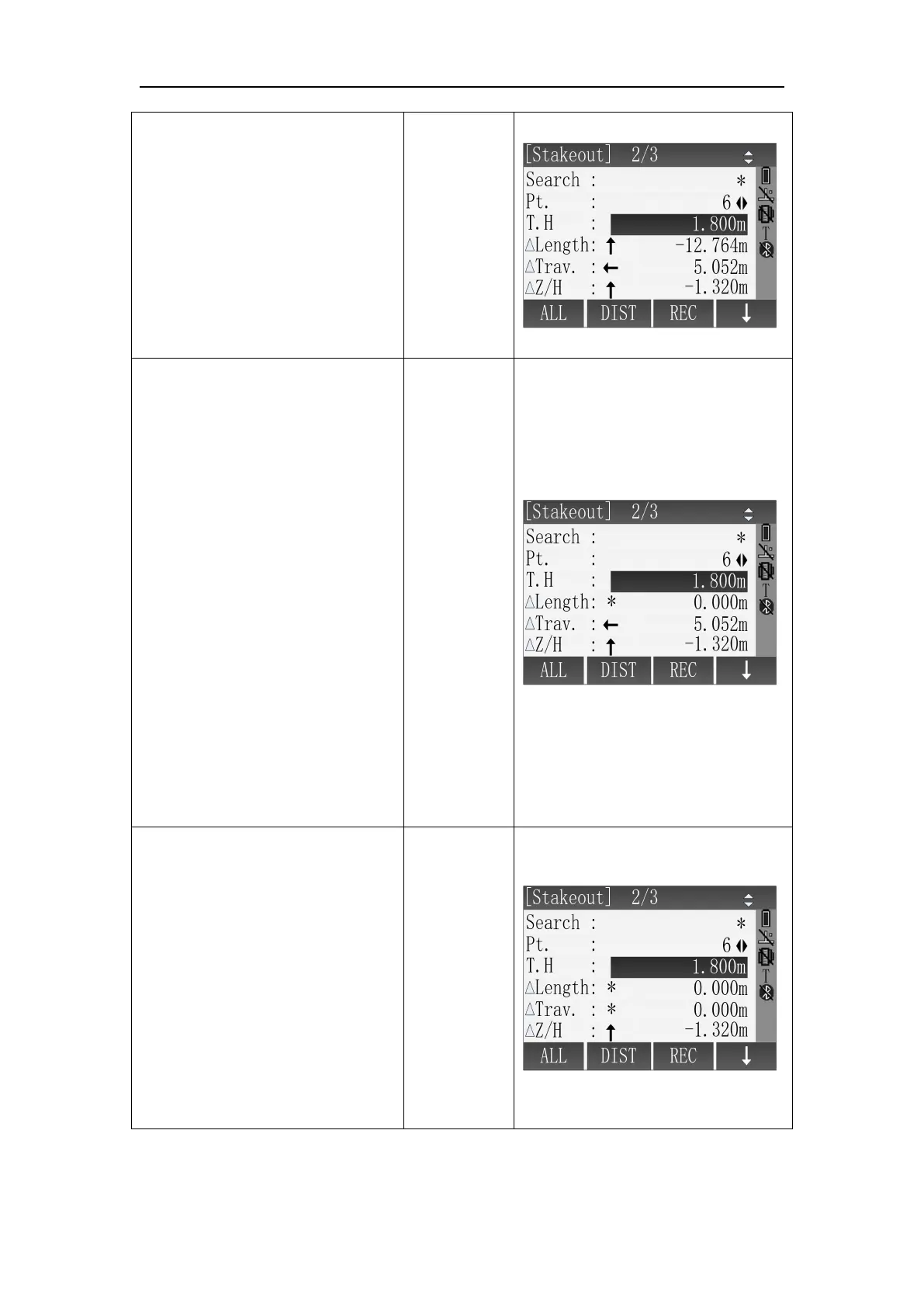
3 Aim at the prism. Press
[F2](DIST) to start measuring and
calculate the differences between
measured point and stakeout
point.
The arrow’s direction is the
direction of the prism need to
move.
○
4
Move the prism according to
the direction of the arrow to
make the value of
ΔLength equal 0m.
Arrows Meaning:
↓ : Move the prism close to the
station.
↑: Move the prism far away the
station.
In the process of staking out, if
using the Repeat Measurement
or Tracking Measurement, the
calculation of the differences
between measured point and
stakeout point can be displayed
in real time and convenient.
○
5
Turn the instrument
telescope to find the direction
where makes the △ Trav. equal
0m and command the staff to
move the prism at the same time.
Arrows Meaning:
← : Look forward from station
and move the prism to the left.
→ : Look forward from station
and move the prism to the right.



 To Next Page