MRD 3187B - User Manual
Page 105 (245)
BISS Setup
To setup the MRD 3187B to be able to decrypt a BISS encrypted transport stream
use the following steps:
1. Press the
button to bring the display
back to the RDS status screen.
2. Press the
button to access the RDS 1
Decoder Menu.
3. Use the
and
buttons to move the
cursor to “BISS Decryption,” then press
the
button.
4. Press the
button again to edit the
Source ID settings.
Note: For Configuration 2 units, all of the following instructions apply exactly the
same except, use the
button to access the RDS 2 Decoder Menu.
5. Use the
and
buttons to move the
cursor to “Mode:” then press the
button.
6. Use the
and
buttons to change
the mode (“BISS 1” or “BISS E”) then
press the
button to save the
selection.
Note: Depending on the mode selection, the menus below the mode options will
have changed.
Mode BISS 1
Once the MRD 3187B has been set to use Mode 1, use the following steps to
enter the “Session Word:”
1. Use the
and
buttons to move
the cursor to “Session Word” then
press the
button.
2. Use the
and
buttons to
select the column to edit and use the
and
buttons to enter the
session word, then press the
button to save the selection.
Mode BISS E
Once the MRD 3187B has been set to use Mode E, use the following steps to
enter the “Encrypted Session Word” and “Injected ID:”
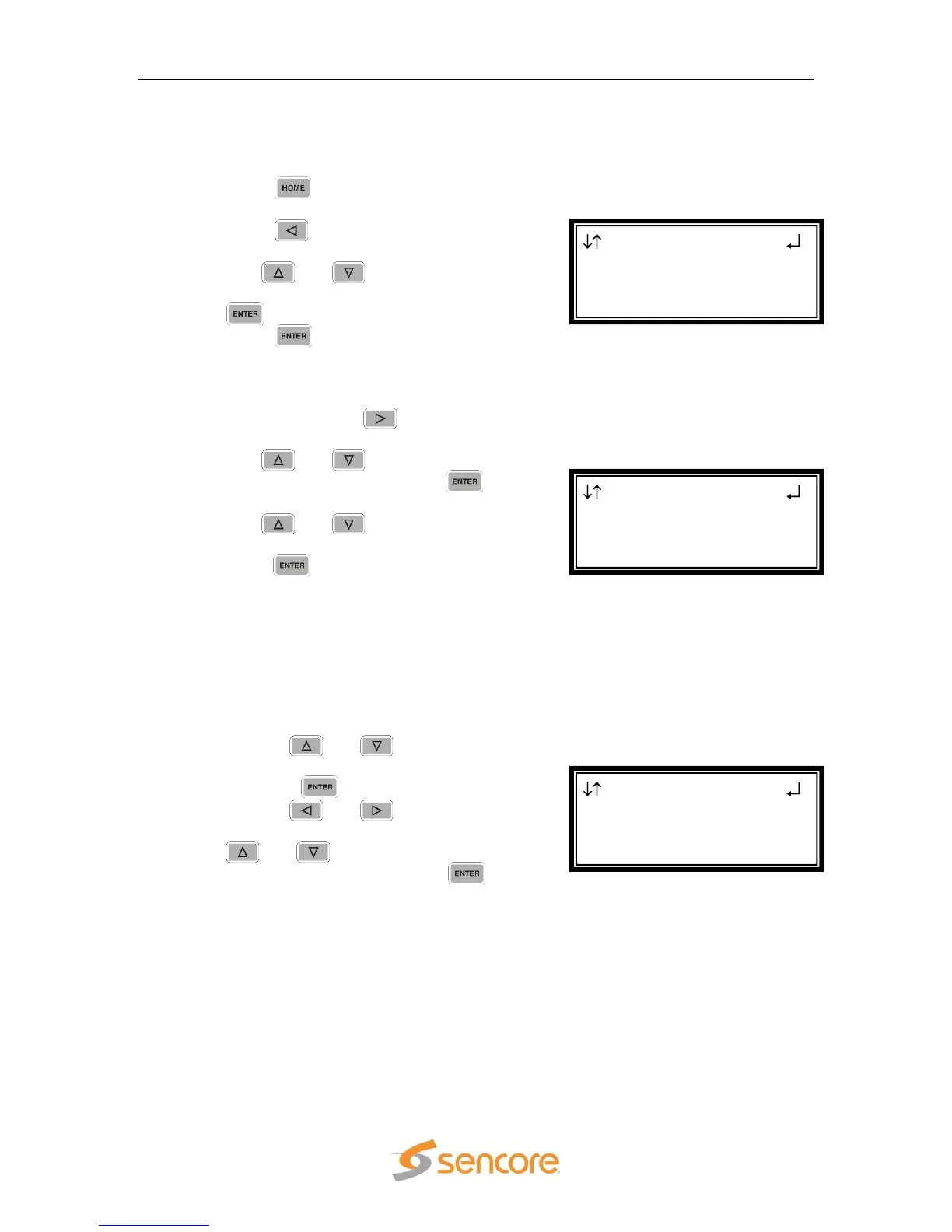
BISS RDS 1
Mode:BISS 1
►Session Word
0x000000000000
BISS RDS 1
►Mode:BISS 1
Session Word
RDS 1 ←→
Audio 2 Setup
Source ID
►BISS Decryption



 To Next Page