MRD 3187B - User Manual
Page 108 (245)
MAC Address
This option will show the physical MAC Address of the MPEG/IP card.
1. Use the and buttons to move
the cursor to “MAC Address” to view
the MPEG/IP card‟s physical MAC
Address.
To Edit the Option Card Input Settings
To edit this input card, use the following steps:
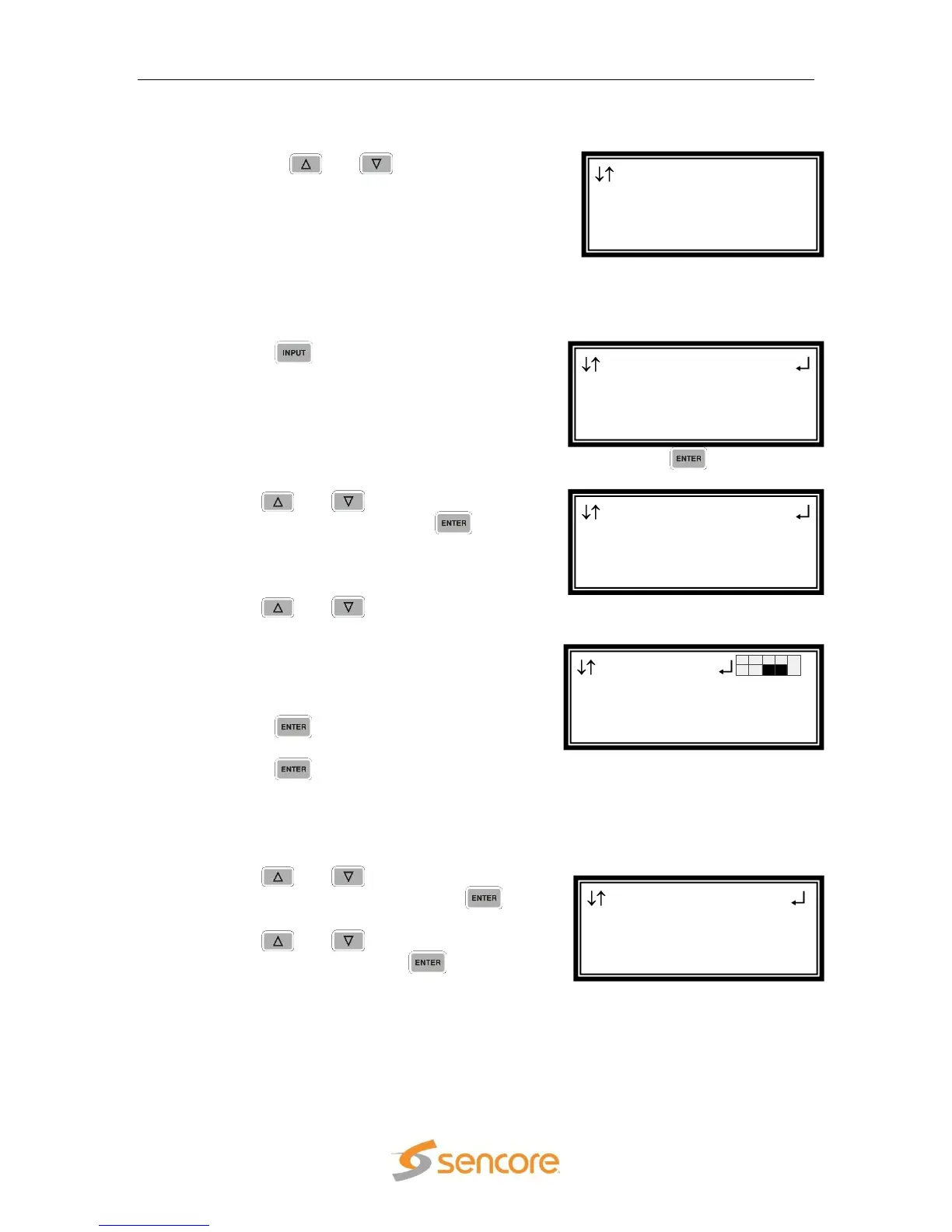
Note: For Configuration 2 units, select RDS1 or RDS2, then press .
2. Use the and buttons to select
“Input Modules”, and press the
button.
3. Use the and buttons to move the
cursor to the “MPEG/IP” card of the
specific slot (e.g. 1-3). Notice the location
diagram in the upper right corner of the
screen changes as the cursor moves by
each card.
4. Press the button once to display the
Status screen for the MPEG/IP card.
5. Press the button again to display the
Edit screen for the MPEG/IP card.
Receive
This option enables or disables the receive function of the MPEG/IP card.
1. Use the and buttons to move the
cursor to “Receive:” then press the
button.
2. Use the and buttons to “Enable”
or “Disable”, then press the button to
save the selection.
Group to Receive
The MRD 3187B allows the user to subscribe to two multicasts simultaneously in
order to provide a backup in the case of a primary failure. There are three options for
the Receive Group (1, 2, Auto). Auto will attempt to join the first multicast, if it cannot
join that one it will then attempt to join the second one. If the unit is currently joined to
MPEG/IP 1-3
►Receive:Enable
Grp To Recv:Auto
Auto Timeout:005s
Input
►MPEG/IP 1-3
QPSK 2-2
Input
Active Input
Backup Mode
►Input Modules
Input
►Active Input
Backup Mode
Input Modules
MPEG/IP 1-3 Net
0.0.0.0
MAC Address
► 00012ABCD123



 To Next Page