MRD 3187B - User Manual
Page 109 (245)
the first multicast and that stream disappears, the unit will automatically switch over
to the second receive group. The only time the unit will go back to the first receive
group is if it is forced back or if the second receive group disappears.
This backup of the Receive Group has additional settings (which are only present
when the Group to Receive is set to “Auto”). The “Auto” options provides a timeout
before switching to between the Receive Groups.
If the “Group To Recv” is set to either 1 or 2, the unit will always stay on that receive
group regardless of if it is present or not.
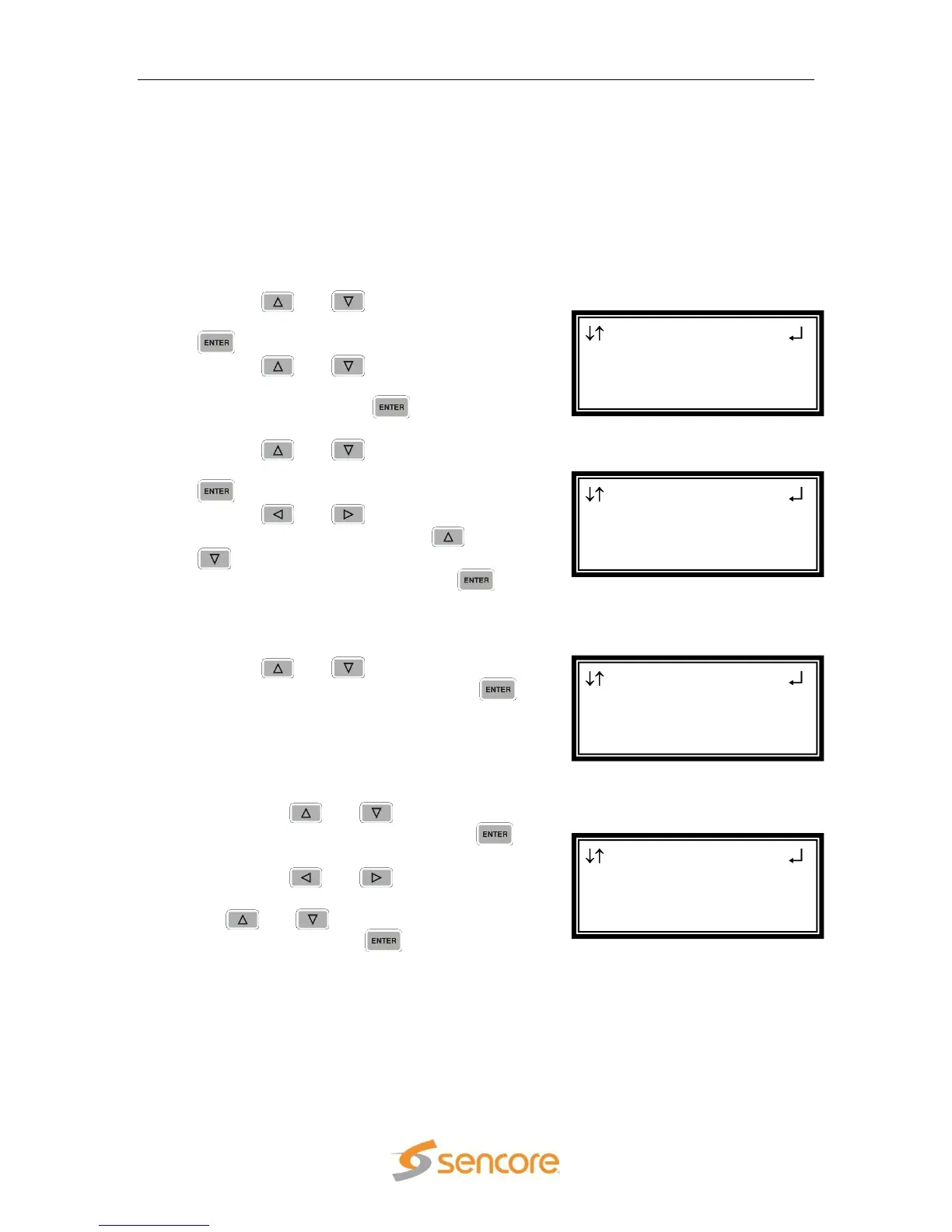
1. Use the and buttons to move the
cursor to “Grp To Recv:” then press the
button.
2. Use the and buttons to select
the desired group to receive (“1”, “2”,
“Auto”), then press the button to
save the selection.
3. Use the and buttons to move the
cursor to “Auto Timeout:” then press the
button.
4. Use the and buttons to select
the column to edit and use the and
buttons to change the timeout setting
(5 – 999 seconds), then press the
button to save the selection.
Receive 1
1. Use the and buttons to move the
cursor to “Receive 1”, then press the
button to access the Edit screen.
IP
1. Use the and buttons to move
the cursor to “IP:” then press the
button.
2. Use the and buttons to
select the column to edit and use the
and buttons to change the
IP, then press the button to save
the selection.
Note: A Unicast or Multicast IP address may be chosen.
Unicast: X.X.X.X – 223.255.255.255
Multicast: 224.0.0.0 – 239.255.255.255
Suggested Multicast Range: 239.192.X.X
MPEG/IP 1-3 1 ←→
►Ip:239.192.001.050
Dest Port:01050
Send IGMP Report
MPEG/IP 1-3
Auto Timeout:005s
►Receive 1
Receive 2
MPEG/IP 1-3
Receive: Enable
Grp To Recv:1
►Auto Timeout:005s
MPEG/IP 1-3
Receive: Enable
►Grp To Recv:Auto
Auto Timeout:005s



 To Next Page