MRD 3187B - User Manual
Page 110 (245)
Destination Port
1. Use the and buttons to move
the cursor to “Dest Port:” then press
the button.
2. Use the and buttons to
select the column to edit and use the
and buttons to change the
port (0 – 65536), then press the
button to save the selection.
Send IGMP Report
This option will send an unsolicited IGMP report to force a join operation.
1. Use the and buttons to move
the cursor to “Send IGMP Report”,
then press the button.
2. Press the button one more time
to send the report.
IGMP V3 Source Filter
1. Use the and buttons to move
the cursor to “IGMP V3 Src Filter”,
then press the button to access
the Edit screen.
Filter Mode
1. Use the and buttons to
move the cursor to “Filter Mode:”
then press the button.
2. Use the and buttons to
select either “Include” or “Exclude”,
then press the button to save
the selection.
Add IP
1. Use the and buttons to
move the cursor to “Add IP”, then
press the button.
2. Press the button again to add
an IP address to the list.
Note: Existing IP addresses are shown before the “Add IP” option.
3. Use the and buttons to
select the column to edit and use
the and buttons to
change the IP address, then press
the button to save the
selection.
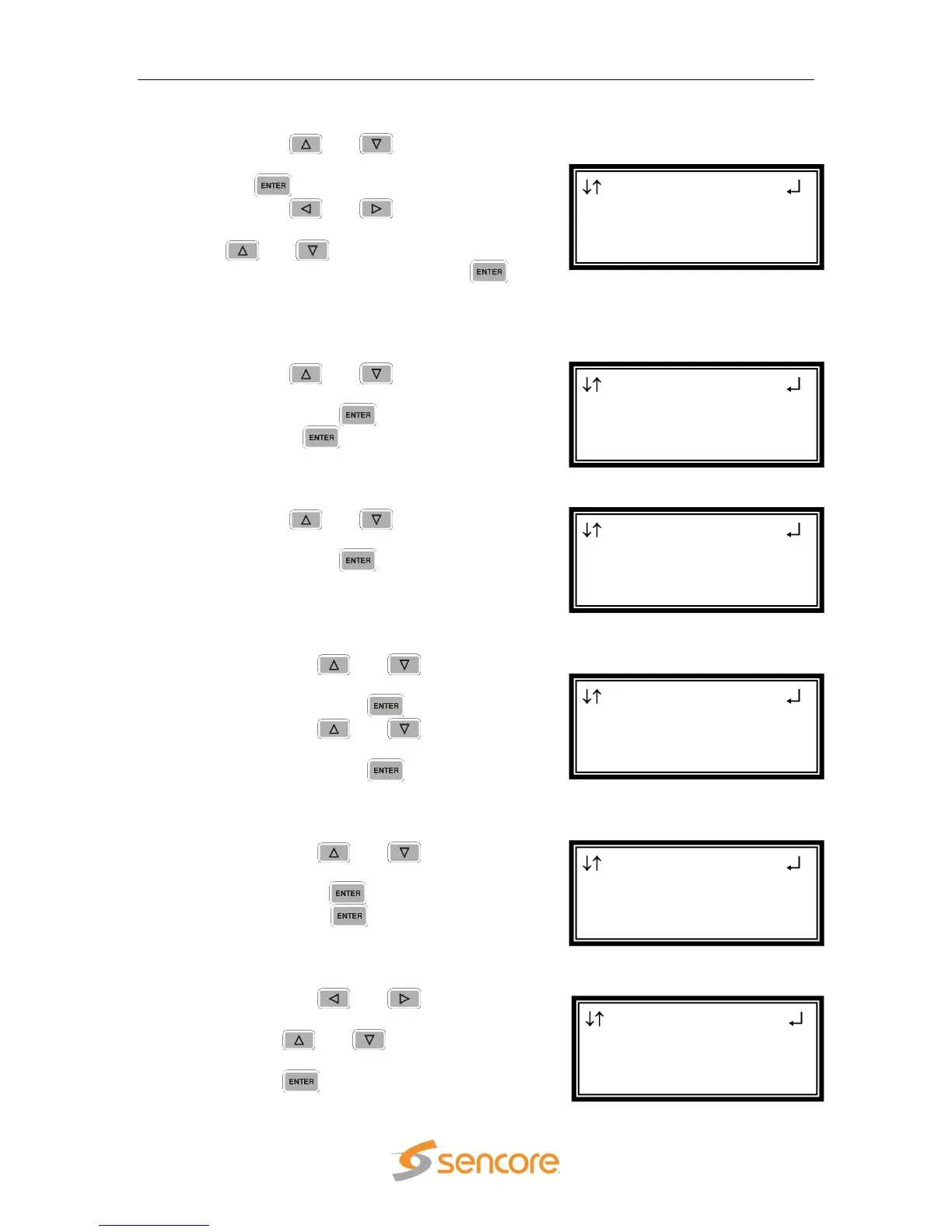
MPEG/IP 1-3 1 ←→
Filter Mode:Include
000.000.000.000
Clear All
MPEG/IP 1-3 1
Filter Mode:Include
►Add IP
Clear All
MPEG/IP 1-3 1
►Filter Mode:Include
Add IP
Clear All
MPEG/IP 1-3 1
Dest Port: 01050
Send IGMP Report
►IGMP V3 Src Filter
MPEG/IP 1-3 1
Ip:239.192.1.50
Dest Port:01050
►Send IGMP Report
MPEG/IP 1-3 1 ←→
Ip:239.192.1.50
►Dest Port:01050
Send IGMP Report



 To Next Page