MRD 3187B - User Manual
Page 118 (245)
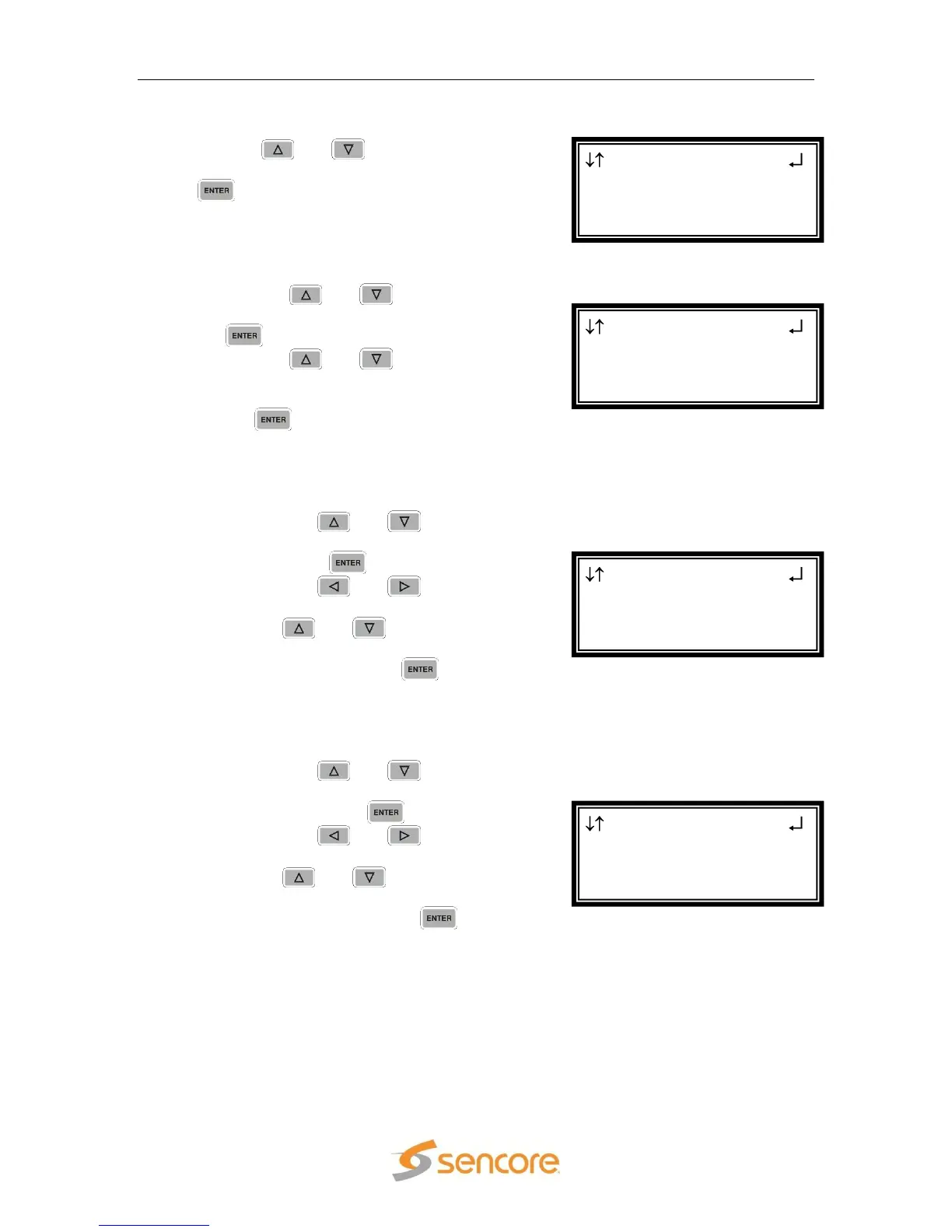
Global Transmit Settings
1. Use the and buttons to move the
cursor to “Global Settings”, then press the
button.
Forward Error Correction
1. Use the and buttons to move
the cursor to “FEC:” then press the
button.
2. Use the and buttons to
select the desired FEC type (“Off”,
“Col & Row”, “Col only”), then press
the button to save the selection.
Rows(D) and Columns(L)
Note: These settings will only be available if FEC is set to either Col & Row or
Col only, in the above steps.
1. Use the and buttons to
move the cursor to “Rows(D):” then
press the button.
2. Use the and buttons to
select the column to edit and use
the and buttons to
change the rows value (from 4 to
20), then press the button to
save the selection.
Note: After modifying the Rows(D), the unit moves the cursor to the
Columns(L) field for editing. The Columns(D) can be edited without
changing the Rows(D) entry.
3. Use the and buttons to
move the cursor to “Columns(L):”
then press the button.
4. Use the and buttons to
select the column to edit and use
the and buttons to
change the columns value (from 1
to 20), then press the button
to save the selection.
Note: The Rows(D) and Columns(L) fields have the following restriction –
Columns(D) * Rows(D) < 100. If ≥ 100, the Rows(D) field is reduced.
Note: In order enter “20”, first set the tens digit to “1” (“01x”), then set the
ones digit to “0” (“010”), and finally increase the tens digit to read “020”.
MPEG/IP 1-3
FEC:Col & Row
Rows(D):004
► Columns(L):001
MPEG/IP 1-3
FEC:Col & Row
► Rows(D):004
Columns(L):001
MPEG/IP 1-3
►FEC:Off
RTP
SSRC Setup:Auto
MPEG/IP 1-3
Transmit 2
Transmit 3
►Global Settings



 To Next Page