MRD 3187B - User Manual
Page 125 (245)
IP
1. Use the and buttons to move
the cursor to “IP:” then press the
button.
2. Use the and buttons to
select the column to edit and use the
and buttons to change the
IP, then press the button to save
the selection.
Note: A Unicast or Multicast IP address may be chosen.
Unicast: X.X.X.X – 223.255.255.255
Multicast: 224.0.0.0 – 239.255.255.255
Suggested Multicast Range: 239.192.X.X
Destination Port
1. Use the and buttons to move
the cursor to “Dest Port:” then press
the button.
2. Use the and buttons to
select the column to edit and use the
and buttons to change the
port (0 – 65536), then press the
button to save the selection.
Forward Error Correction
This setting lets the decoder know if it should be expecting FEC data with the
active receive group. If no FEC data is expected, this setting can be disabled to
allow multicasts closer together on the same IP.
1. Use the and buttons to move
the cursor to “FEC:” then press the
button.
2. Use the and buttons to
select “enable” or “disable”, then press
the button to save the selection.
Synchronized Source Setup
1. Use the and buttons to move
the cursor to “SSRC:” then press the
button.
2. Use the and buttons to
select “Enable” or “Disable”, then
press the button to save the
selection.
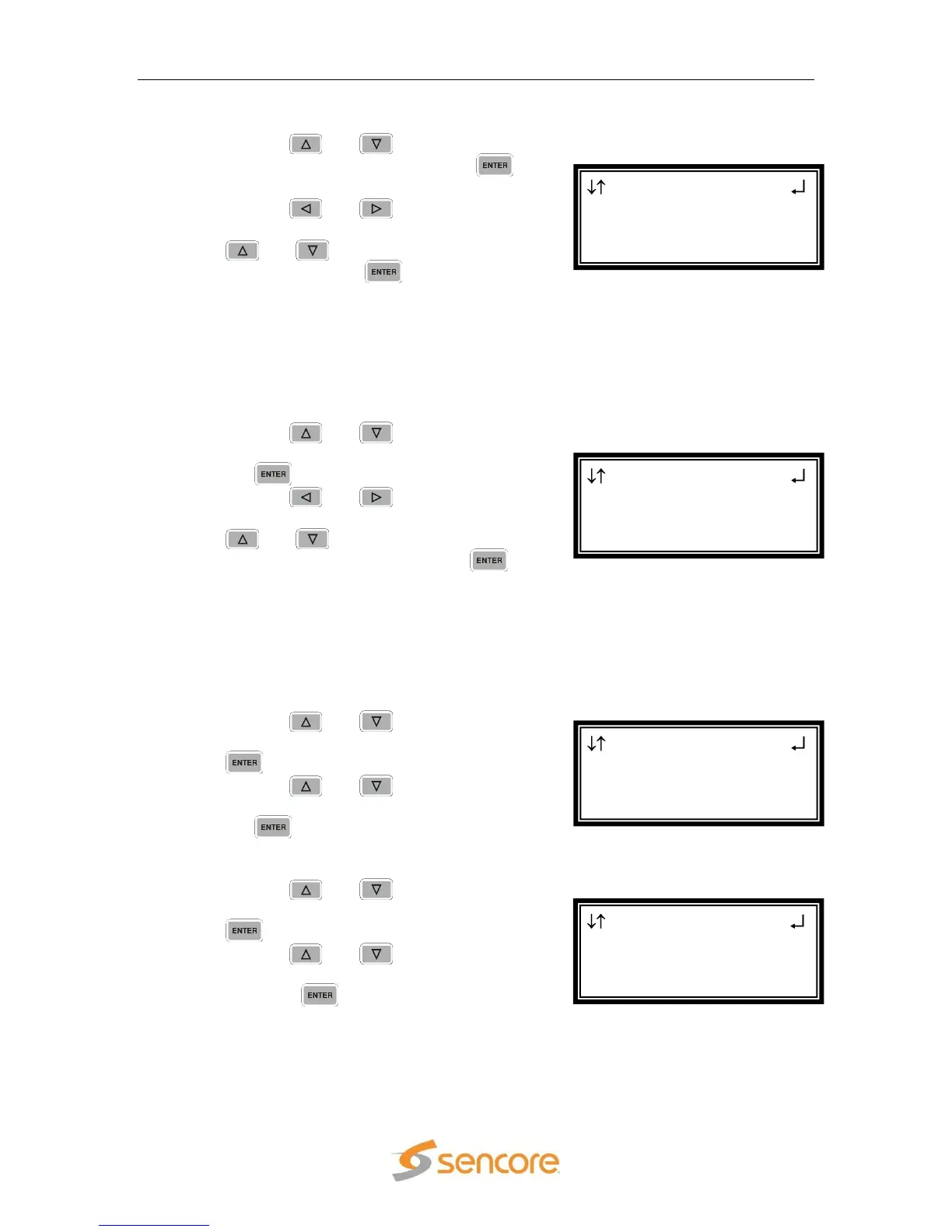
MPEG/IP 1-4 1
FEC:Disable
►SSRC:Disable
SSRC Filt:0x00000000
MPEG/IP 1-4 1
Ip:239.192.1.50
Dest Port:01050
►FEC:Disable
MPEG/IP 1-4 1 ←→
Ip:239.192.1.50
►Dest Port:01050
FEC:Disable
MPEG/IP 1-4 1 ←→
►Ip:239.192.001.050
Dest Port:01050
FEC:Disable



 To Next Page