MRD 3187B - User Manual
Page 126 (245)
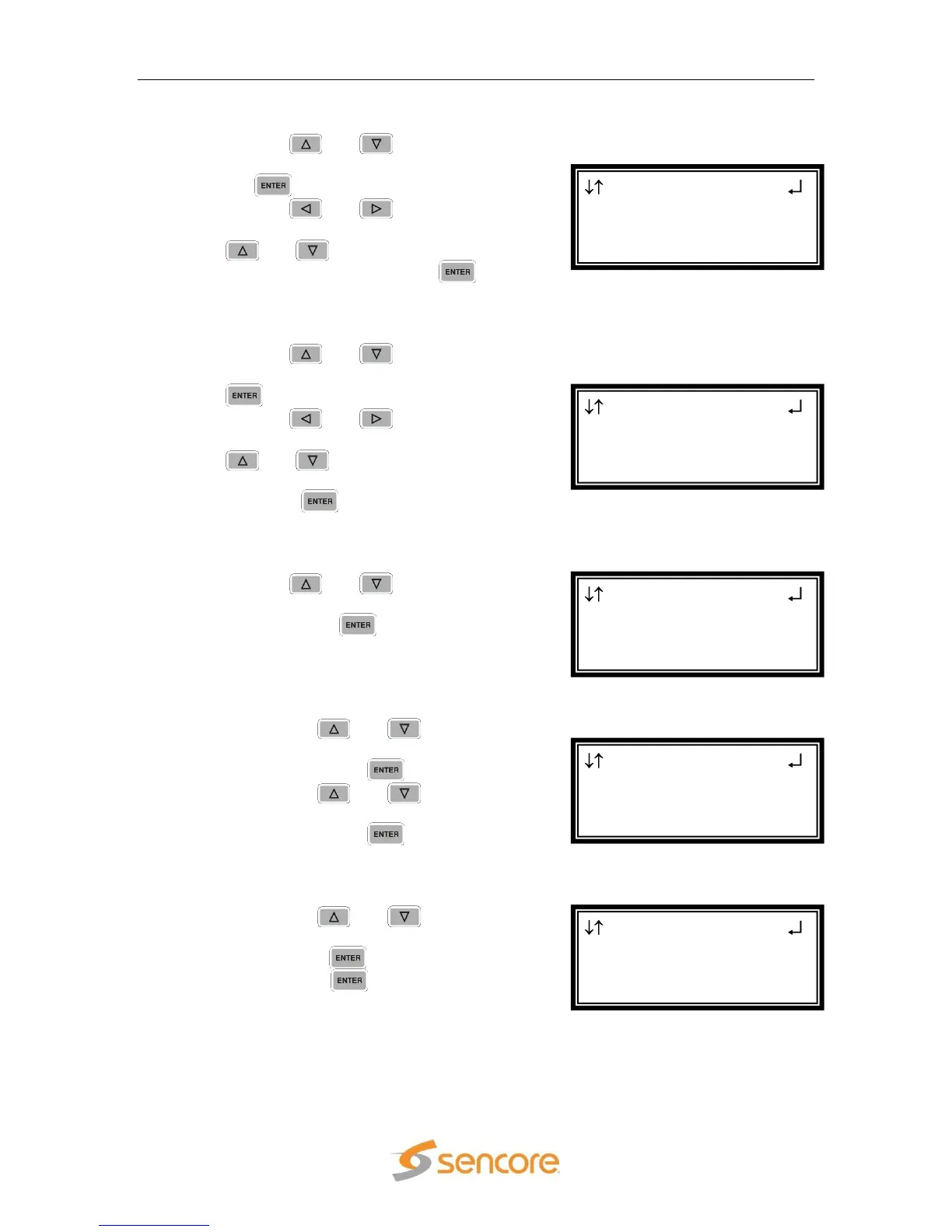
Synchronized Source Setup Filter
1. Use the and buttons to move
the cursor to “SSRC Filt:” then press
the button.
2. Use the and buttons to
select the column to edit and use the
and buttons to change the
SSRC Filter, then press the
button to save the selection.
Buffer
1. Use the and buttons to move
the cursor to “Buffer:” then press the
button.
2. Use the and buttons to
select the column to edit and use the
and buttons to change the
Buffer (from 3999 kb to 100 kb), then
press the button to save the
selection.
IGMP V3 Source Filter
1. Use the and buttons to move
the cursor to “IGMP V3 Src Filter”,
then press the button to access
the Edit screen.
Filter Mode
1. Use the and buttons to
move the cursor to “Filter Mode:”
then press the button.
2. Use the and buttons to
select either “Include” or “Exclude”,
then press the button to save
the selection.
Add IP
1. Use the and buttons to
move the cursor to “Add IP”, then
press the button.
2. Press the button again to add
an IP address to the list.
Note: Existing IP addresses are shown before the “Add IP” option.
MPEG/IP 1-4 1
Filter Mode:Include
►Add IP
Clear All
MPEG/IP 1-4 1
►Filter Mode:Include
Add IP
Clear All
MPEG/IP 1-4 1
SSRC Filt:0x00000000
Buffer:0100kb
►IGMP V3 Src Filter
MPEG/IP 1-4 1 ←→
SSRC Filt:0x00000000
►Buffer:0100kb
IGMP V3 Src Filter
MPEG/IP 1-4 1 ←→
FEC:Disable
SSRC:Disable
►SSRC Filt:0x00000000



 To Next Page