MRD 3187B - User Manual
Page 131 (245)
Output Control
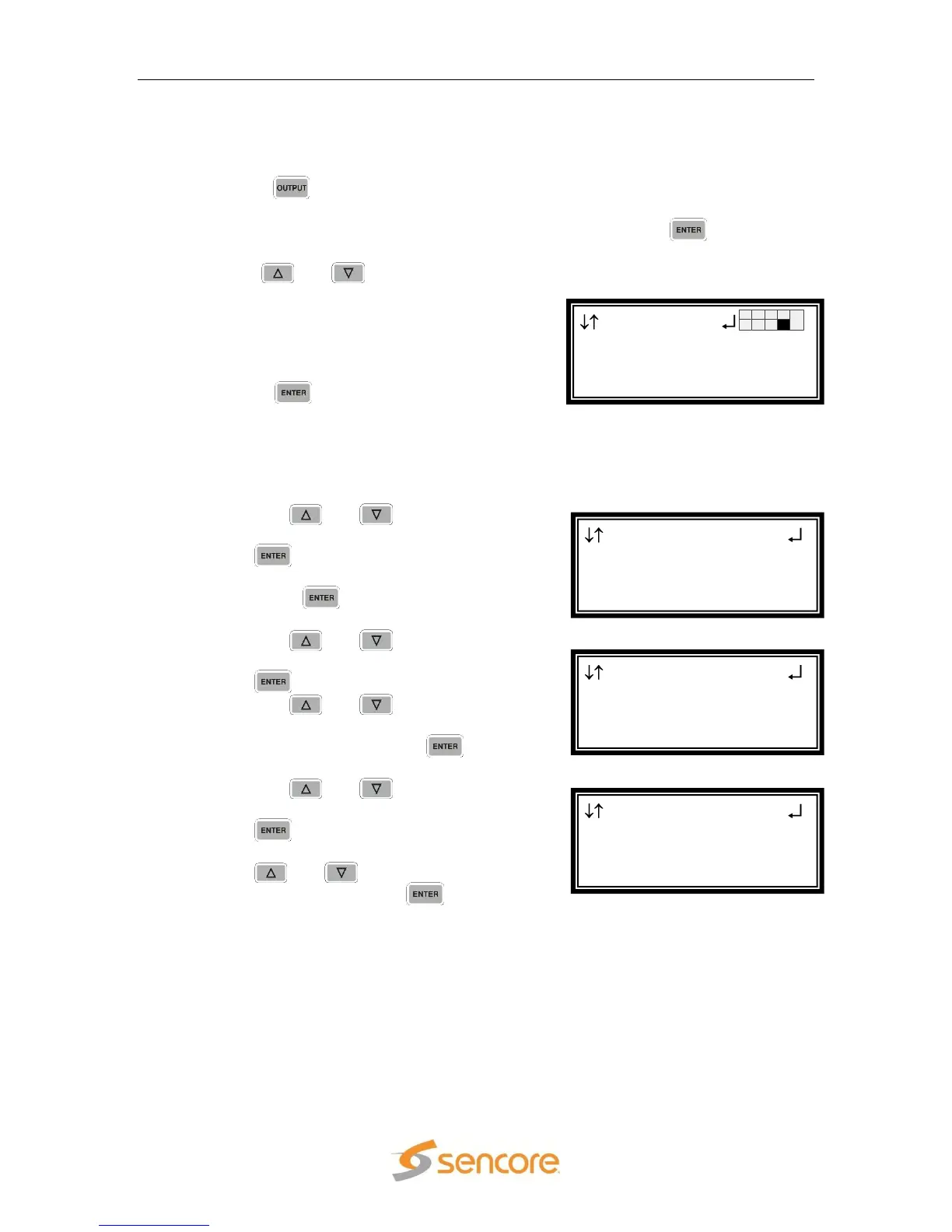
To configure this card as an output use the following steps:
1. Press the button.
Note: For Configuration 2 units, select RDS1 or RDS2, then press .
2. Use the and buttons to move the
cursor to the “MPEG/IP” card of the
specific slot (e.g. 1-4). Notice the location
diagram in the upper right corner of the
screen changes as the cursor moves by
each card.
3. Press the button once to display the
selection screen for “Transmit 1” and
“Transmit 2” of the MPEG/IP card.
Transmit 1
1. Use the and buttons to move
the cursor to “Transmit 1”, then press
the button. The status will be
displayed.
2. Press the button one more time
to get to the Edit screen.
3. Use the and buttons to move
the cursor to “Transmit:” then press
the button.
4. Use the and buttons to set
the Transmit 1 to “Enabled” or
“Disabled”, then press the button
to save the selection.
5. Use the and buttons to move
the cursor to “Phys Conn:” then press
the button.
6. Choose the physical connector using
the and buttons (“Port 1” or
“Port 2”) then press the button.
MPEG/IP 1-4
Receive:Enable
►Phys Conn:Port 1
IP:239.192.0.1
MPEG/IP 1-4
►Transmit:Enabled
Phys Conn:Port 1
IP:239.192.0.1
MPEG/IP 1-4
►Transmit 1
Transmit 2
Output
HD Video 2-1
►MPEG/IP 1-4



 To Next Page