MRD 3187B - User Manual
Page 149 (245)
Audio 3 PID
Note: This menu is only available if the unit is equipped with a second decoder in
Configuration 1.
1. Use the and buttons to move
the cursor to “Aud 3 PID:” then press
the button.
2. Use the and buttons to
select the column to edit, then use the
and buttons to select the
desired Audio PID in the stream, then
press the button to save the PID.
Audio 3 Type
Note: This menu is only available if the unit is equipped with a second decoder in
Configuration 1.
1. Use the and buttons to move
the cursor to “Audio1 Typ:” then press
the button.
2. Use the and buttons to
select the audio type (“Dolby AC3”,
“AAC ADTS”, “AAC LOAS”, “Dolby D
+”, “MPEG 1”, “MPEG 2”) on the PID
chosen above, then press the
button.
Audio 4 PID
Note: This menu is only available if the unit is equipped with a second decoder in
Configuration 1.
3. Use the and buttons to move
the cursor to “Aud 4 PID:” then press
the button.
4. Use the and buttons to
select the column to edit, then use the
and buttons to select the
desired Audio PID in the stream, then
press the button to save the PID.
Audio 4 Type
Note: This menu is only available if the unit is equipped with a second decoder in
Configuration 1.
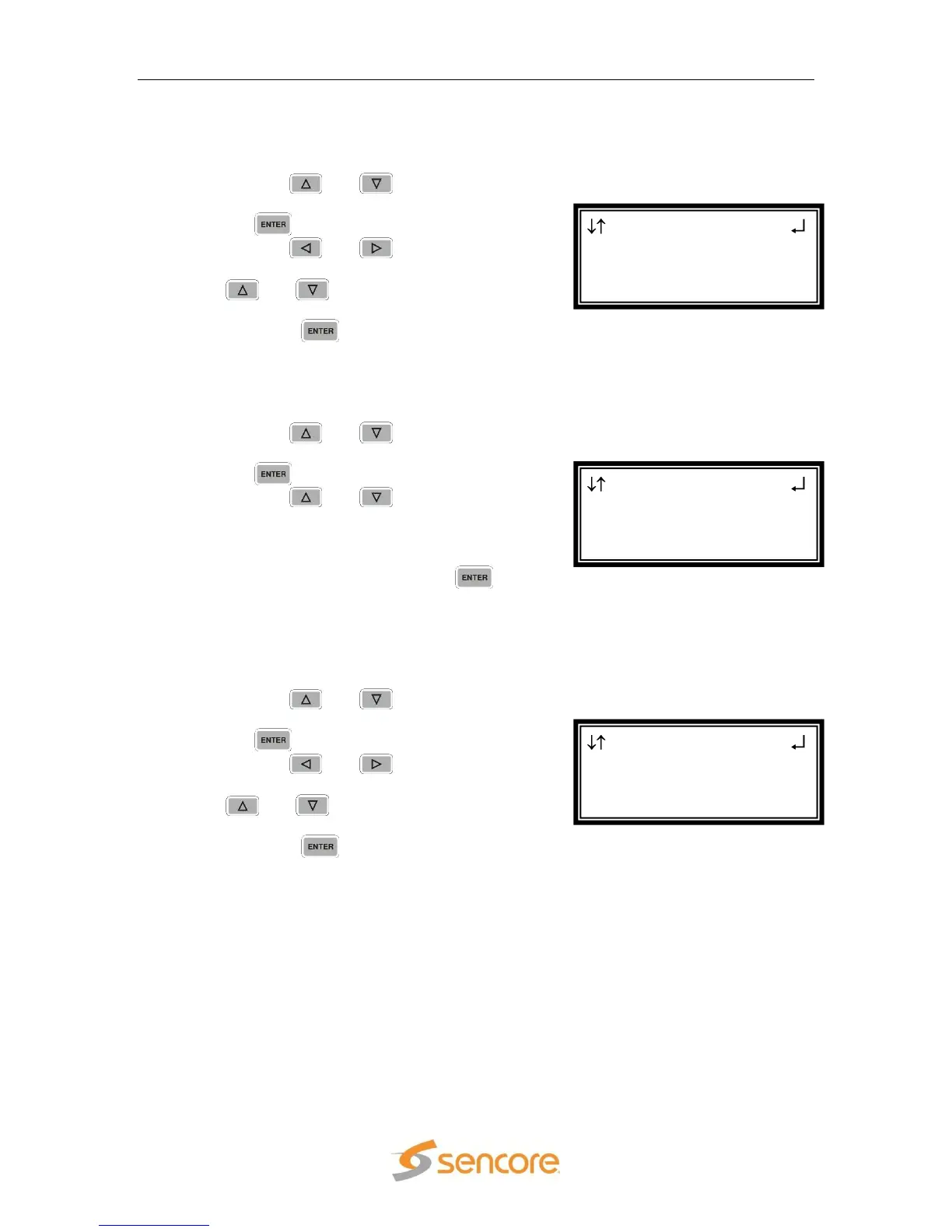
Serv Setup ←→
Audio3 Typ:Dolby AC3
►Aud 4 PID:0x0000
Audio4 Typ:---------
Serv Setup ←→
Aud 3 PID:0x0022
►Audio3 Typ:Dolby AC3
Aud 4 PID:0x0000
Serv Setup ←→
Audio2 Typ:Dolby AC3
►Aud 3 PID:0x0000
Audio3 Typ:---------



 To Next Page