MRD 3187B - User Manual
Page 153 (245)
1. Start out at the home screen (where it
shows the TS bit rate).
2. Press the
button.
3. Use the
and
buttons to move the
cursor to “Source ID”, then press the
button.
4. Press the
button again to edit the
Source ID settings.
5. Use the
and
buttons to move the
cursor to item to be edited, then press the
button to edit the assigned value.
6. For the “Lookup:” value, use the
and
buttons to select “Auto” or “Manual”.
Press the
button to save the
selection.
7. For the “Name:” value, use the
and
buttons to select the column to edit
and use the
and
buttons to
select the character. When finished, press
the
button to save the selection.
8. For the “ID Timeout:”, use the
and
buttons to select “05”, “10”, “15”, “20”,
“25”, “30”, “60”, “90” or “120” seconds.
Press the
button to save the
selection.
Buffer Mode Video Latency
There are two video latency modes that can be entered – Normal and Low Latency.
To setup the video latency mode, use the following steps:
1. Start out at the home screen (where it
shows the TS bit rate).
2. Press the
button.
3. Use the
and
buttons to move the
cursor to “Advanced Settings”, then press
the
button.
4. Press the
button again to edit the
settings.
5. Use the
and
buttons to select
the Buffer Mode value “Normal” or “Lw
Ltncy”, then press the
button to save
the selection.
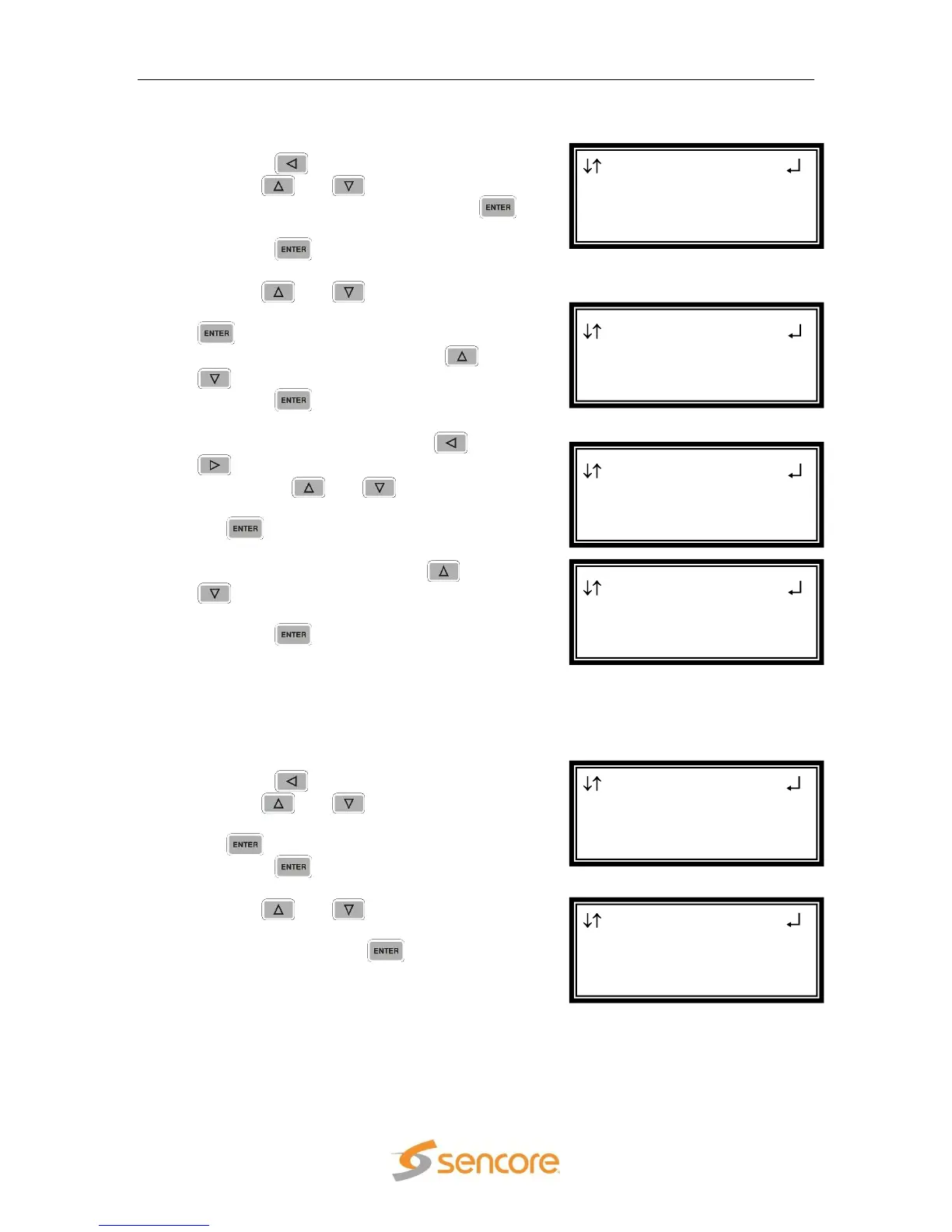
Advanced Settings
►Buffer Mode:Lw Ltncy
RDS 1 ←→
Audio 2 Setup
Source ID
►Advanced Settings
Source ID 1-0
Lookup:Auto
Name:--------------
►ID Timeout:05 sec
Source ID 1-0
Lookup:Auto
►Name:--------------
ID Timeout:05 sec
Source ID 1-0
►Lookup:Auto
Name:--------------
ID Timeout:05 sec
RDS 1 ←→
Audio 2 Setup
►Source ID
Advanced Settings



 To Next Page