MRD 3187B - User Manual
Page 155 (245)
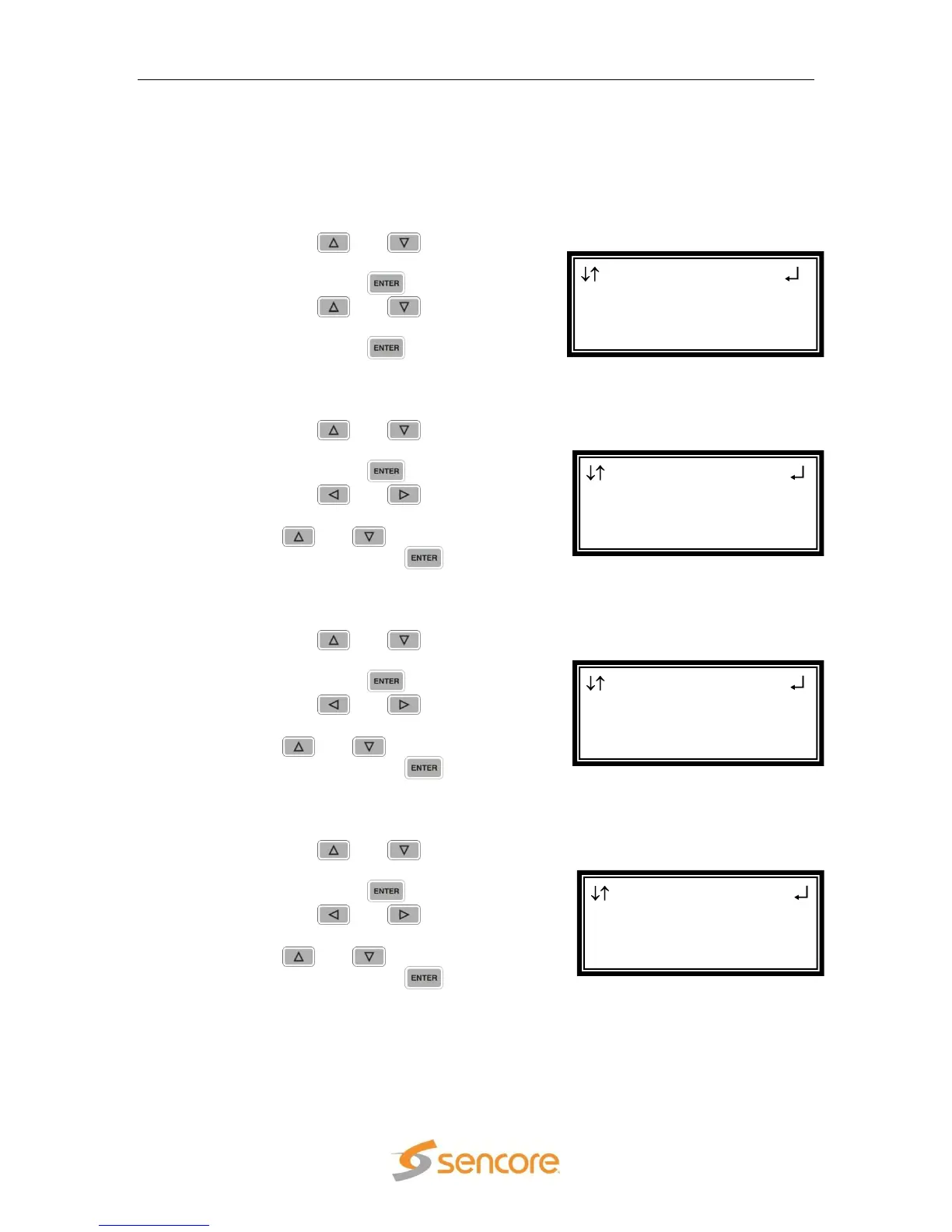
PID Select
PID Select determines how the PID will be entered during the following steps.
“Manual” mode allows any PID to be entered. In “List” mode, the MRD 3187B
will only allow the PIDs to be selected that are in the PMT. “List” mode is only
selectable when the input is receiving a PMT. The “Manual” mode is shown.
1. Use the and buttons to
move the cursor to “PID Select:”
then press the button.
2. Use the and buttons to
select either “Manual” or “List”,
then press the button to save
the selection.
PCR
1. Use the and buttons to
move the cursor to “PCR PID:”
then press the button.
2. Use the and buttons to
select the column to edit and use
the and buttons to set the
PID, then press the button to
save the selection.
Video
1. Use the and buttons to
move the cursor to “Video PID:”
then press the button.
2. Use the and buttons to
select the column to edit and use
the and buttons to set the
PID, then press the button to
save the selection.
Audio 1 PID
1. Use the and buttons to
move the cursor to “Aud 1 PID:”
then press the button.
2. Use the and buttons to
select the column to edit and use
the and buttons to set the
PID, then press the button to
save the selection.
Serv Setup ←→
PCR PID :0x0031
Video PID :0x0031
►Aud 1 PID:0x0000
Serv Setup ←→
PID Select:Manual
PCR PID :0x0031
►Video PID :0x0000
Serv Setup ←→
Tune Mode:PID Lock
PID Select:Manual
►PCR PID :0x0000
Serv Setup
Tune Mode:PID Lock
►PID Select:Manual
PCR PID :0x0000



 To Next Page