MRD 3187B - User Manual
Page 158 (245)
No PSI Mode
This mode should only be used if both the PID information and audio/video
formats are known about the stream.
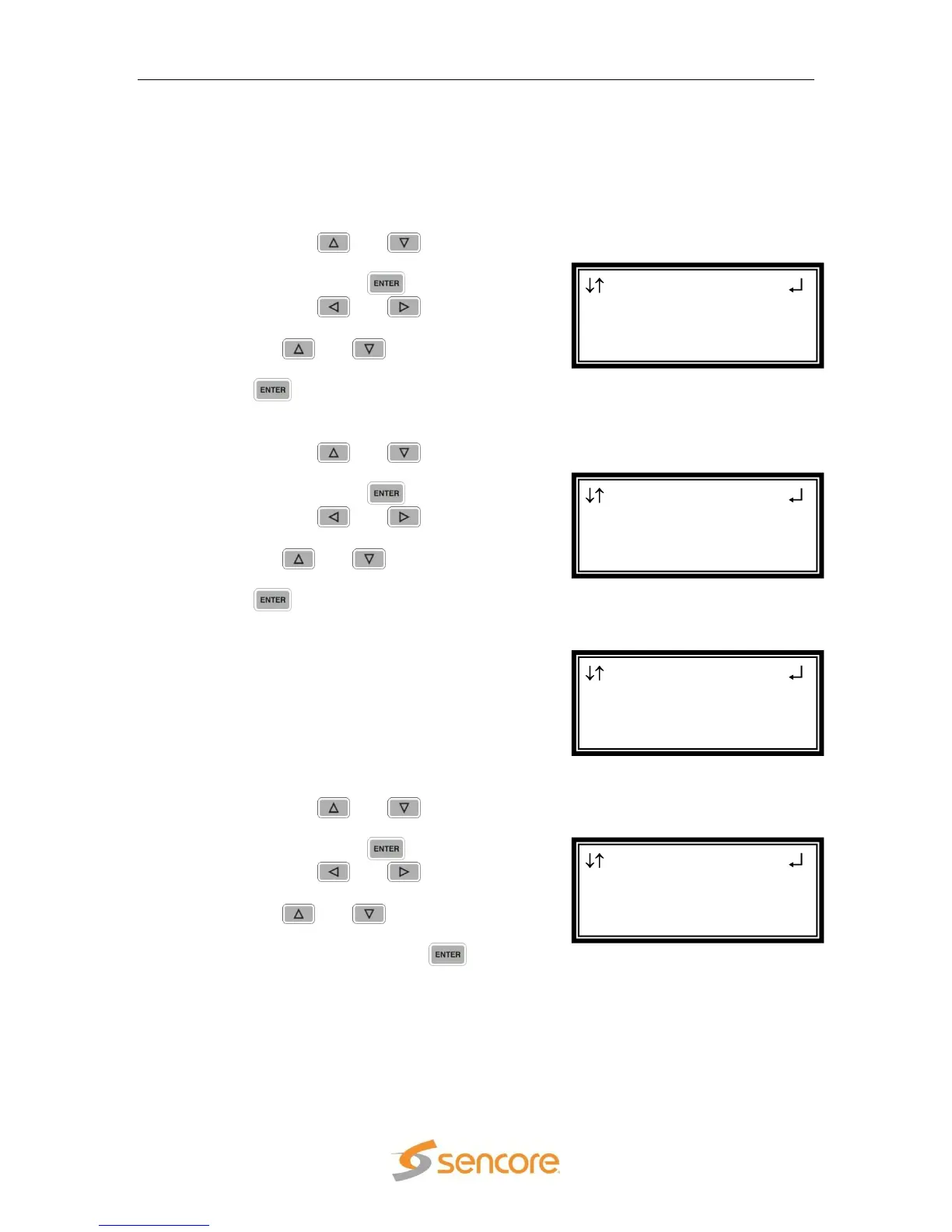
PCR PID
Note: This menu is only available if the “Tune Mode” is set to “No PSI”.
1. Use the and buttons to
move the cursor to “PCR PID:”
then press the button.
2. Use the and buttons to
select the column to edit, then use
the and buttons to set the
desired PCR PID, then press the
button to save the PID.
Video PID
1. Use the and buttons to
move the cursor to “Video PID :”
then press the button.
2. Use the and buttons to
select the column to edit, then use
the and buttons to set the
desired Video PID, then press the
button to save the PID.
Video Type
The only video type that is supported
by the 8733 decoder is MPEG 2. This
value is set and cannot be changed.
Audio 1 PID
1. Use the and buttons to
move the cursor to “Aud 1 PID:”
then press the button.
2. Use the and buttons to
select the column to edit, then use
the and buttons to select
the desired Audio PID in the
stream, then press the button
to save the PID.
Serv Setup ←→
Video PID :0x0000
Video Type:MPEG 2
►Aud 1 PID:0x0000
Serv Setup
Video PID :0x0000
►Video Type:MPEG 2
Aud 1 PID:0x0000
Serv Setup ←→
Tune Mode:No PSI
PCR PID :0x0000
►Video PID :0x0000
Serv Setup ←→
Tune Mode:No PSI
►PCR PID :0x0000
Video PID :0x0000



 To Next Page