EasyManua.ls Logo

Sencore MRD 3187B - Page 183

Sencore MRD 3187B
247 pages
Print Icon
To Next Page IconTo Next Page
To Previous Page IconTo Previous Page
Loading...
MRD 3187B - User Manual
Page 182 (245)
1. Use the
and
button to move the
cursor to “Temperature” then press the
button.
2. Press the
button to return to the
System menu.
Time
Allows setting and displaying to the unit‟s clock.
1. Use the
and
button to move the
cursor to “Time” then press the
button.
Set Auto Update
1. Use the
and
button to move
the cursor to “Auto Update:” then press
the
button.
2. Use the
and
button to select
“Off” or “On”, then press the
button to save the selection.
Display the Current Time
1. Use the
and
button to move
the cursor to “Check Time:” then press
the
button.
2. Press the
button to return to the
Time menu.
Manual Time Entry
1. Use the
and
button to move
the cursor to “Manual Time Entry:”
then press the
button.
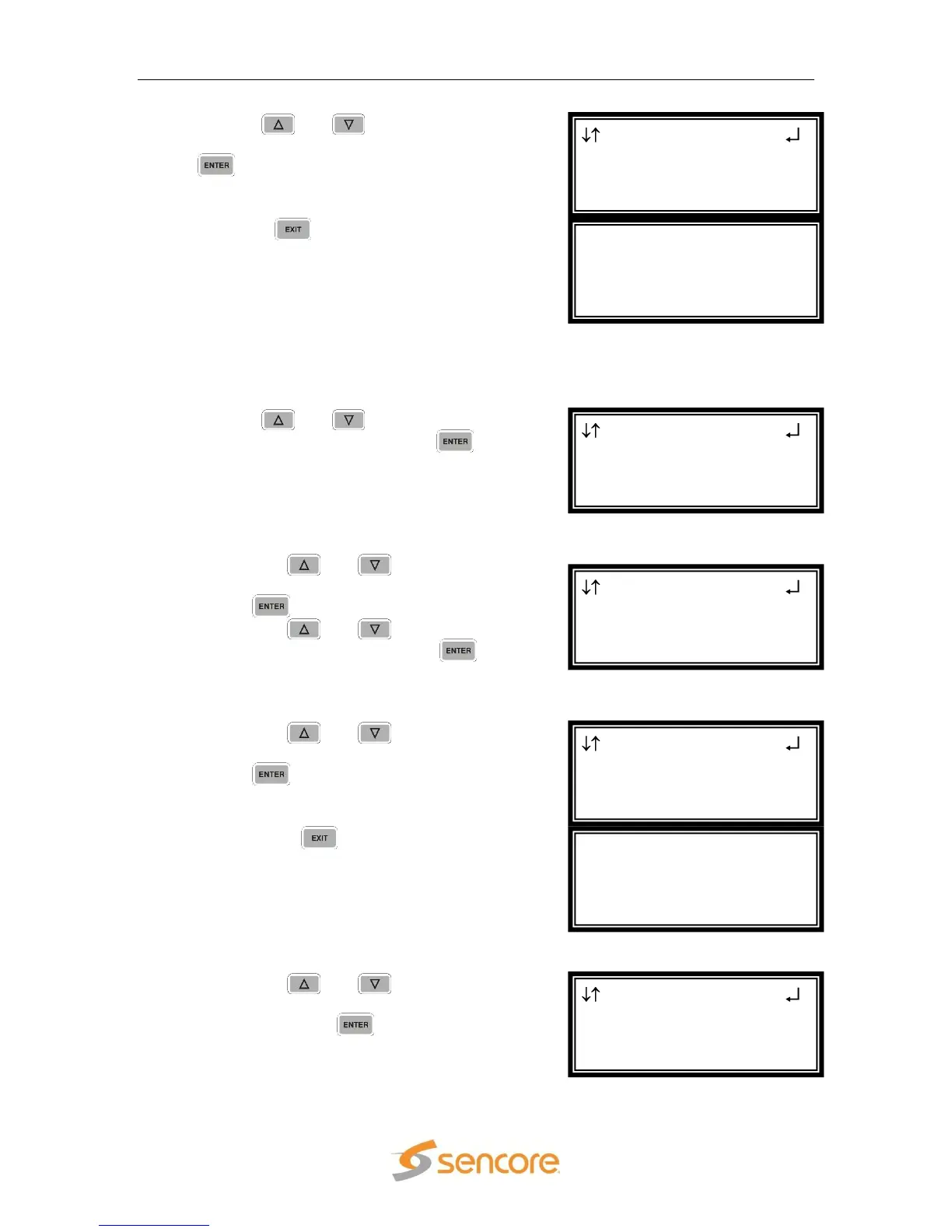
System Time
Auto Update:Off
Check Time:
►Manual Time Entry:
Current Time is:
Feb 4 10:10:11 2010
System Time
Auto Update:Off
►Check Time:
Manual Time Entry:
System Time
►Auto Update:Off
Check Time:
Manual Time Entry:
System
Hardware
Temperature
►Time
Temperature
32
o
C
89
o
F
System
Hardware
►Temperature
Time

Table of Contents

Related product manuals