MRD 3187B - User Manual
Page 53 (245)
1. Use the and buttons to move
the cursor to “Format:” then press the
button.
2. Use the and buttons to
select the appropriate output format,
then press the button to save the
selection.
Analog Output Format
Note: If this setting is set incorrectly when using an RGB monitor, the image will
appear green. If this setting is set incorrectly when using a Component
monitor, there will be no video on the monitor.
1. Use the and buttons to move
the cursor to “Anlg Out:” then press
the button.
2. Use the and buttons to
select the desired output format
(“RGBHV”, “YPbPr”), then press the
button to save the selection.
NTSC Ped
When the NTSC Ped is enabled it applies a 7.5 IRE offset to the black level of
the Composite video output.
1. Use the and buttons to move
the cursor to “Format:” then press the
button.
2. Use the and buttons to
select “Enabled” or “Disabled”, then
press the button to save the
selection.
Display Mode
1. Use the and buttons to move
the cursor to “Disp Mode:” then press
the button.
2. Use the and buttons to
select either “Letterbox” or “Cropped”,
then press the button to save the
selection.
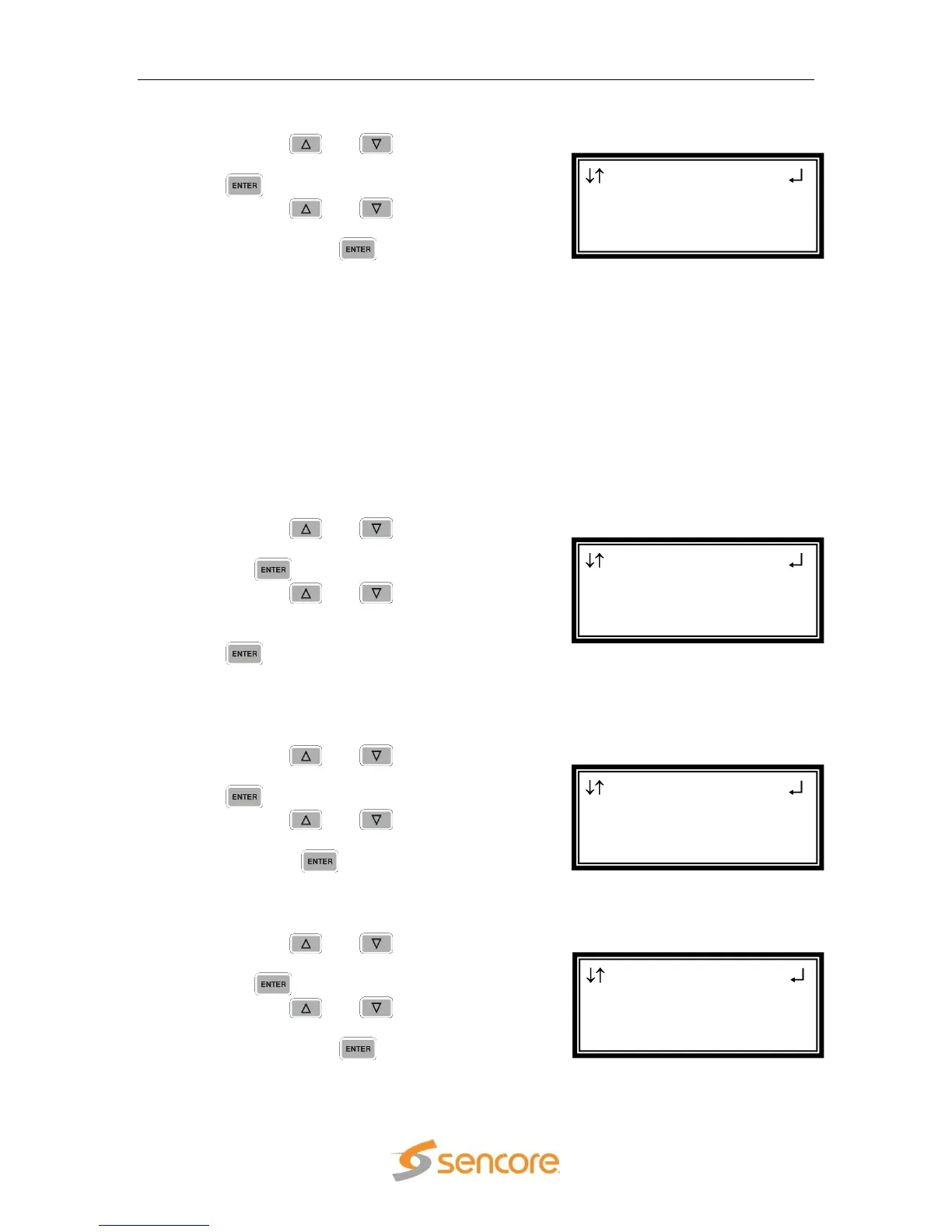
Anlg Video 1-1
NTSC offset:Enabled
►Disp Mode:Letterbox
Raster Color:Black
Anlg Video 1-1
►NTSC offset:Enabled
Disp Mode:Letterbox
Raster Color:Black
Anlg Video 1-1
Format:1920x1080i
16x9 29.97
►Anlg Out:RGBHV
Anlg Video 1-1
Select Format:Manual
►Format:1920x1080i
16x9 29.97



 To Next Page