MRD 3187B - User Manual
Page 55 (245)
Composite VBI Assignment
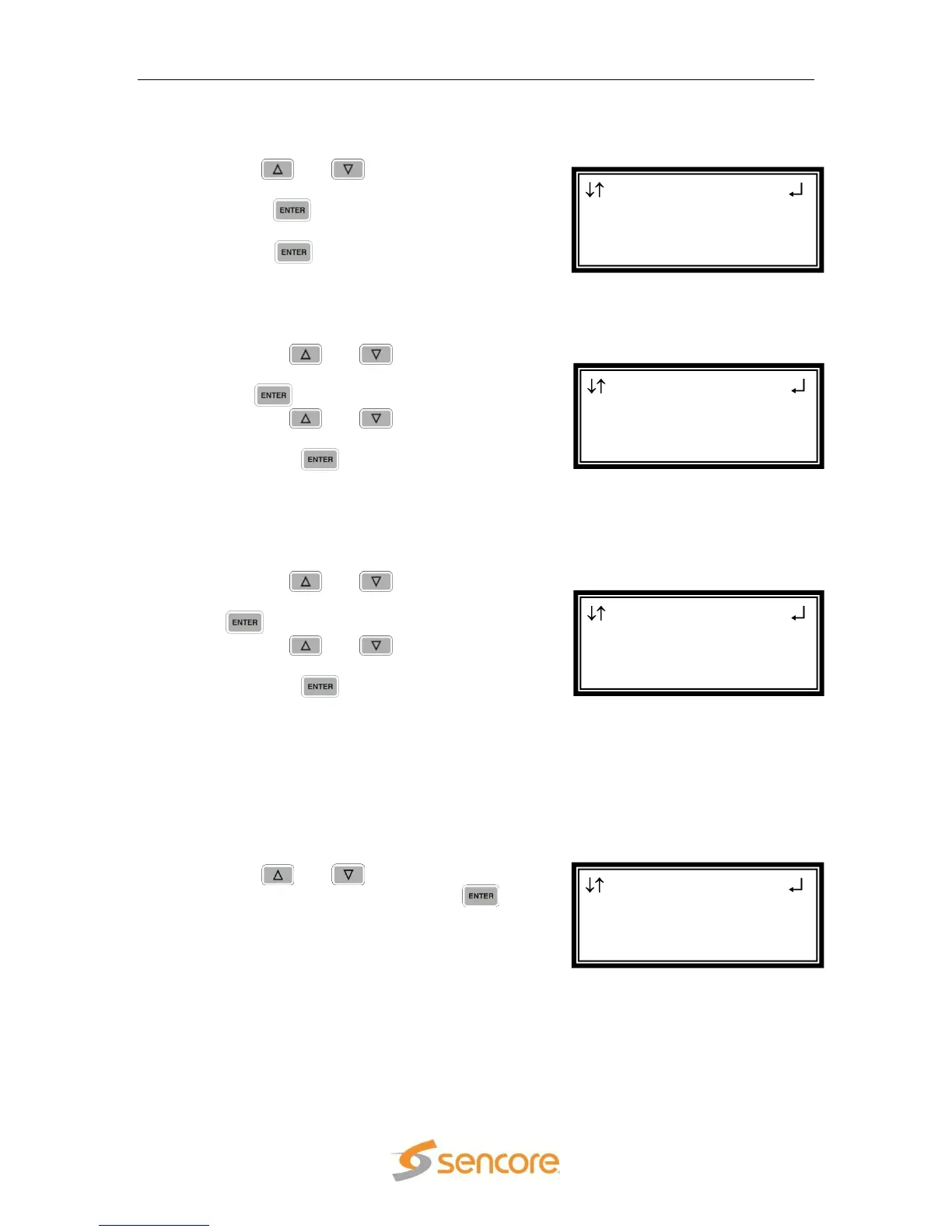
To edit the Composite VBI Assignment, use the following steps.
1. Use the and buttons to move the
cursor to “Cmpst VBI Assignment” then
press the button to display the status
screen for the VBI.
2. Press the button once more to enter
the Edit screen.
NTSC Waveforms
To enable NTSC items, use the following steps.
1. Use the and buttons to move
the cursor to “Line21 CC:” then press
the button.
2. Use the and buttons to
select “Enabled” or “Disabled”, then
press the button to save the
selection.
Note: Repeat steps 1-2 above to change AMOL, and TVG2x.
PAL Waveforms
To enable PAL items, use the following steps.
1. Use the and buttons to move
the cursor to “TTX:” then press the
button.
2. Use the and buttons to
select “Enabled” or “Disabled”, then
press the button to save the
selection.
Note: Repeat steps 1-2 above to change VPS, and WSS.
Overlay Settings
CAUTION: If Info (PSI/PSIP) data is turned on, the overlay will appear on
downstream video. The same is true if Closed Caption overlay is turned on.
1. Use the and buttons to move the
cursor to “Overlay”, then press the
button.
Anlg Video 1-1
CMPST VBI Assignment
►Overlay
Genlock Offset
Cmpst VBI 1-1
PAL
► TTX:Enabled
VPS:Disabled
Cmpst VBI 1-1
NTSC
► Line21 CC:Enabled
AMOL:Disabled
Anlg Video 1-1
Video
►Cmpst VBI Assignment
Overlay



 To Next Page