MRD 3187B - User Manual
Page 64 (245)
Video Format
Note: This menu is only available if the “Select Format” option is set to “Manual.”
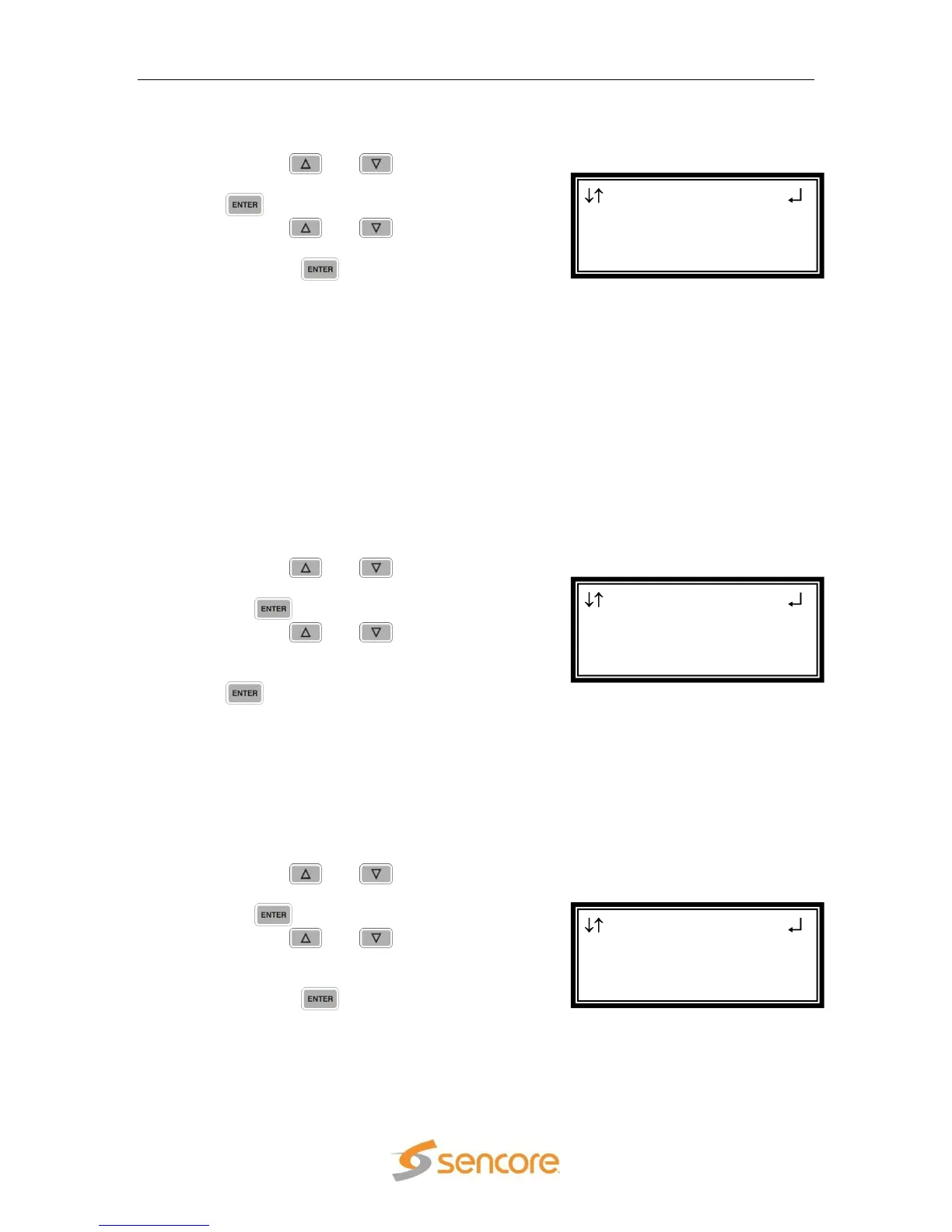
1. Use the and button to move
the cursor to “Format:” then press the
button.
2. Use the and buttons to
select the desired output format, then
press the button to save the
selection.
SDI Output Setup
Follow the steps in this section to set the outputs to SD-SDI and HD-SDI.
1. Use the and button to move
the cursor to “Output A:” then press
the button.
2. Use the and buttons to
select the desired output format
(“Auto”, “SD”, “HD”), then press the
button to save the selection.
Note: Repeat the steps above to change to the desired output setting for “Output
B:”
Analog Output Format
Note: If this setting is set incorrectly when using an RGB monitor, the image will
appear green. If this setting is set incorrectly when using a Component
monitor, there will be no video on the monitor.
1. Use the and buttons to move
the cursor to “Anlg Out:” then press
the button.
2. Use the and buttons to
select the desired output format
(“RGBHV”, “YPbPr”, “RGB SoG”), then
press the button to save the
selection.
SDI Anlg Vid 2-1
Analog
► Anlg Out:RGBHV
NTSC Ped:Disabled
SDI Anlg Vid 2-1
SDI
► Output A:SD
Output B:HD
SDI Anlg Vid 2-1
Select Format:Manual
►Format:1920x1080i
16x9 29.97



 To Next Page