MRD 3187B - User Manual
Page 78 (245)
Input B
These settings correspond to the input on “Source B.”
DVB Mode
The DVB-S/S2 card can receive either DVB-S or DVB-S2 transmission.
1. Use the and buttons to move
the cursor to “DVB Mode:” then press
the button.
2. Use the and buttons to
select either “DVB-S” or “DVB-S2”,
then press the button to save the
selection.
Frequency B
The DVB-S/S2 card tunes by the L-band frequency rather than the transponder
frequency or local oscillator value. The L-band frequency is the difference
between the downlink transponder frequency and the LNB local oscillator
frequency.
1. Use the and buttons to move
the cursor to “Freq:” then press the
button.
2. Use the and buttons to
select the column to edit and use the
and buttons to change the
frequency (950 MHz – 2150 MHz),
then press the button to save the
selection.
Symbol Rate B
1. Use the and buttons to move
the cursor to “Sym Rate:” then press
the button.
2. Use the and buttons to
select the column to edit and use the
and buttons to change the
symbol rate (1 – 30 MSymbols/s).
3. Then press the button to save
the selection.
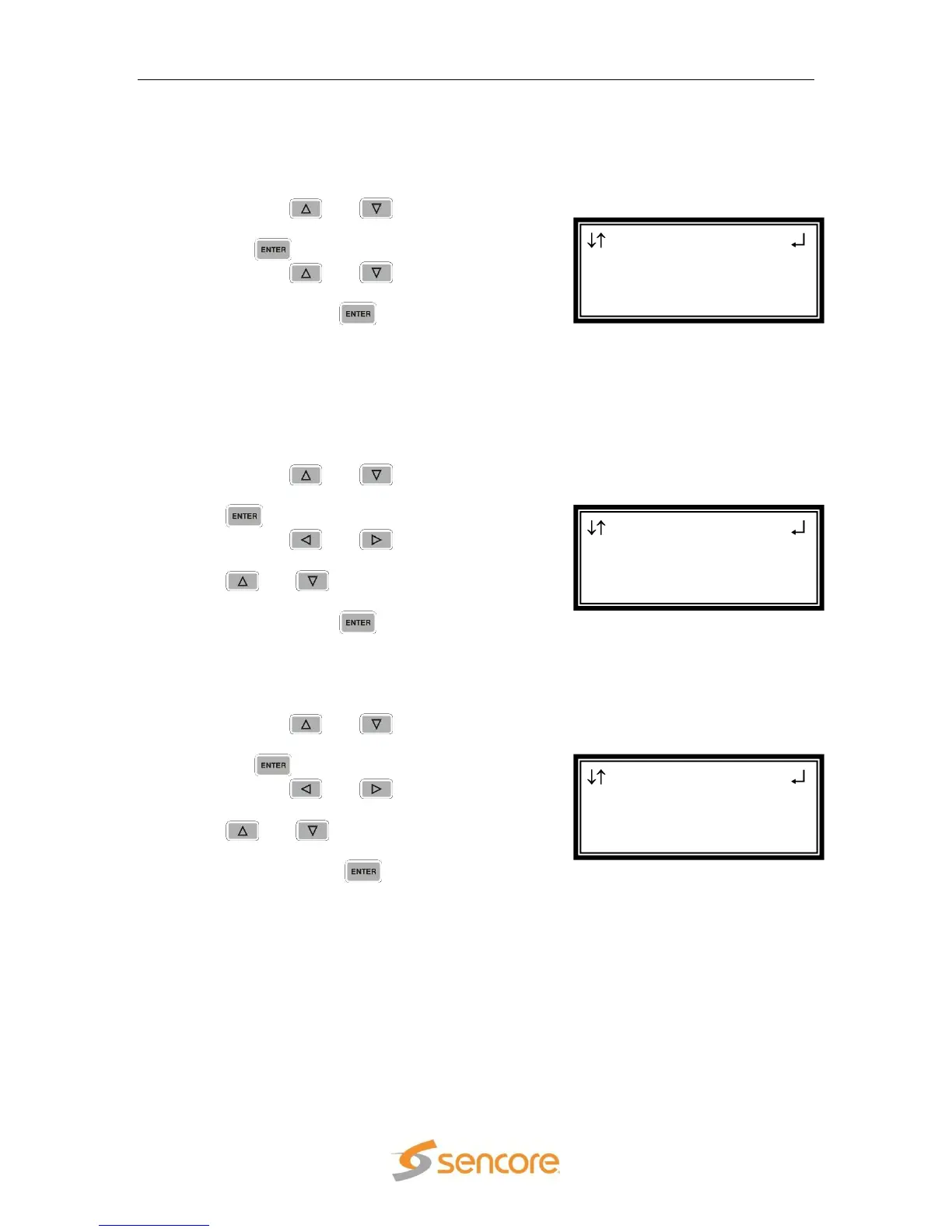
DVB-S/S2 2-2
DVB Mode:DVB-S
Freq:1390.0 MHz
► Sym Rt:30.0000 MSps
DVB-S/S2 2-2
DVB Mode:DVB-S
► Freq:1390.0 MHz
Sym Rt:30.0000 MSps
DVB-S/S2 2-2
Input B
► DVB Mode:DVB-S
Freq:1390.0 MHz



 To Next Page