MRD 3187B - User Manual
Page 92 (245)
6. Use the and , and the and
buttons to set the “Preroll:” to the
desired amount, and then press the
button.
7. Use the and , and the and
buttons to set the “Break Duration:” to
the desired amount, and then press the
button.
8. Use the and , and the and
buttons to set the “Avail Num:” to the
desired amount, and then press the
button.
9. Use the and , and the and
buttons to set the “Avail Expect:” to
the desired amount, and then press the
button.
Note: The Web interface (see Section 5.3.2.5) uses the following names for the
Splice Requests:
“Splice Event Source” for “Event Source”
“Unique Program ID” for “Program ID”
“Pre-Roll Time” for “Preroll”
“Avails Expected” for “Avail Expect”
“Splice Insert Type” for “Splice Type”, with values:
“Start Normal” for “OON”
“Start Immediate” for “OON Imm”
“End Normal” for “RTN”
“End Immediate” for “RTN Imm”
Note: The “AS Index” ranges from 0 to 255 and uniquely identifies the source of the
message. Enter the “AS Index” if one is present, otherwise leave blank (0).
Note: The “DPI PID Index” ranges from 0 to 65535 and is important when there are
multiple DPI PIDs referenced by the PMT of one MPEG program. The user
should take care to ensure the correct DPI PID and Video PID and PCR values
(as indicated by the PMT) are configured on the MRD so that the splice points
and decoded video are properly associated. Enter the “DPI PID Index” to specify
the index to the DPI PID that will carry the splice_info_sections.
Note: The “Program ID” ranges from 0 to 65535 and is a unique identification for a
viewing event in the service.
Note: The “Pre-Roll Time” is the desired amount of time, in milliseconds, after being
processed that the action will occur.
Note: The “Break Duration” ranges from 0 65535. If the default, 0, is chosen the
Injector will not set a duration. This value is ignored if “Splice Insert Type” is
anything other than “Start Normal” or “Start Immediate”. The “Break Duration” is
entered in tenths of seconds.
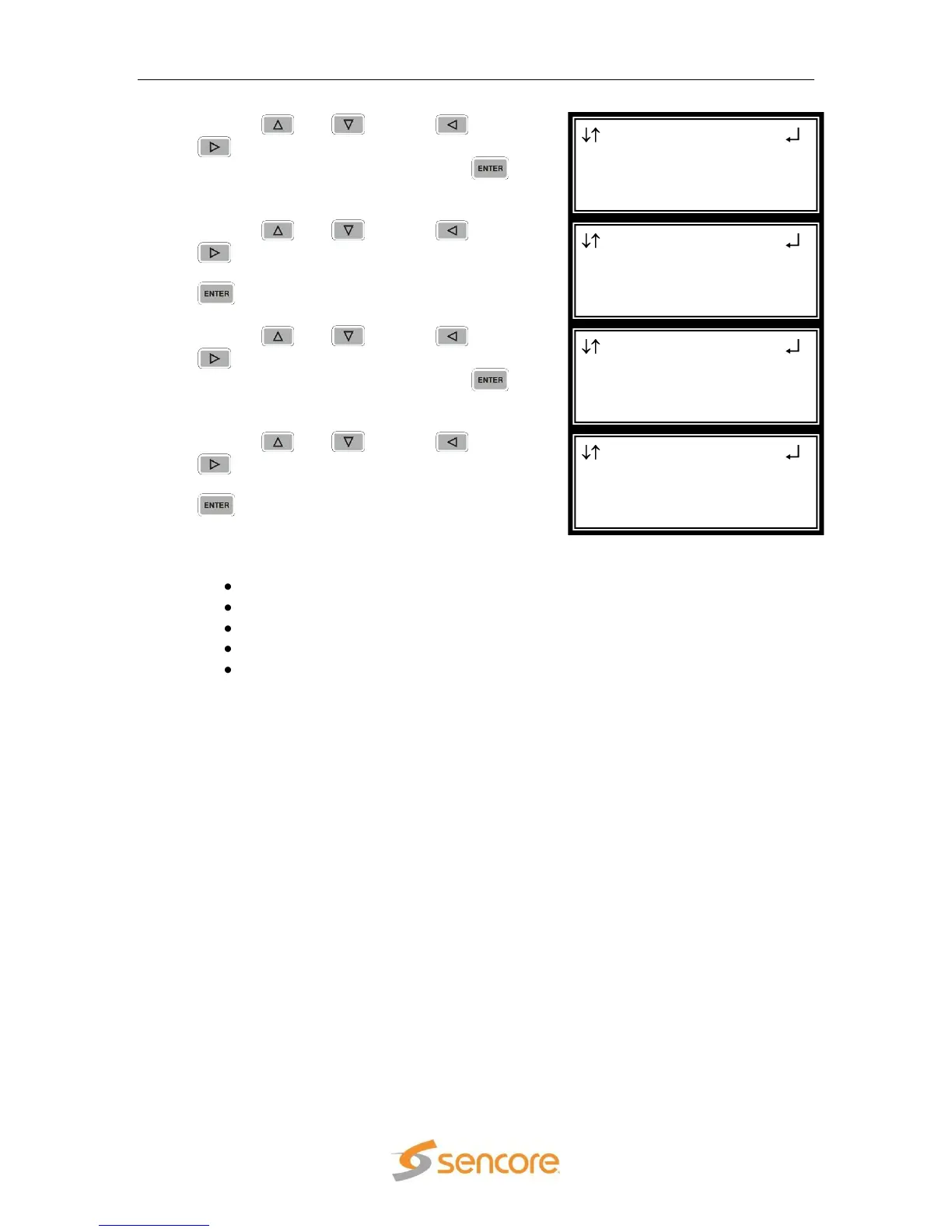
Splice Req 1-1
Break Duration:00000
Avail Num:000
►Avail Expect:000
Splice Req 1-1
Break Duration:00000
►Avail Num:000
Avail Expect:000
Splice Req 1-1
►Break Duration:00000
Avail Num:000
Avail Expect:000
Splice Req 1-1
Splice Type:OON
Program ID:0x0000
►Preroll:04000



 To Next Page