MRD 3187B - User Manual
Page 95 (245)
Center Frequency A
The COFDM card tunes to the center frequency of the channel to tune to.
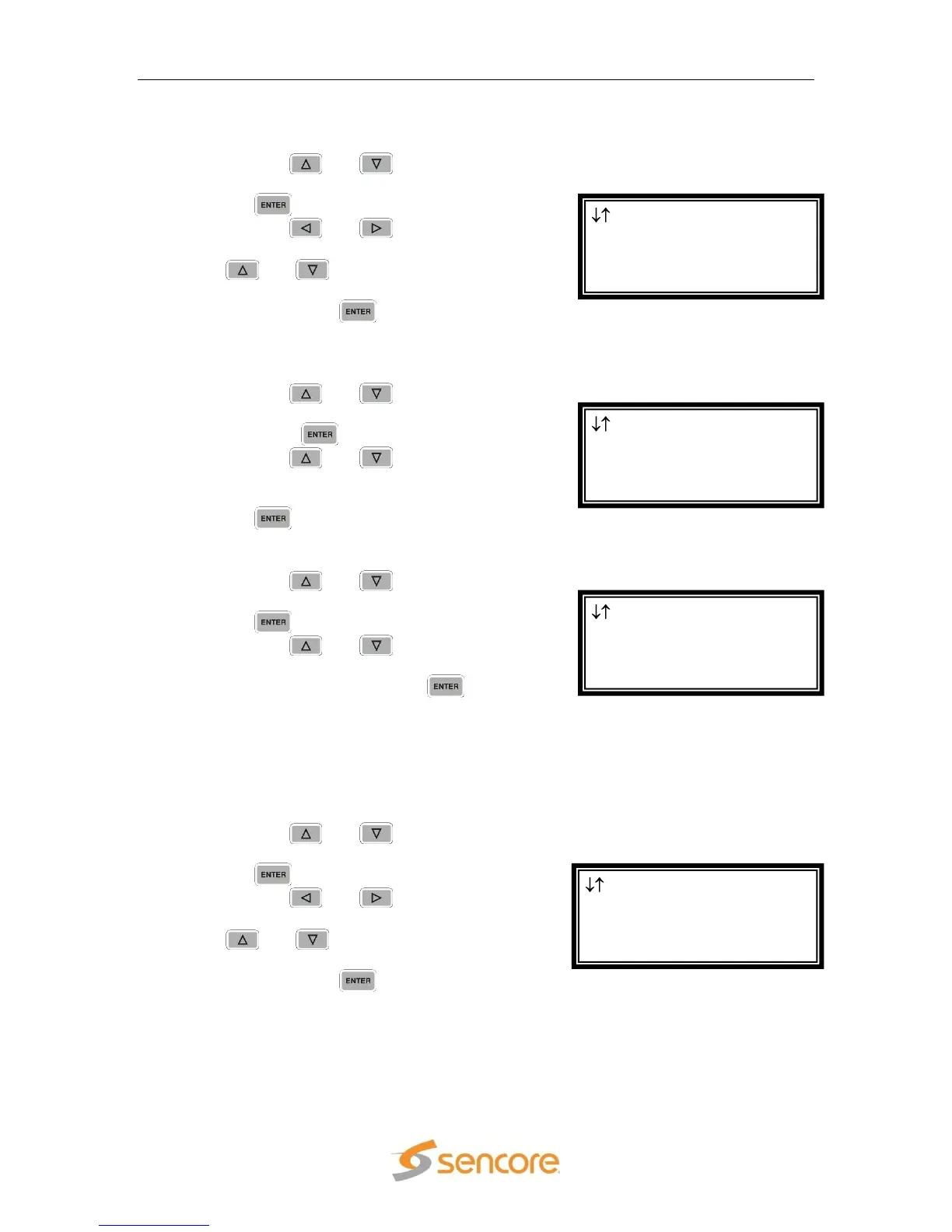
1. Use the and buttons to move
the cursor to “Center Freq:” then press
the button.
2. Use the and buttons to
select the column to edit and use the
and buttons to change the
center frequency (49 MHz – 861 MHz),
then press the button to save the
selection.
Channel Bandwidth A
1. Use the and buttons to move
the cursor to “Channel BW:” then
press the button.
2. Use the and buttons to
change the channel bandwidth (“6
MHz”, “7 MHz”, “8 MHz”), then press
the button to save the selection.
Spectrum A
1. Use the and buttons to move
the cursor to “Spectrum:” then press
the button.
2. Use the and buttons to
change the spectrum (“Normal”,
“Inverted”), then press the button
to save the selection.
Input B
These settings correspond to the input on “Source B.”
Center Frequency B
The COFDM card tunes to the center frequency of the channel to tune to.
1. Use the and buttons to move
the cursor to “Center Freq:” then press
the button.
2. Use the and buttons to
select the column to edit and use the
and buttons to change the
center frequency (49 MHz – 861 MHz),
then press the button to save the
selection.
Dual COFDM 1-4
Spectrum:Normal
Input B
► Center Freq:050MHz
Dual COFDM 1-4
Center Freq:049MHz
Channel BW:8 MHz
► Spectrum:Normal
Dual COFDM 1-4
Input A
Center Freq:050MHz
► Channel BW:8 MHz
Dual COFDM 1-4
Input A
► Center Freq:050MHz
Channel BW:8 MHz



 To Next Page