The SL DI 4 XLR Dante™ interface
144
Configuring the SL DI 4 XLR using the SL DI CON-
TROL software
All settings of the input and outputs of the SL DI 4 XLR are adjusted using
the SL DI CONTROL software. You can download the software at
www.sennheiser.com on the product page for the SL DI 4 XLR or in the
global download area on the Sennheiser website at www.sennheiser.com/
download.
▷ Install the software on a network-enabled Windows PC.
Starting the SL DI CONTROL software
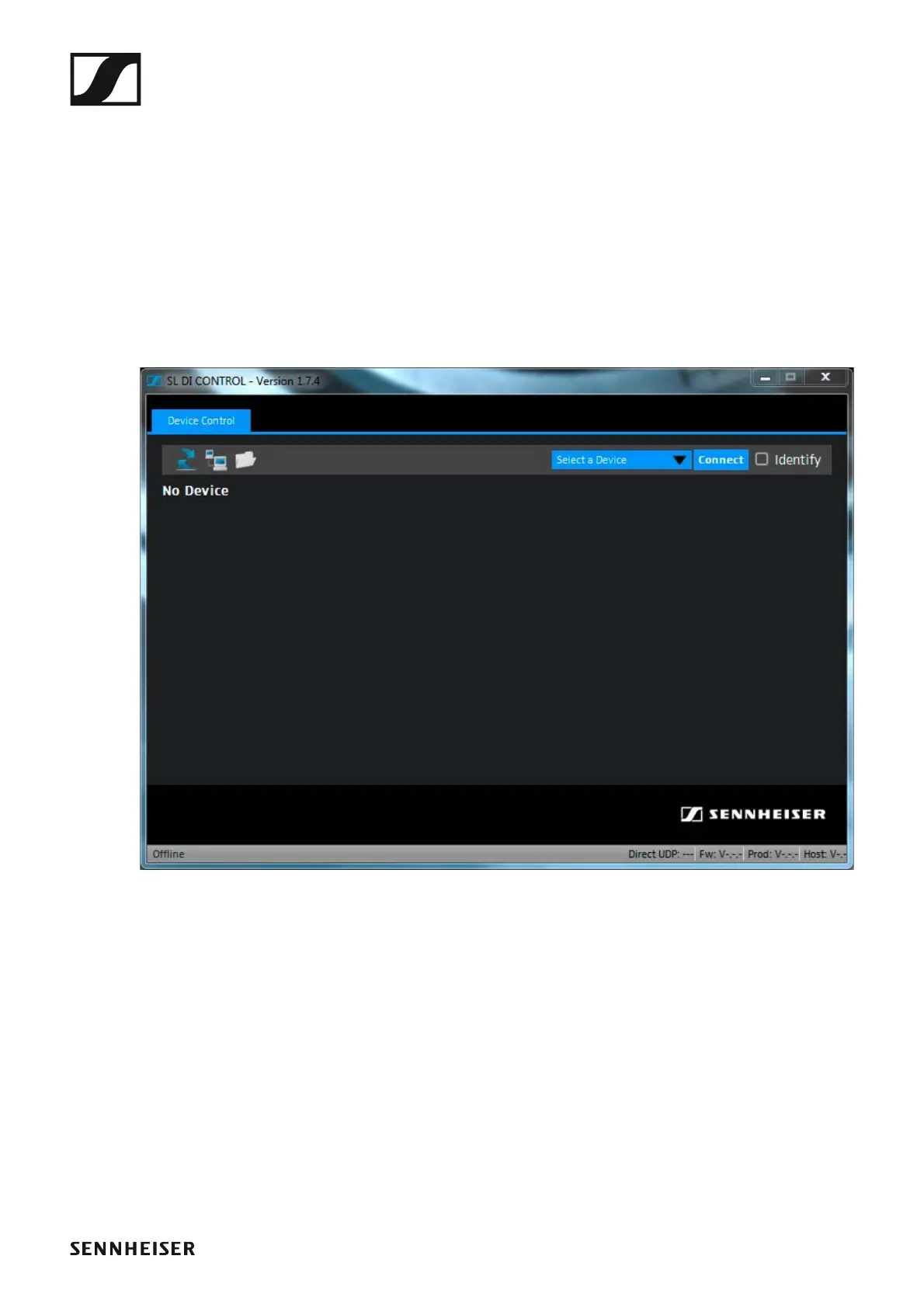
After opening the software, the start screen is shown:
►



 To Next Page