The SL DI 4 XLR Dante™ interface
146
Establishing a connection to a SL DI 4 XLR
To establish a connection to a SL DI 4 XLR:
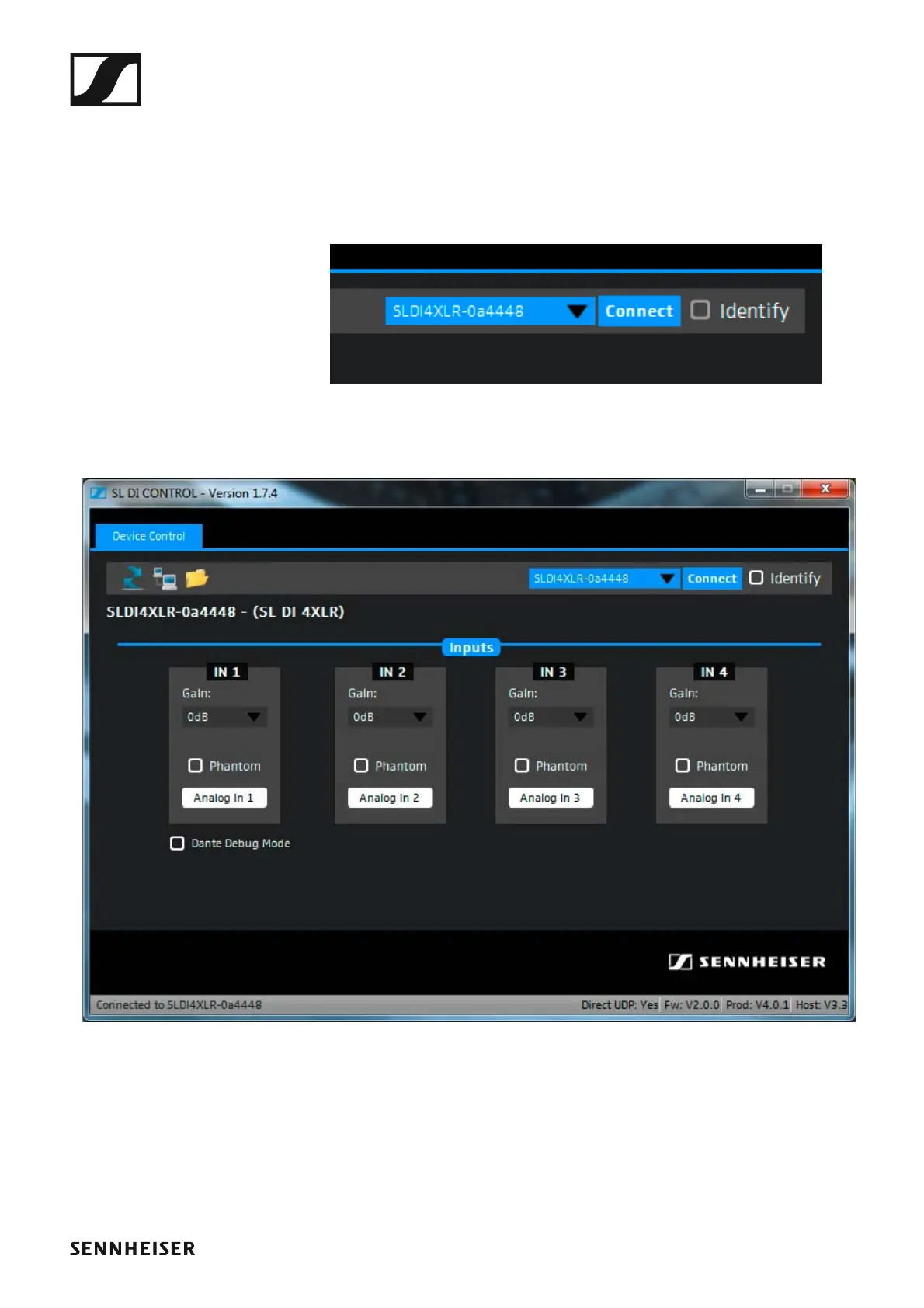
▷ Select the desired SL DI 4 XLR from the drop-down list on the right of
the navigation bar.
The drop-down list shows all SL DI 4 XLR devices that are in the same
network as the PC on which the SL DI CONTROL software is running.
►
▷ After having selected the desired device, click on Connect.
The connection to the selected device is established and the following
configuration window opens:
►



 To Next Page