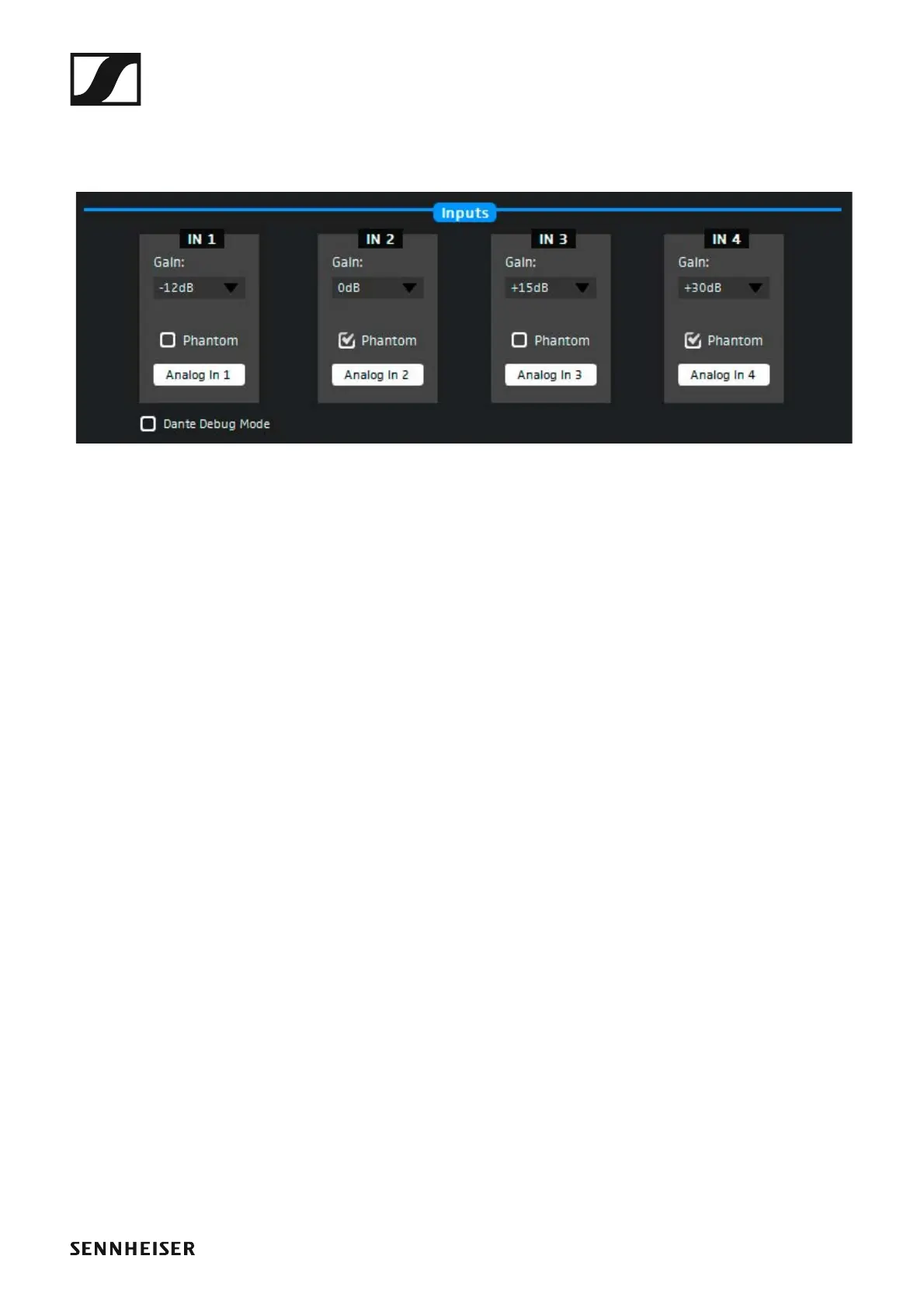
The SL DI 4 XLR Dante™ interface
147
Changing the settings
The configuration window allows you to adjust the following settings for
each analog XLR input (IN 1, IN 2, IN 3, IN 4):
►
►
Gain Select the gain setting for the desired input from the drop-
down list.
-12 dB Attenuation of -12 dB. At the front of the SL DI
4 XLR, the PAD LED of the selected input
lights up.
0 dB No LED lights up.
+15 dB At the front of the SL DI 4 XLR, the +15 LED of
the selected input lights up.
+30 dB At the front of the SL DI 4 XLR, the +30 LED of
the selected input lights up.
+45 dB At the front of the SL DI 4 XLR, the +45 LED of
the selected input lights up.
Phantom Tick the check box to activate the phantom power for the
desired input.
At the front of the SL DI 4 XLR, the P48 LED of the selected
input lights up.



 To Next Page